



At a glance
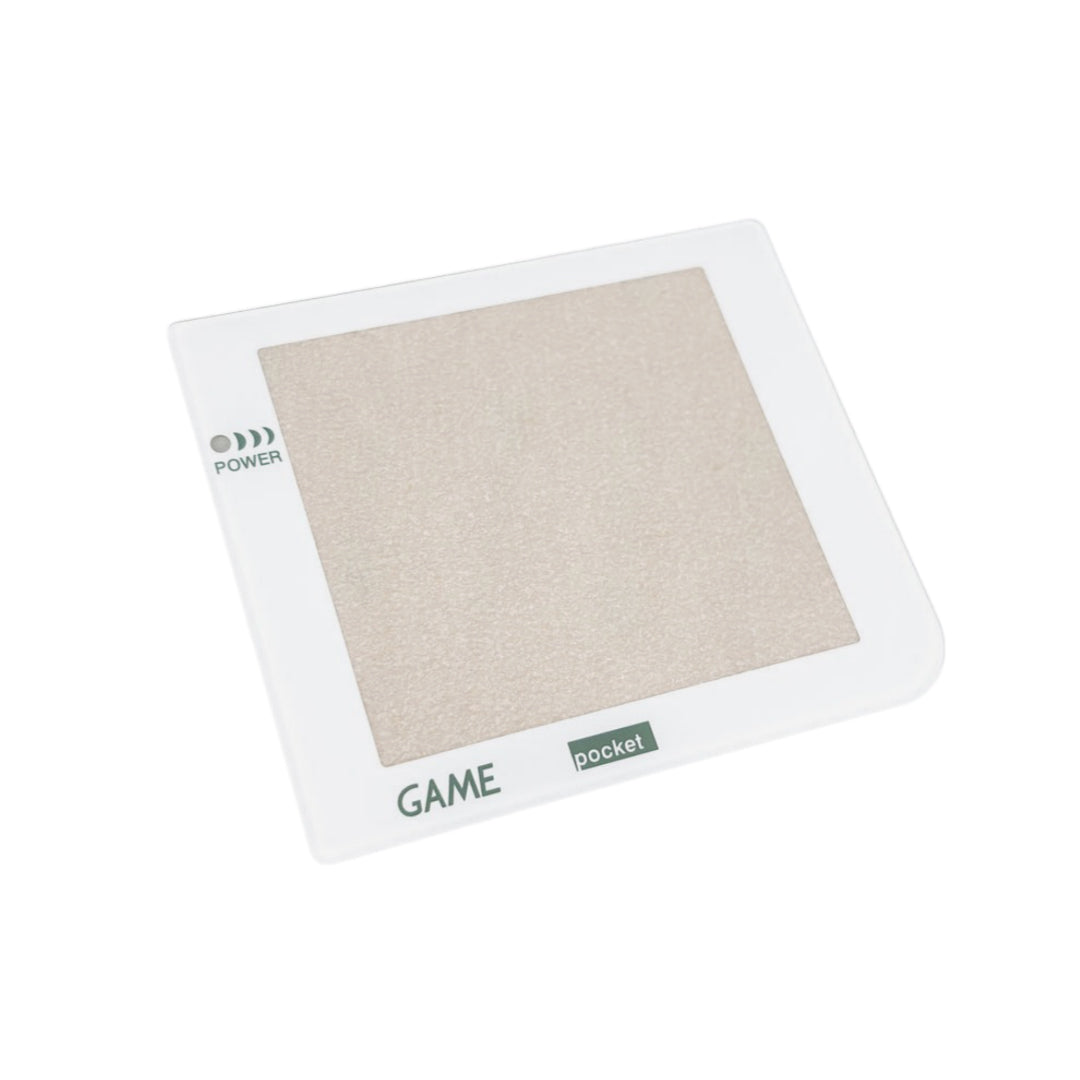
Only fits a Game Boy Pocket shell made or modified for the Retro Pixel IPS LCD kit – not a standard shell.
Warm the old lens slightly so the adhesive lets go, peel it off, clean the window, then remove the backing and press the new lens into place.
Why easy: Peel off the old lens or cover (a little warmth helps the adhesive let go) and stick the new one on. Nothing needs opening.
No opening · peel off old lens · stick on new
Key features
- Glass lens sized for the Retro Pixel IPS LCD kit
- With power LED hole in the glass
- 3M adhesive for a secure fit
- Official FunnyPlaying product
Compatibility
- Game Boy Pocket
- Does not fit Game Boy Light
- Does not fit Game Boy Color
Technical specs
In the box
- 1 × Glass screen lens (3M adhesive fitted)
Also needed (not included)
- Retro Pixel IPS LCD kit
- IPS-ready Game Boy Pocket shell
Description
Product Safety
 Keep out of reach of children
 Sharp edges
 Check compatibility
 Read instructions
Importer: Assecure Limited T/A ZedLabz · The Outbuildings, Grove Farm Road, Maldon, Essex, CM9 8LR, United Kingdom · support@zedlabz.com
EU responsible person: FFB Estonia OÜ · Päevalille tn 6-15, Haabersti linnaosa, 13517 Tallinn, Harju maakond, Estonia · finance_estonia@fulfillment-box.com
Payment & Security
Your payment information is processed securely. We do not store credit card details nor have access to your credit card information.


