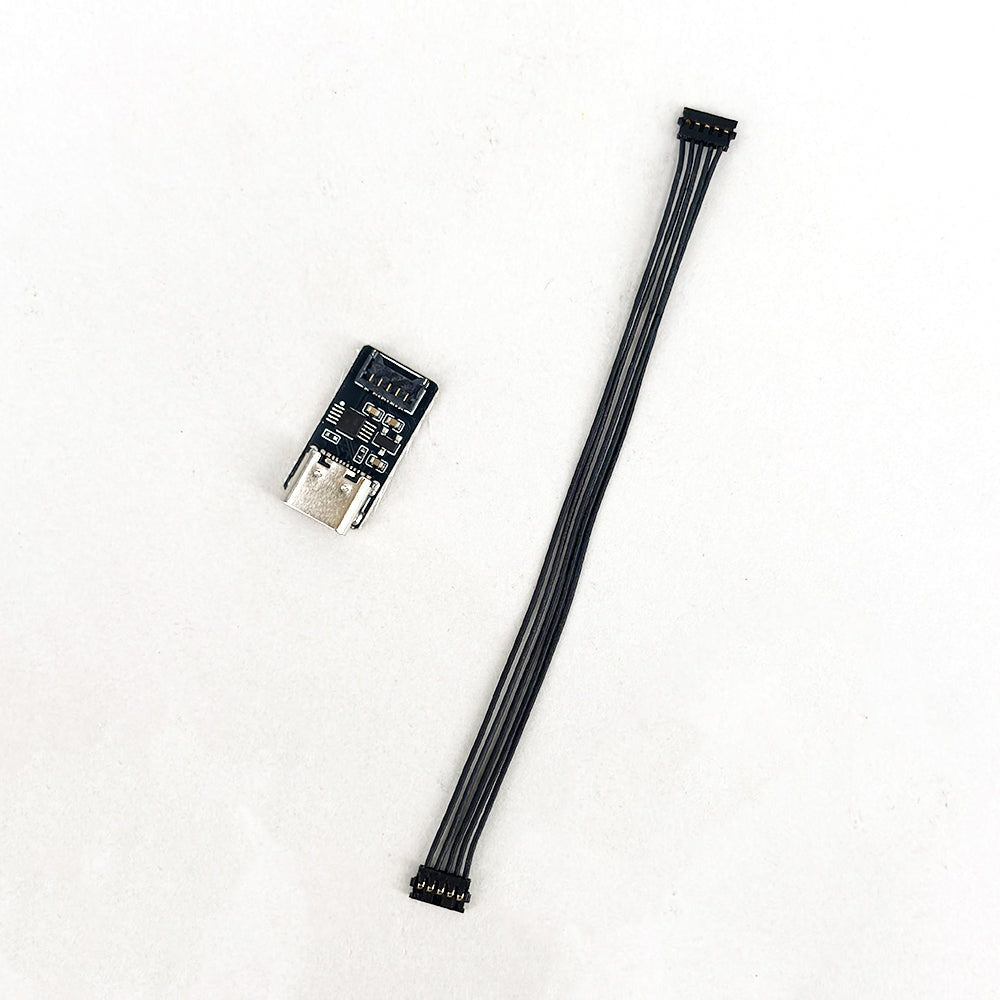
Features:
- Logo burner tool for IPS MAX display kit
- Upload your own logo to the bottom of your MAX IPS display
- Supports 960 x 80 4 colour logos
- Requires a USB C cable (not included)
- Compatible with windows only.
Description:
Change the logo on a IPS MAX IPS display with this additional burner tool. In addtion to this burner you will need a windows computer and a USB C cable, the software tool is a free download from the Funnyplaying website.
Please note the logo limitations below.
Requirements for creating a burnable logo: The image must be in BMP format with a resolution of 960 × 80 pixels.
The logo can contain no more than 4 colours. If it uses more than 4 colours, the burner will show an error. Please note that logos downloaded from the internet often contain additional hidden colours, which will also cause the burn process to fail.
Currently, only Windows systems are supported for burning logos.
DIY part. This is a DIY part for you to fit yourself. Fitting needs care and, where stated, soldering or other technical skills – see our
fitting guides. We're not responsible for damage caused by incorrect fitting, or for an existing fault in your console. Replacing a part may not fix your fault, as faults can have more than one cause. This doesn't affect your statutory rights.
Safety information:
- Not a toy. Keep out of reach of children.
- Small parts – choking hazard.
- Switch off, unplug and remove any batteries before fitting.
- Fits listed models only – do not force.
- Fitting guides: zedlabz.com/blogs/guides
- Follow the manufacturer's instructions.
Brand / manufacturer: FunnyPlaying · Importer / seller: Assecure Ltd (ZedLabz), The Outbuildings, Grove Farm Road, Maldon, Essex, CM9 8LR, UK · support@zedlabz.com
EU responsible person (for authorities only): FFB Estonia OÜ · Päevalille tn 6-15, Haabersti linnaosa, 13517 Tallinn, Harju maakond, Estonia · finance_estonia@fulfillment-box.com