Game Boy Micro parts and accessories, the catalog for the OXY-001.
Browse Game Boy Micro parts by type
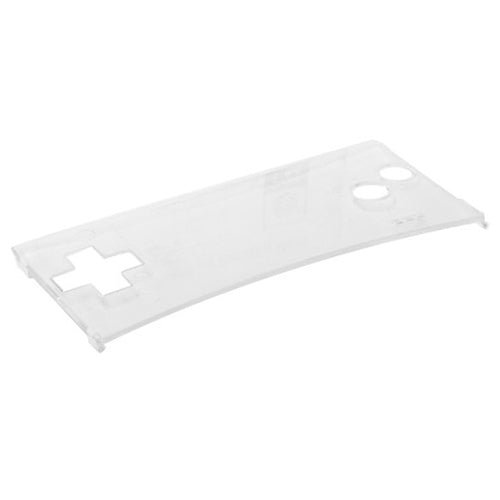
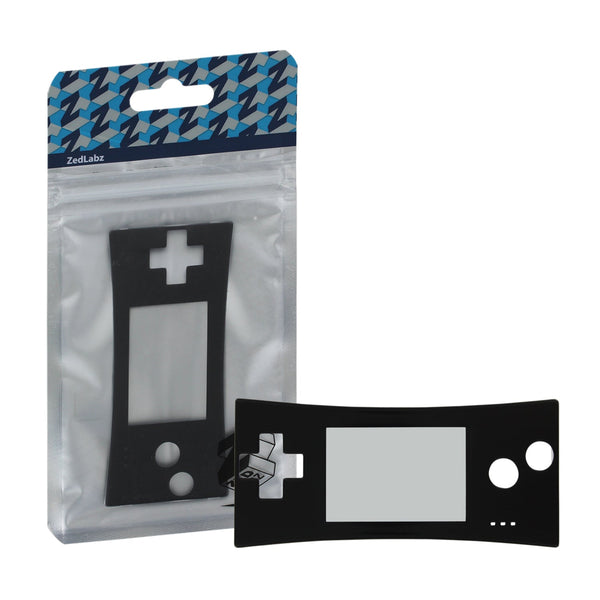
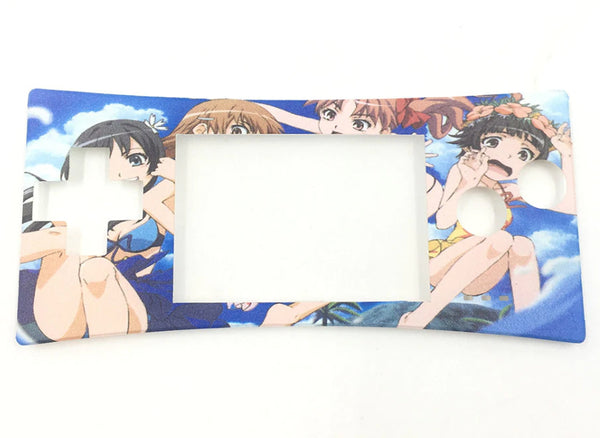
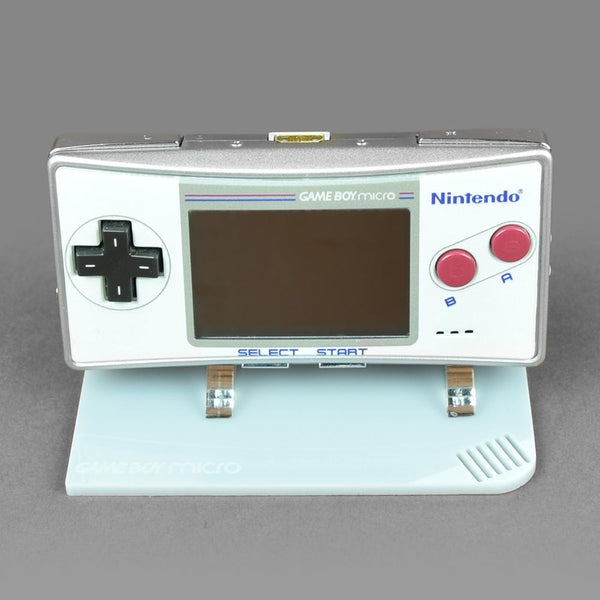
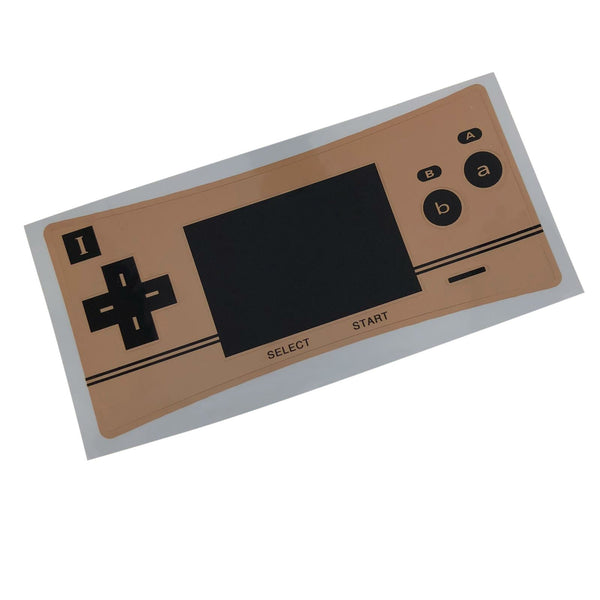
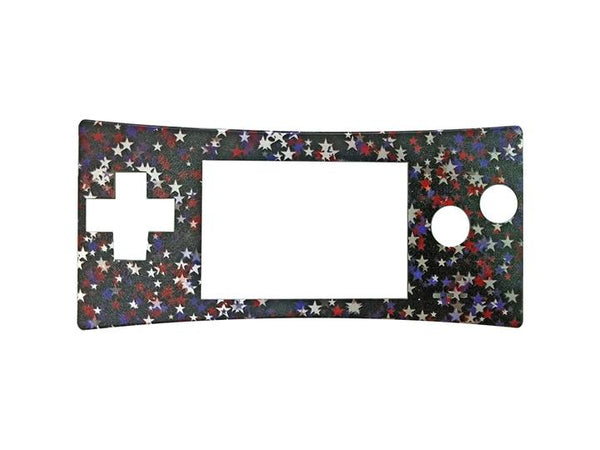
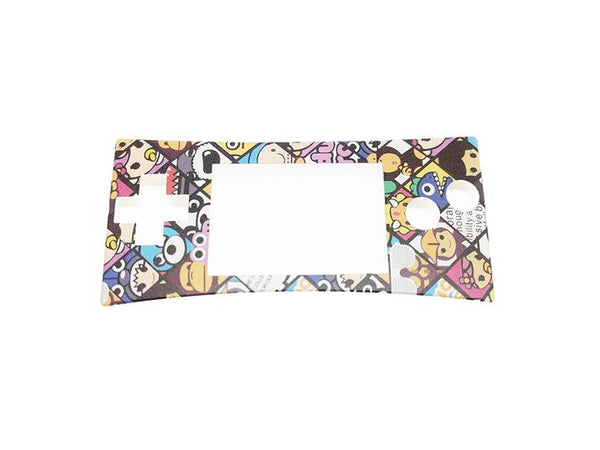
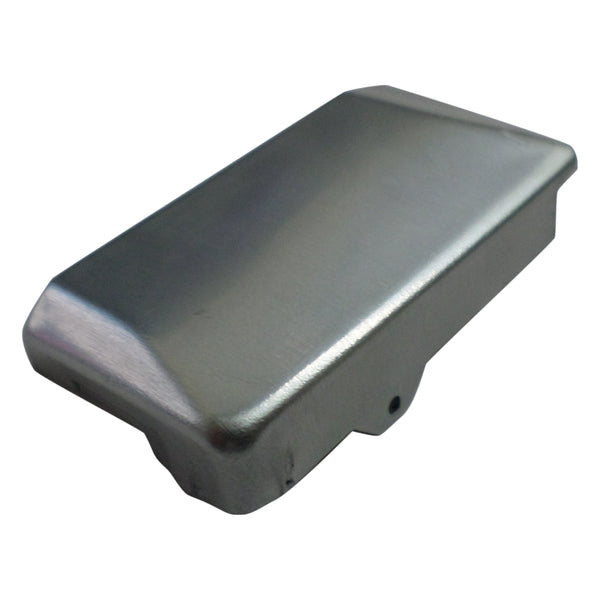
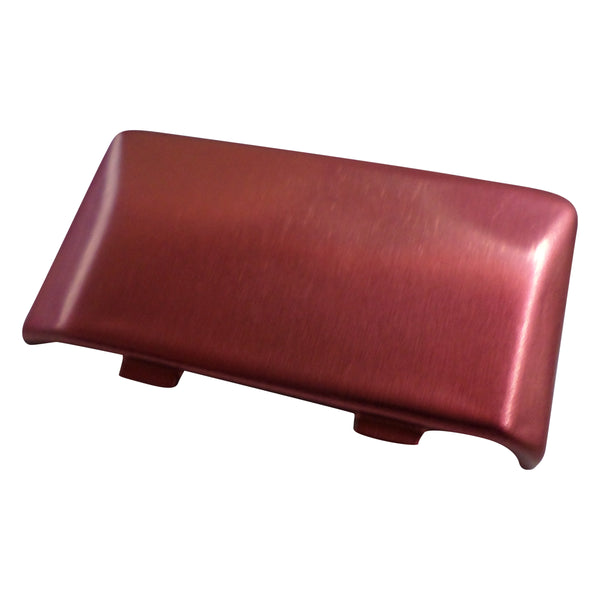
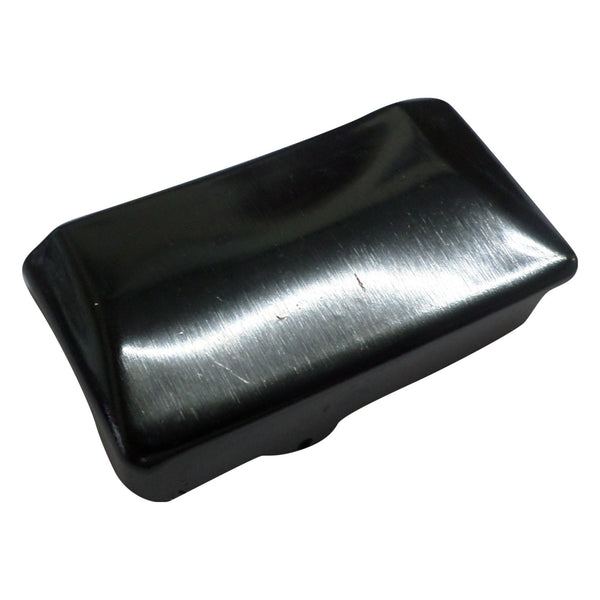
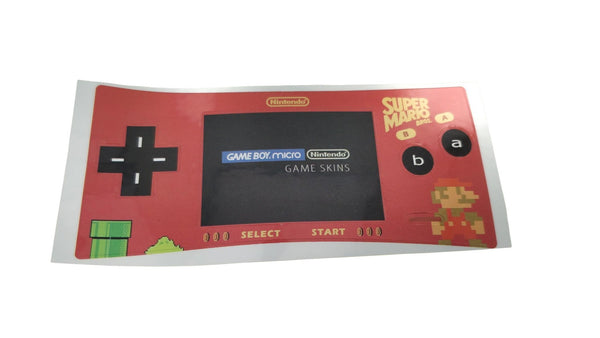
- Replacement faceplates, the OXY-001's signature interchangeable front cover
- Replacement batteries, original OXY cells from launch are well past their normal cycle life
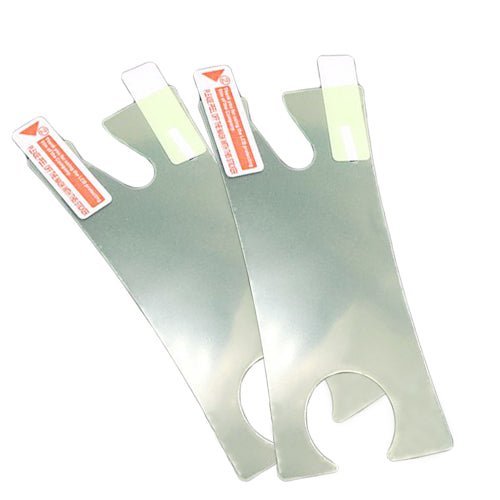
- Screen lenses, replacement plastic top lenses
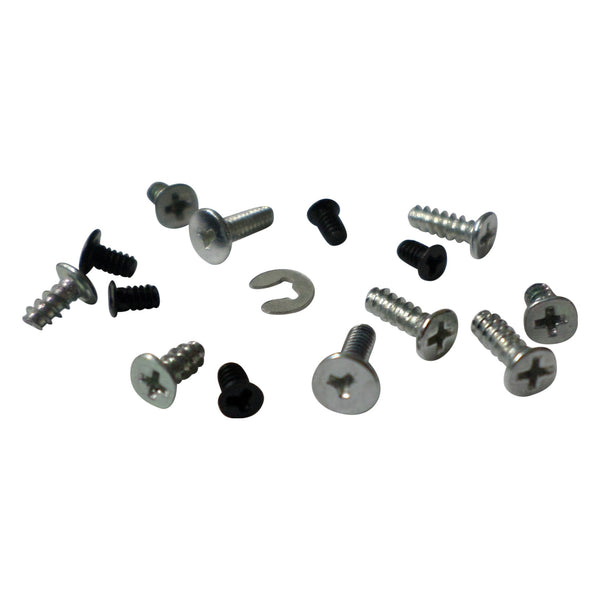
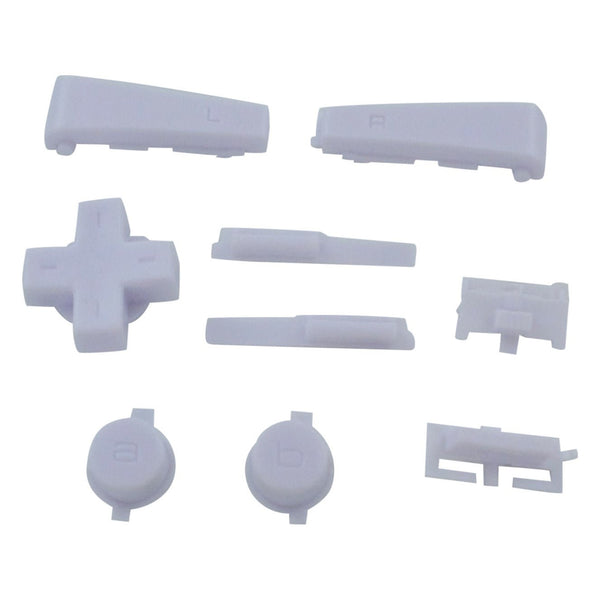
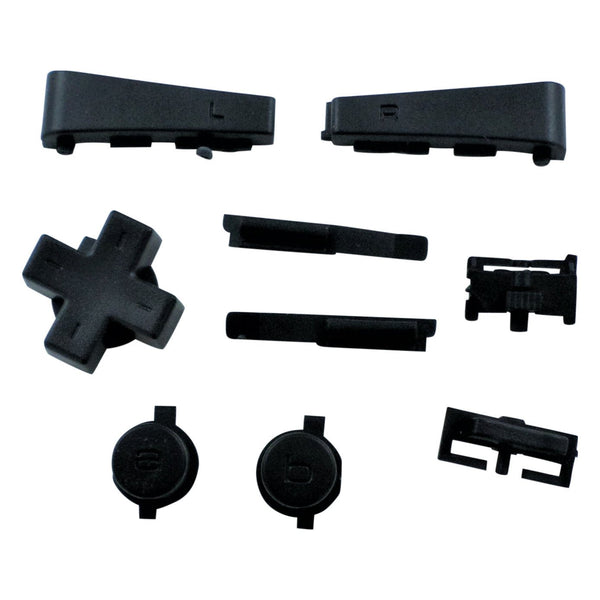
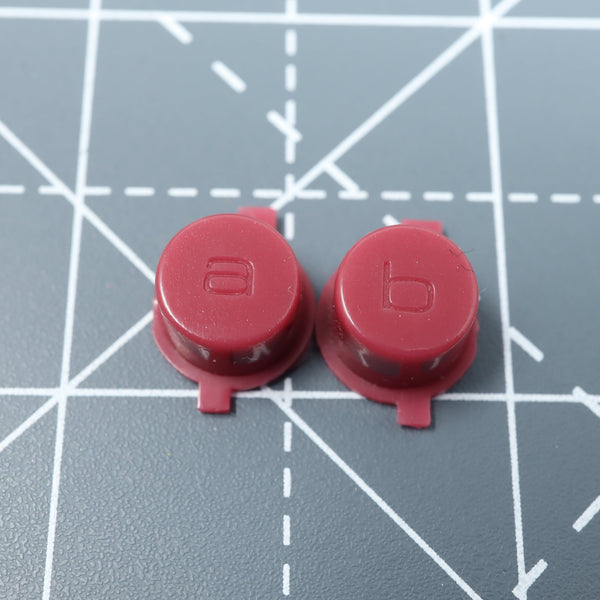
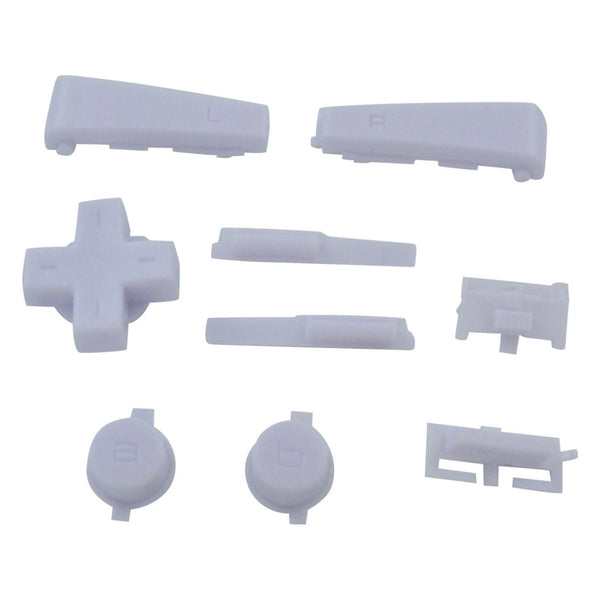
- Internal repair parts, buttons, ribbons, shells
- Modding tools, micro-screwdrivers, pry tools
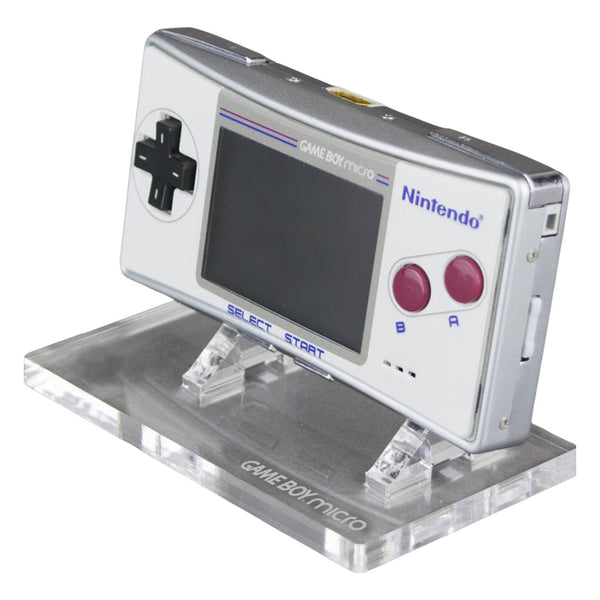
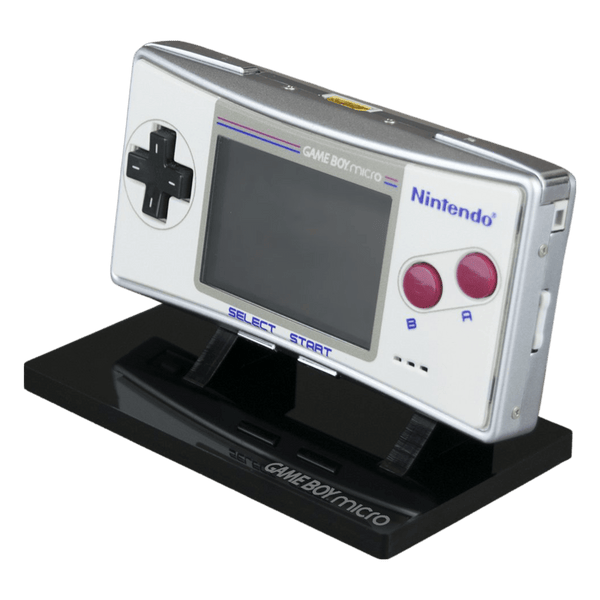
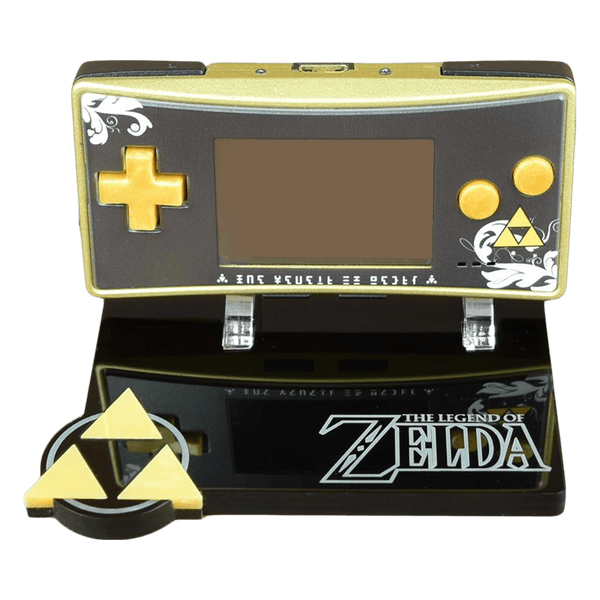
The Game Boy Micro (OXY-001) launched in 2005 as Nintendo's smallest Game Boy ever, a pocket-sized GBA-compatible handheld with a backlit screen and the signature interchangeable front faceplate. Today the Micro is collector's territory; the most common owner needs are battery replacement (the small Li-Po cells from launch are past their normal cycle life), faceplate swaps for cosmetic refresh and screen lens replacement for scratched units. ZedLabz stocks faceplates, batteries, lenses and internal repair parts.
Quick picks for Game Boy Micro owners
- The most-demanded fix: battery replacement. Original OXY cells from launch are well past their normal cycle life.
- The cosmetic refresh: a fresh replacement faceplate, the OXY-001's defining feature is its interchangeable front cover. Swap with the included tool, no console disassembly.
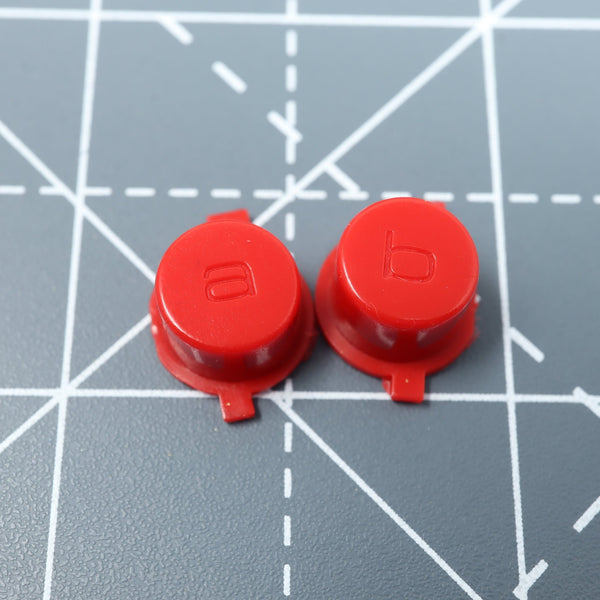
- The full refurb: battery, faceplate, screen lens replacement and a fresh button kit if needed.
Game Boy Micro repair priorities
- Battery replacement: the most-installed Micro fix. Original Li-Po cells degrade with age. Replacement involves opening the back panel with a precision screwdriver.
- Faceplate swap: the OXY-001's interchangeable front cover snaps off and on with the included faceplate tool, no soldering, no shell opening.
- Screen lens replacement: original lenses scratch with use. Replacement plastic lenses install in a few minutes.
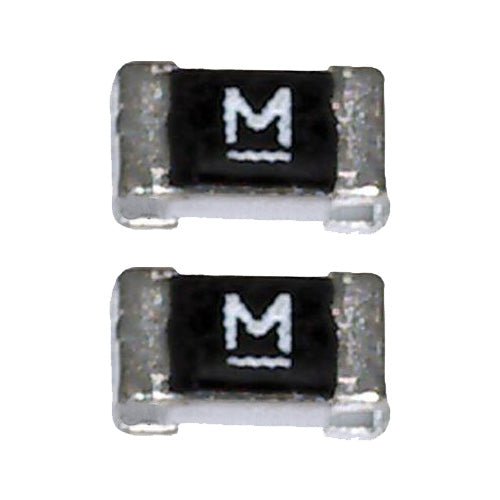
- Internal repair: button or ribbon replacements where the Micro has known faults.
Worldwide delivery with tracking on every order. Lithium battery shipping is restricted in some regions, see the product page for available destinations.
Related collections
- Game Boy Advance Parts. The Micro plays GBA cartridges natively
- Game Boy Advance SP Parts
- Game Boy Color Parts
Game Boy Micro. FAQs
What games does the Game Boy Micro play?
The Micro plays Game Boy Advance cartridges only. Unlike the original GBA and GBA SP, it does not play original Game Boy or Game Boy Color cartridges, the backwards compatibility was dropped to fit the smaller chassis. Anything labeled GBA / AGB-001 cartridge will run on the Micro.
How do I swap a Game Boy Micro faceplate?
Use the small faceplate tool that originally shipped with the Micro (or a thin plastic pry tool) to release the faceplate clip at the bottom edge. Lift off the original faceplate, snap on the replacement. No soldering, no shell disassembly.
Is the Game Boy Micro battery hard to replace?
It's an internal swap, the back of the Micro opens with a Phillips precision screwdriver. The original battery is connected by a small ribbon connector, no soldering on the standard variants. An evening's project for someone working carefully on the small chassis.
Why upgrade a Game Boy Micro at all?
The Micro is a desirable collector's piece, and original OXY units are now nearly two decades old. A fresh battery restores playtime; a replacement faceplate refreshes the look; a screen lens swap removes years of scratches. None of these mods are mandatory, they extend a unit you'd otherwise shelve.