PS4 spare parts, the dedicated parts catalog for DualShock 4 and PS4 console repairs at ZedLabz.
Browse PS4 spare parts by type
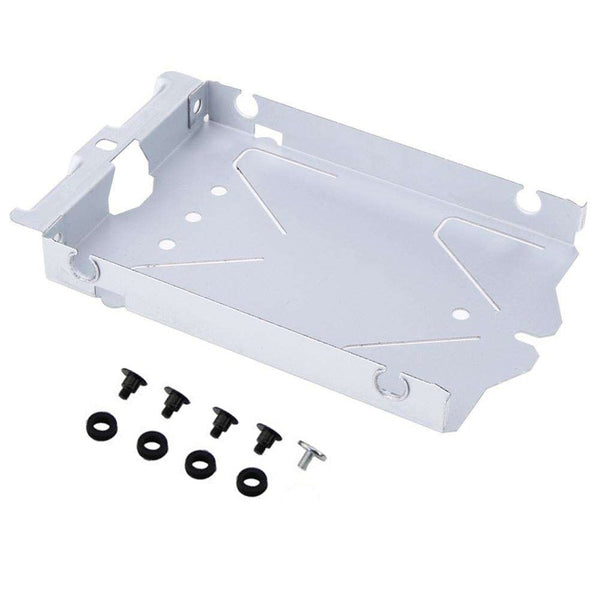
The repair-grade catalog: replacement thumbsticks, conductive films, button rubbers, triggers, charge ports, batteries, motors and shells for the DualShock 4 (CUH-ZCT1 and CUH-ZCT2 / V2). Plus the PS4 console internals, fans, thermal paste, optical drive parts, hard drive caddies. The DualShock 4 went through two main revisions and the parts are mostly revision-specific; check listings for V1 / V2 fitment.
Quick picks by repair scenario
- Easy entry point: a thumbstick replacement set, the most-replaced DualShock 4 part. Soldering required for most kits, but the thumbstick body itself is identifiable and the swap is a well-documented community job.
- The crowd favorite: thumbstick set plus conductive film and button rubber refresh, the full DualShock 4 internal refresh. An evening's project; first-time modders may take longer.
- The pro choice: full pad rebuild, sticks, films, buttons, charge port, battery, shell. Plus console-side fan replacement and thermal paste refresh. Plan for several sessions.
The PS4 spare parts ladder
- Thumbstick replacement: solder-replacement on most kits. Watch for V1 vs V2 board differences.
- Conductive film + button rubbers: for unresponsive buttons. Drop-in once the shell is open, no soldering.
- Charge port replacement: for a controller that won't charge or wobbles when the cable is plugged. Solder-replacement.
- Battery replacement: Li-Po cell with a connector. Screwdriver-only swap, no soldering.
- Console fan and thermal paste: for noisy or overheating consoles. Disassembly + clean + paste refresh. See all PS4 parts.
Tracked worldwide delivery on every order.
Related collections
- All PS4 parts and accessories
- DualShock 4 controllers
- PS4 cases and covers
- PS4 skins
- PS5 spare parts
PS4 spare parts. FAQs
Are V1 and V2 DualShock 4 thumbsticks interchangeable?
The thumbstick assemblies themselves are typically interchangeable between V1 (CUH-ZCT1) and V2 (CUH-ZCT2), but the daughterboards they sit on differ between revisions. If you're buying a stick-on-board module, verify the listing matches your controller revision. If you're replacing only the stick mechanism, it's more cross-compatible.
What's a conductive film and why replace it?
The conductive film is a thin plastic layer with carbon-coated contacts that sit between the rubber button pads and the controller PCB. Pressing a button pushes the conductive pad onto the film, which closes a circuit. The film wears with use and dirt accumulation, causing unresponsive buttons. A fresh film typically restores the click for the cost of a few pounds.
Can I replace a DualShock 4 charge port without soldering?
Some replacement charge ports come pre-mounted on a daughterboard with a ribbon connector, those plug in. The OEM charge port is soldered directly to the main board, so a like-for-like replacement requires desoldering the original and soldering the new one. Modder community consensus: the soldered job is intermediate difficulty because the port pins are small and close together.
Why bother fixing a DualShock 4 instead of buying new?
Three reasons. One: thumbstick replacement is significantly cheaper than a new pad. Two: it teaches a useful repair skill that transfers across most modern controllers. Three: there's an environmental angle, extending the life of a working pad keeps it out of landfill. Tradeoff: a heavily-worn pad with multiple failures is sometimes not worth the cumulative repair cost vs a new controller.
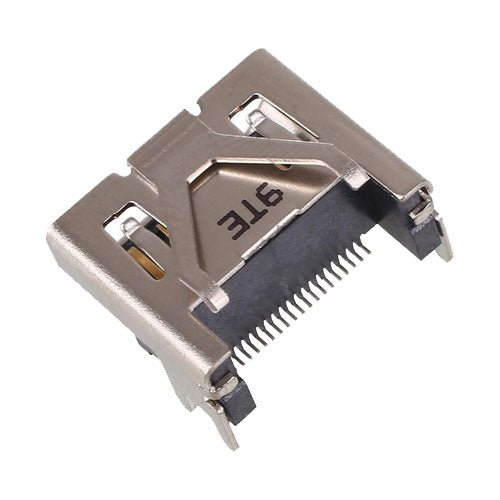
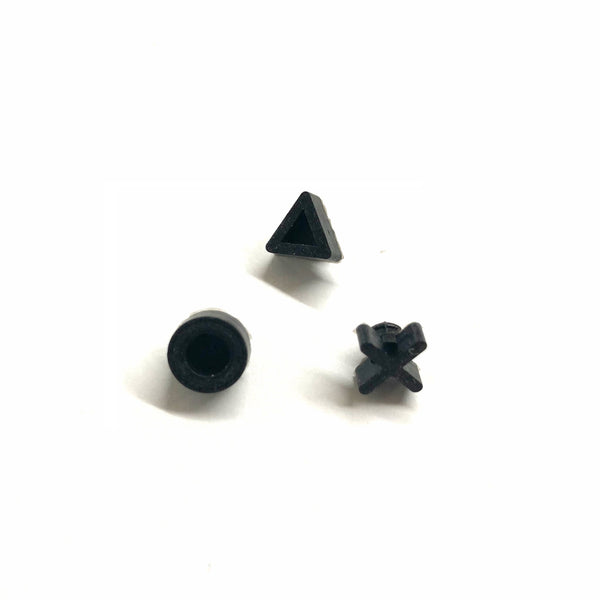
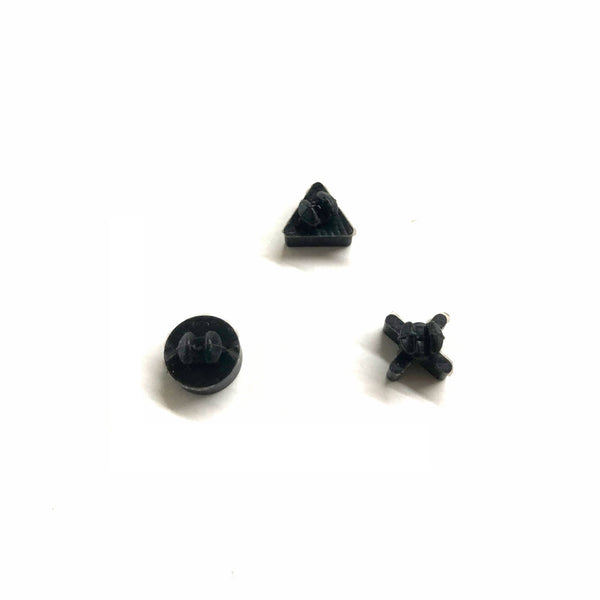
![Insert eject media disc detection sensor switch for Sony PS4 consoles (fits KLD 001 / 002 / 004 / 005 / 006) replacement smd set of 3 [PlayStation 4] | ZedLabz](http://www.zedlabz.com/cdn/shop/files/insert-eject-media-disc-detection-sensor-switch-for-sony-ps4-consoles-fits-kld-001-002-004-005-006-replacement-smd-set-of-3-playstation-4-zedlabzzedlabz-419393.jpg?v=1741480531&width=600)