Nintendo Switch OLED parts and mods, the repair and upgrade hub for the 2021 OLED revision at ZedLabz.
Browse Switch OLED parts by repair area
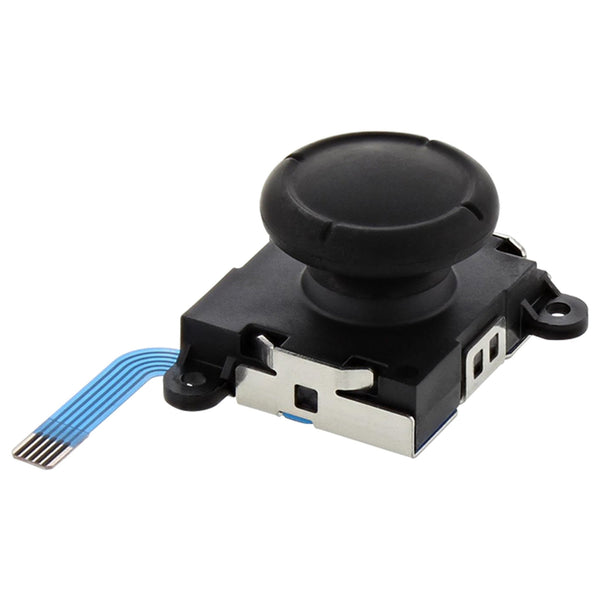
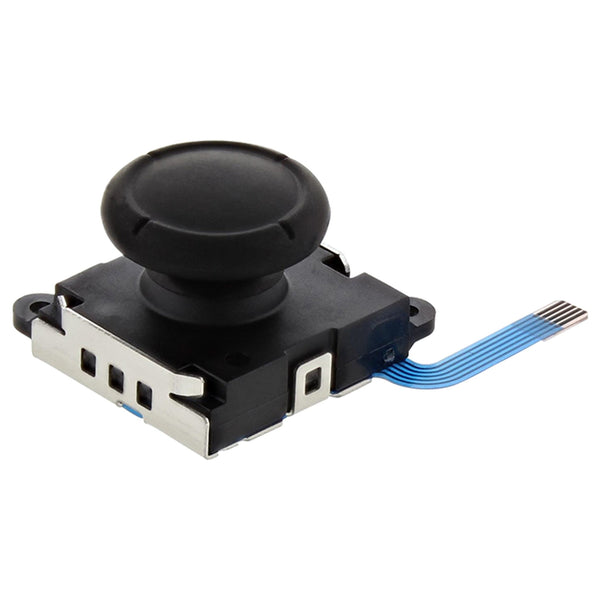
- Hall-effect Joy-Con sticks, drift-free upgrade for both Joy-Cons
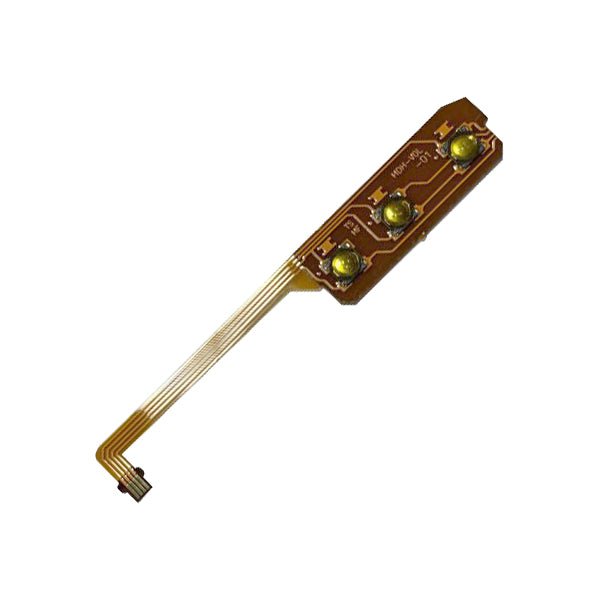
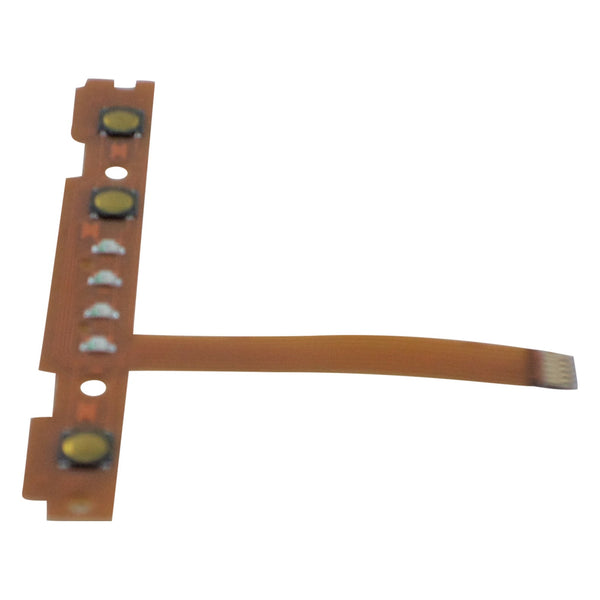
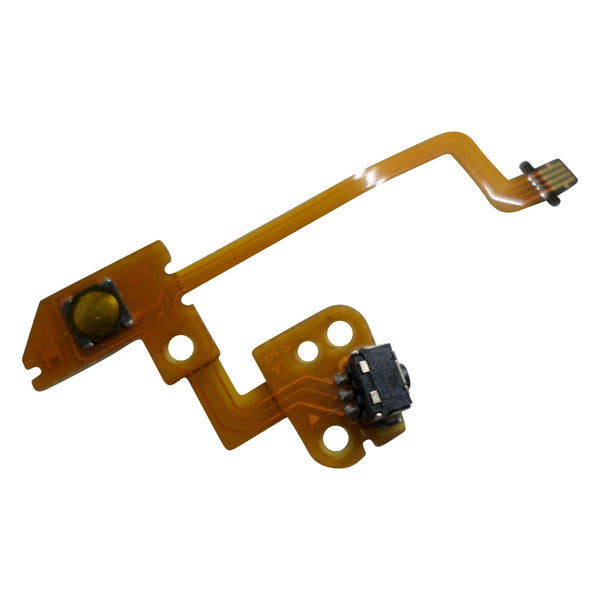
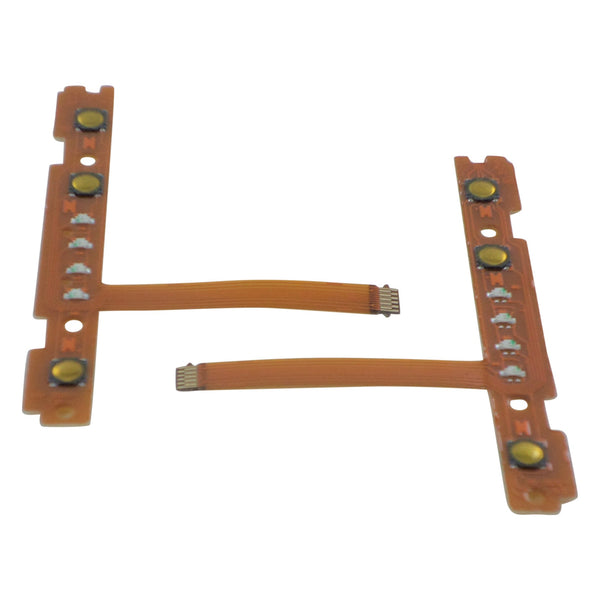
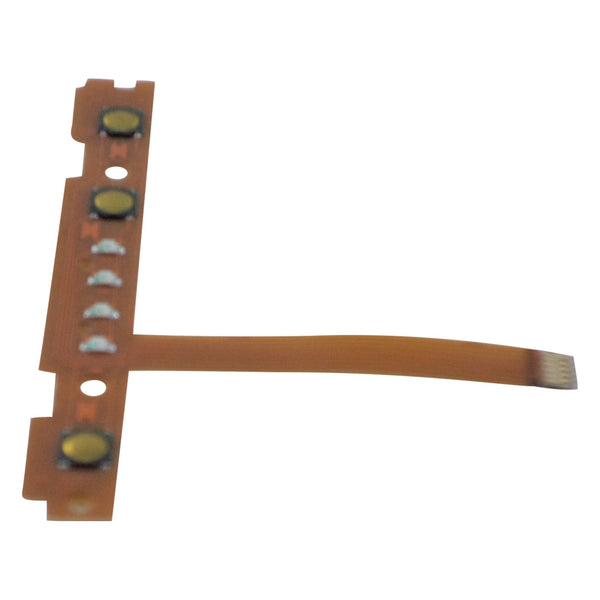
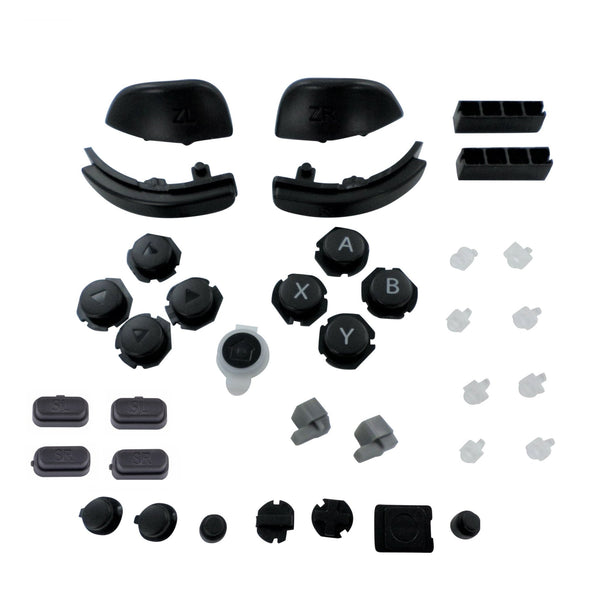
- Joy-Con spare parts, sticks, shells, rails, ribbons
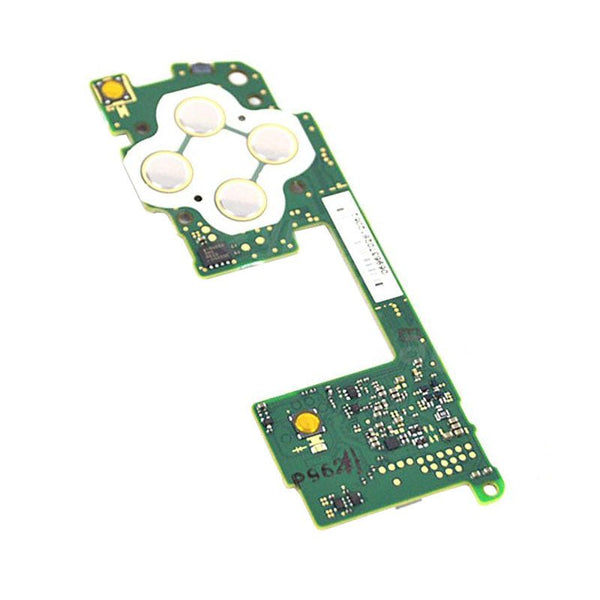
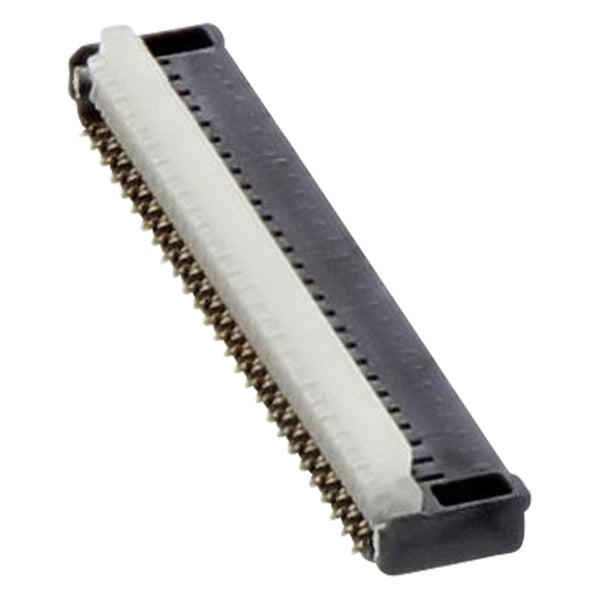
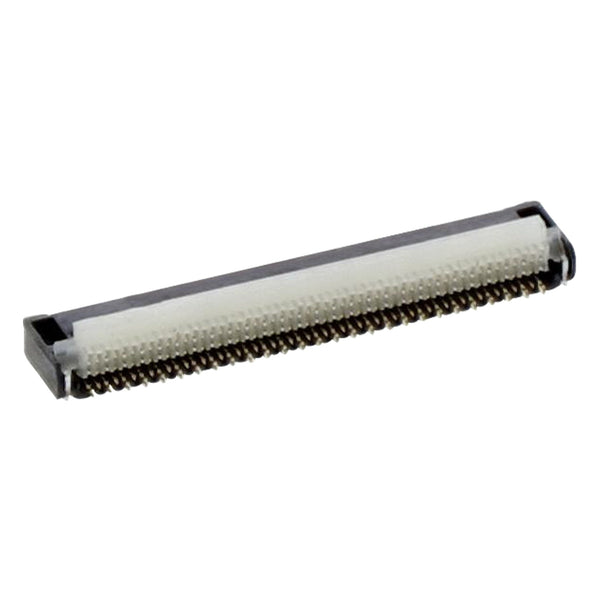
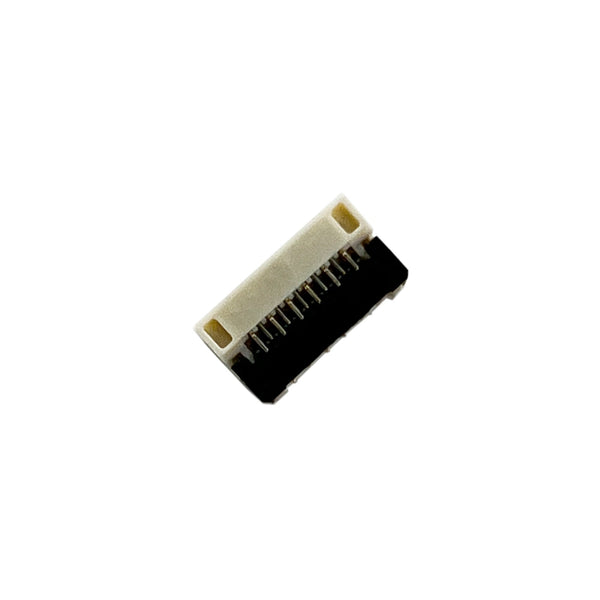
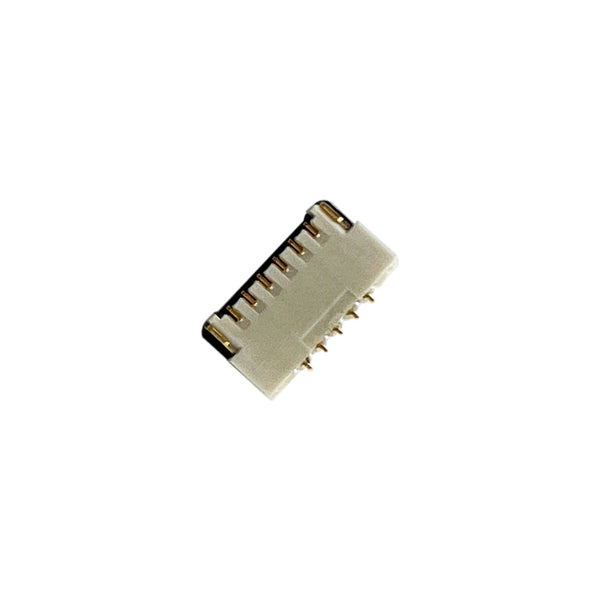
- Switch console spare parts, fans, screens, internal connectors
- All Switch parts, original Switch and Switch Lite hub
- Switch 2 parts, sibling page for the 2025 successor
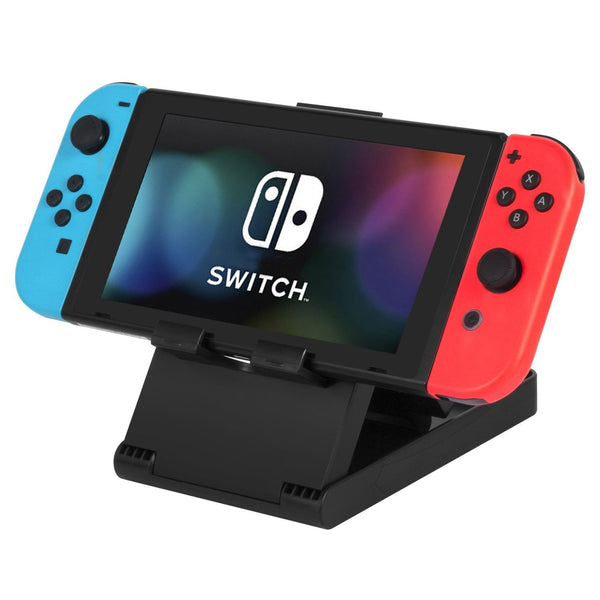
The Switch OLED (HEG-001) is the 2021 revision of the original 2017 Switch, same Joy-Cons and same internal architecture, but with a brighter 7-inch OLED screen, a wider kickstand, a wired LAN dock and slightly improved audio. Most repairs that apply to the original Switch don't carry across cleanly: the OLED display is captive to this revision and the mainboard, fan and internal connectors are largely OLED-specific. Joy-Con sticks, shells and most controller spares are shared with the original Switch, so a drift-fix on an OLED Joy-Con uses the same modules.
Quick picks by symptom
- If your Joy-Con drifts: a Hall-effect stick swap removes the contact-based potentiometer that causes most drift. Drop-in for both Joy-Cons. Browse Hall-effect sticks.
- If the OLED panel is cracked or dim: aftermarket OLED replacement screens are stocked when available. Confirm the model on the back of the console reads HEG-001 before ordering, original Switch (HAC-001) screens won't fit.
- If the fan is noisy or the console is throttling: the OLED uses a different fan unit to the original Switch. Replacement fans and thermal pads are typically a workshop-bench job rather than a kitchen-table install.
The Switch OLED repair ladder
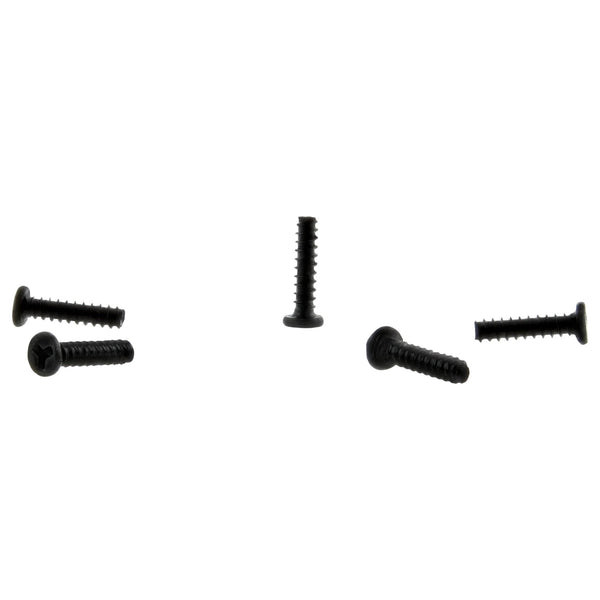
- Joy-Con stick swap: the most common repair. Tri-wing Y00 plus Phillips PH00. Drop-in stick module, no soldering on Hall-effect kits with pre-fitted ribbons.
- Joy-Con shell or rail: replace at the same time the sticks come out. Worn rails and cracked shell corners are a known issue on heavily-used Joy-Cons.
- Console internal cleaning: open the OLED chassis with a Y00 tri-wing, blow out fan and heatsink, replace thermal pads. Set aside an evening for a first teardown.
- OLED screen replacement: bench job. Adhesive removal, ribbon reseating and a careful re-bond. Take your time and use a soft pad.
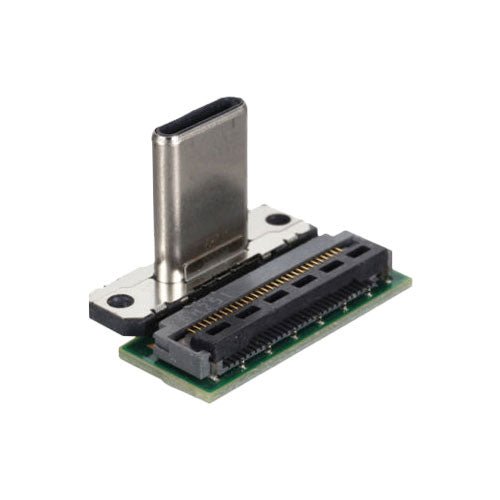
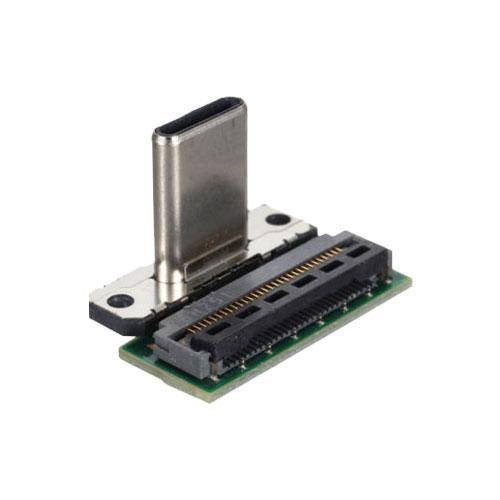
- Charge port and battery: USB-C ports are wear items on a docked-and-undocked console. Battery cells degrade over a few years of regular use; stocked aftermarket replacements are drop-in once the back plate is off.
Worldwide tracked delivery on every order. Returns and replacements per our returns policy.
Related collections
- Nintendo Switch parts, original HAC-001 hub
- Switch 2 parts, 2025 successor
- Switch Lite parts, handheld-only revision
- Hall-effect analog sticks, drift-fix anchor
Switch OLED parts. FAQs
Are Switch OLED Joy-Cons the same as original Switch Joy-Cons?
Yes. The Joy-Cons that ship with the OLED model use the same internal stick modules, shells, rails and ribbons as the original 2017 Switch Joy-Cons. A drift fix on an OLED Joy-Con uses the same Hall-effect or replacement-stick part as the original Switch.
Can I replace the Switch OLED screen with a regular Switch LCD?
No. The OLED chassis is designed around the 7-inch OLED panel and the connectors and ribbon routing differ from the original 6.2-inch LCD. Use an OLED-specific replacement panel for the HEG-001 revision.
Why is my Switch OLED fan getting loud?
Most often: dust accumulation in the fan and heatsink, or thermal-pad ageing. A teardown clean and fresh thermal pads typically restore quieter operation. If the fan itself is making bearing noise after cleaning, swap to a replacement fan unit.
Is OLED Joy-Con drift fixable at home?
Yes for most users. The Joy-Con opens with a tri-wing Y00 screwdriver and the stick module is a small ribbon-connected unit. Hall-effect upgrade kits ship with the ribbon pre-attached so most installs don't require soldering. Set aside an evening for a first attempt.
Why upgrade an OLED instead of buying a Switch 2?
The OLED's screen is still the brightest, sharpest panel of the original Switch family, and it plays the entire library natively. For owners who don't need Switch 2 exclusives, refreshing the Joy-Cons and battery on a working OLED is typically a fraction of a Switch 2's cost.