Platform: Game Boy Advance
Brand: Hispeedido
Ean:
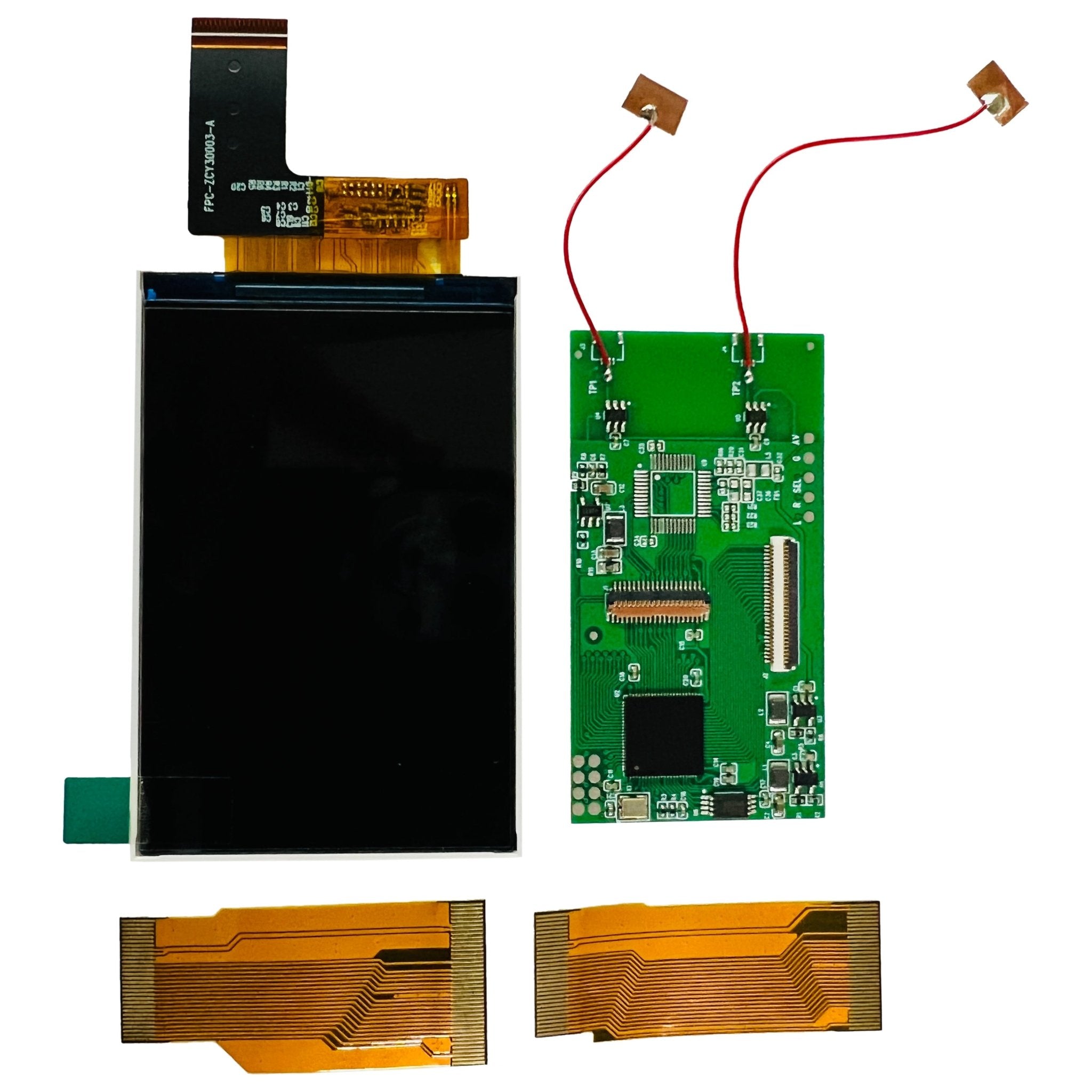
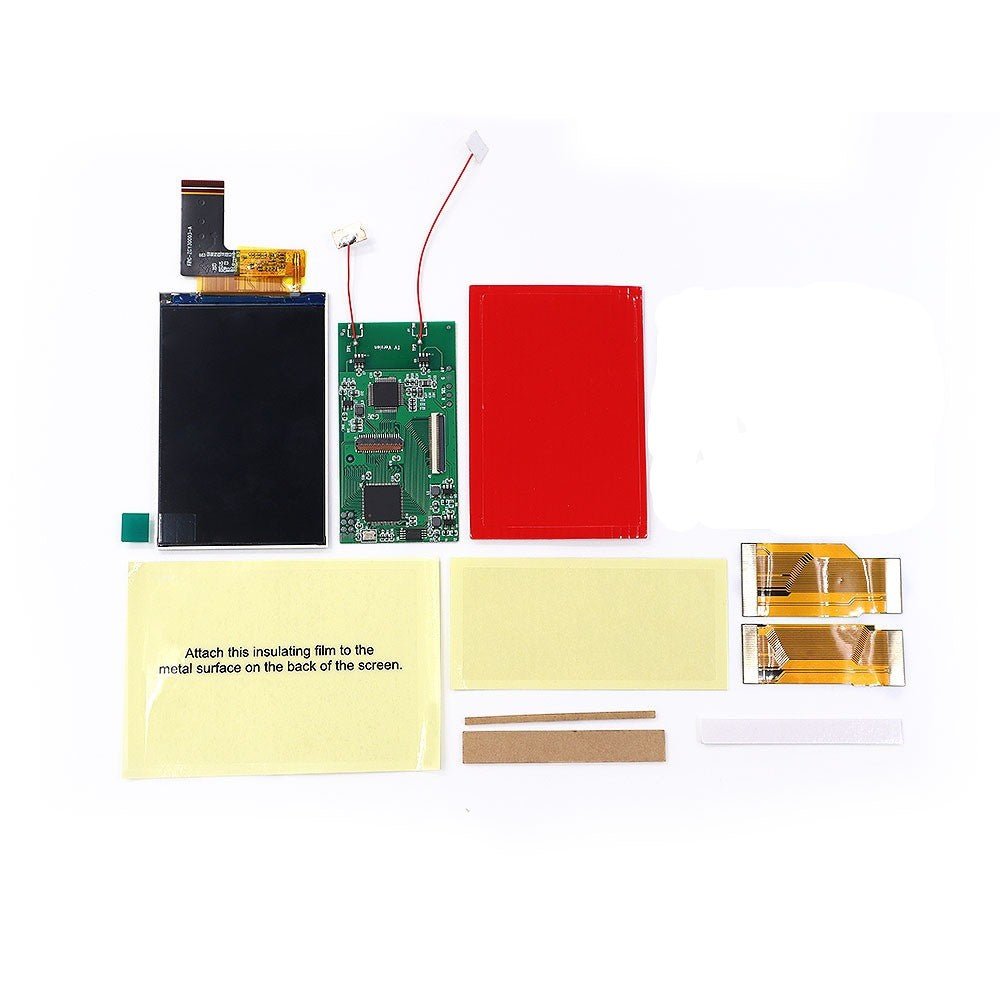


Platform: Game Boy Advance
Brand: Hispeedido
Ean:
Shipping
Returns
Your payment information is processed securely. We do not store credit card details nor have access to your credit card information.
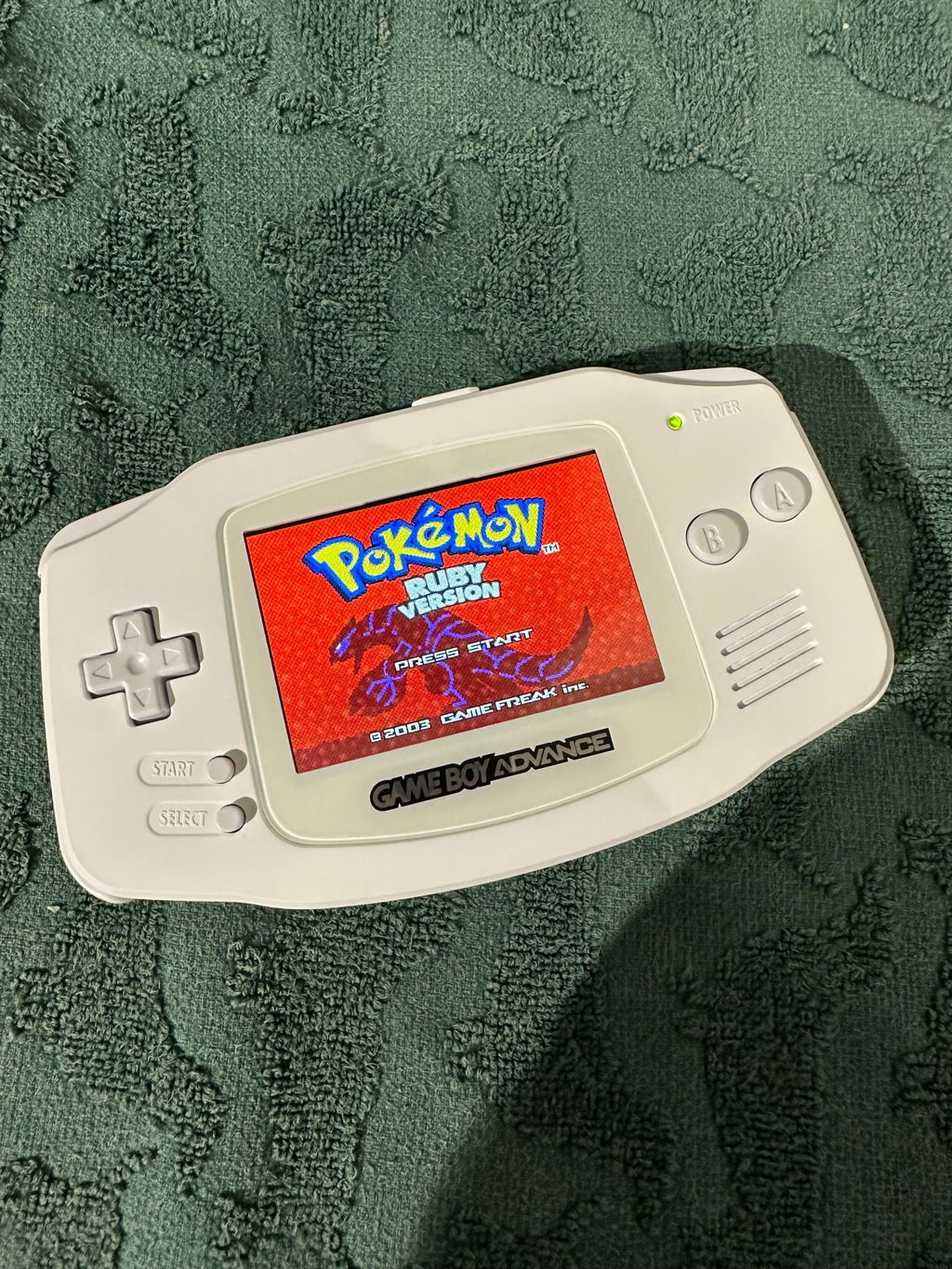
Easy to install but you just have to be careful with everything as with all electronics. I am not interested in the color palette touch control so just applied the brightness control that works perfectly! The screen quality is amazing too!
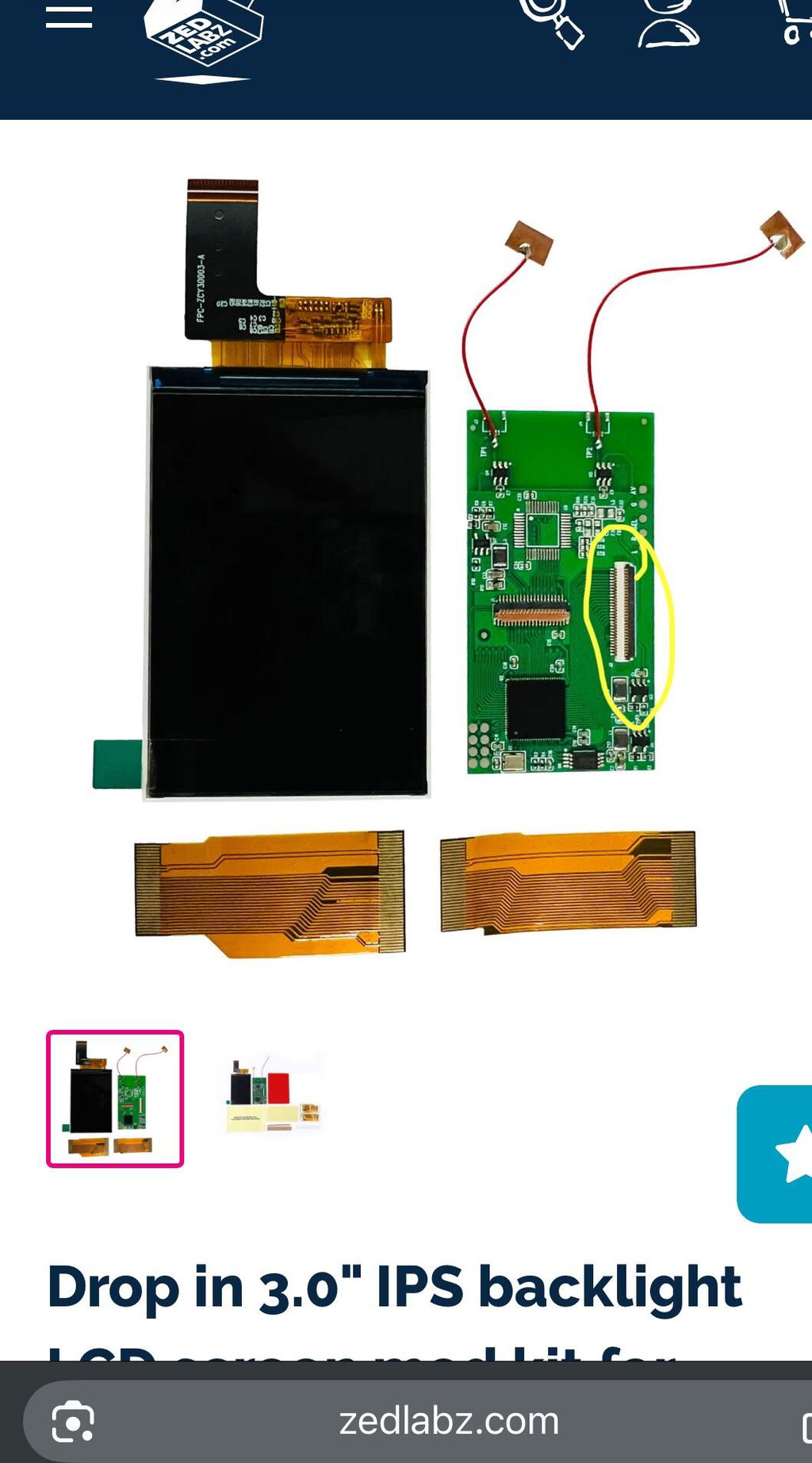
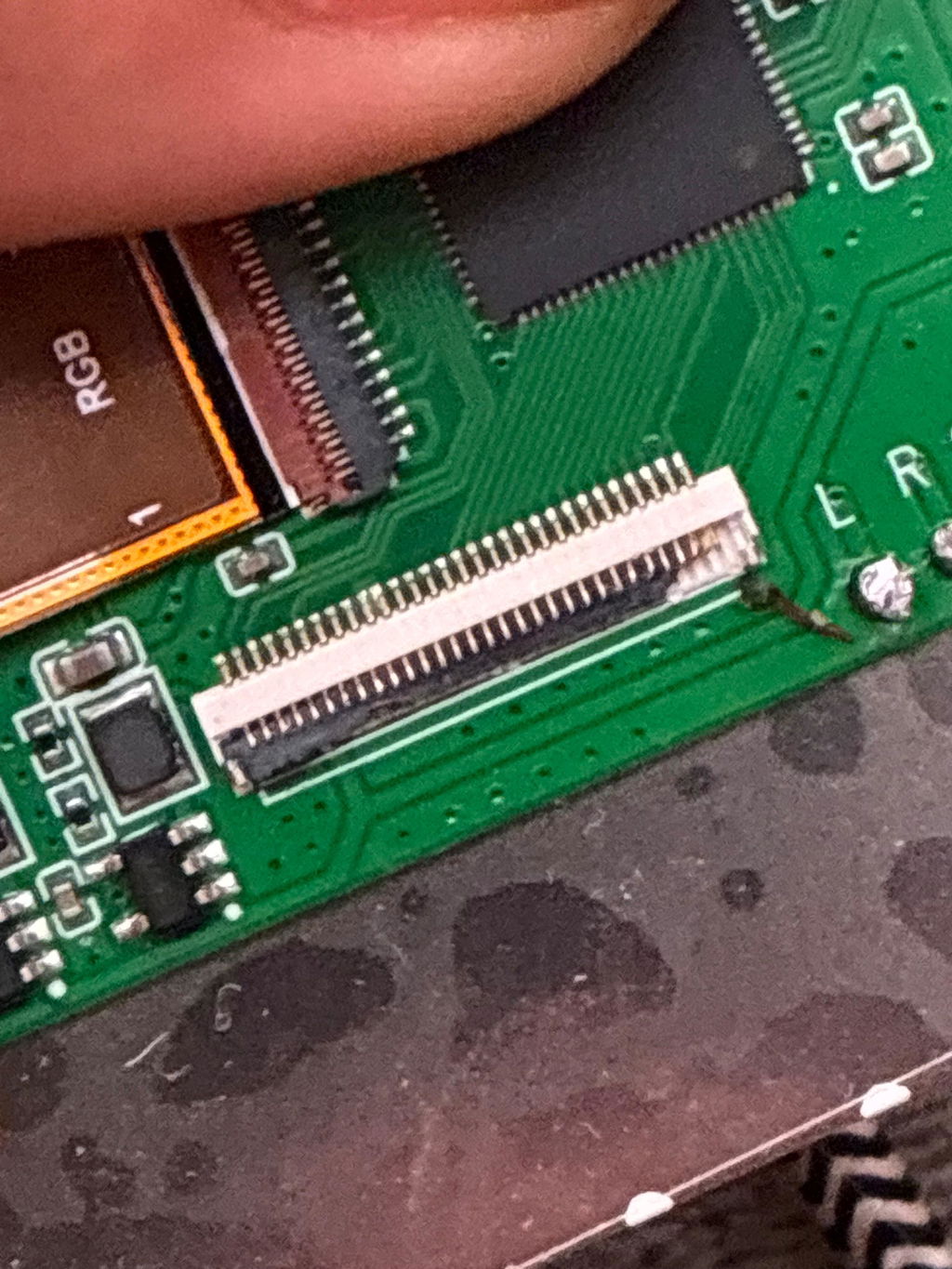
The screen is excellent and easy to install, especially if you have prior experience with electronics and soldering. I’m giving it 4 stars only because of how fragile the ribbon cable clamping system is. I successfully set up the display and tested it on a Game Boy Advance. However, after the test, I disconnected the ribbon cable from the screen to the included PCB that controls the display, and the clamp snapped very easily. Once it’s broken, forget about desoldering and finding a replacement—it’s essentially unusable.
The company is quick and responsive, and I’m not sure how involved they are in the screen’s development or if they simply sell the product. I’m not criticizing them directly, but the PCB components that are vital to the display’s function should be of slightly higher quality.
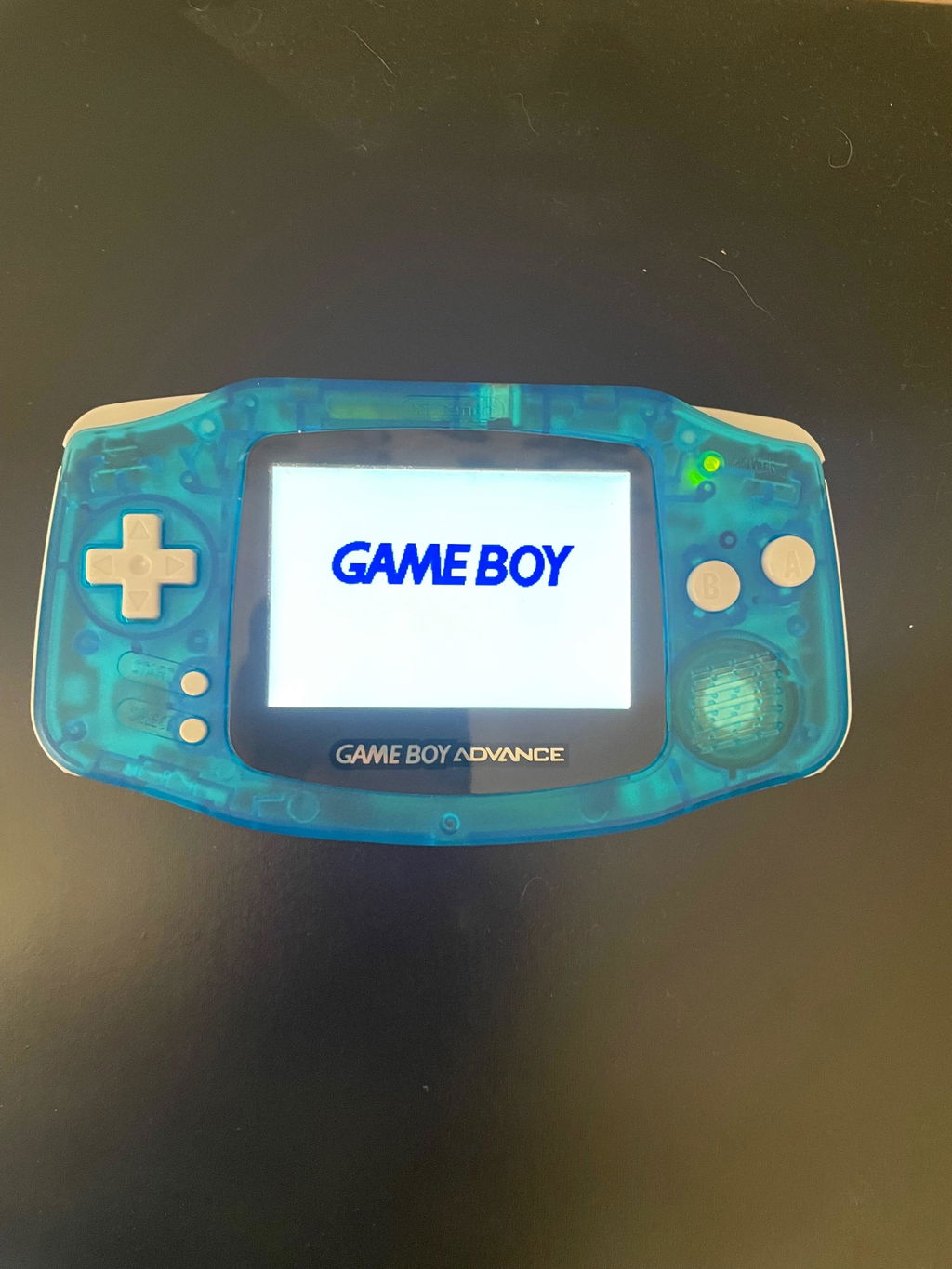
Easy to install and looks amazing without ruining battery life!
Perfect screen looks high quality, will require sanding down the battery port to fit in the screen
Drop in 3.0" IPS backlight LCD screen mod kit for Nintendo Game Boy Advance GBA with color Palettes - Easy install, no solder, no cut | Hispeedido
Great product ,easy installation, awesome display
This is a great backlight. Didn't solder the 3 wires but still have 7 different shades of colour and 10 of light shades.
Easy enough to set up and when I didn't understand something, Zed Labz got back to me the very next day and helped me sort it.
So great backlight and great service.
Arrived quickly, dropped straight in with no issues and is a massive upgrade to the AGS 001 I have. Can't ask for more.
Easy to install, honestly so clear to see game and very well packaged
this costs more thean my gamboy
Fairly easy to ensemble as a total newbie, I got rid of the sensors as I opted to solding the wires instead, and it turned out being the best option for me, everything working perfectly. The hardest part of this mod was keeping everything clean lol
R button wire snapped rendering the console unusable. Huge waste of money
Straightforward installation and great clean look.
True to it's word, there is no need to cut your case to fit it or to solder, although there are 3 wires included if you wish to use the on screen display (OSD) - I didn't do this.
There are no instructions included but you can easily find a YouTube video on what to do, I used this one: https://www.youtube.com/watch?v=Z2XjTebEeGw
I didn't use their location suggestions for placing the tap sensor colour and brightness adjusters, instead I placed them at the top and bottom of the front of the case where I wouldn't accidentally touch them during play.
There are a few other bits and pieces included in the kit the video doesn't make reference to, foam padding and double sided tap etc. so I used them where I thought they should go.
All in all, it was relatively quick to install through a process of testing before reassembly, and I recommend it for if you primarily play indoors or in the dark.