Collections
View all

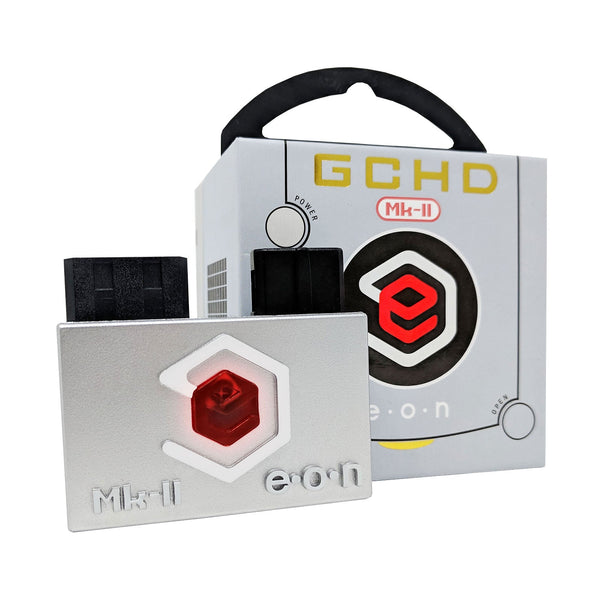
GameCube HDMI adapters, external plug-and-play and internal mod options for clean digital output on a modern TV.
Browse GameCube HDMI options by type
- External plug-and-play HDMI. Eon GCHD MK-II via the digital AV port (DOL-001 only)
- External HDMI with feature menu. Retro-Bit Prism with firmware updates and remote
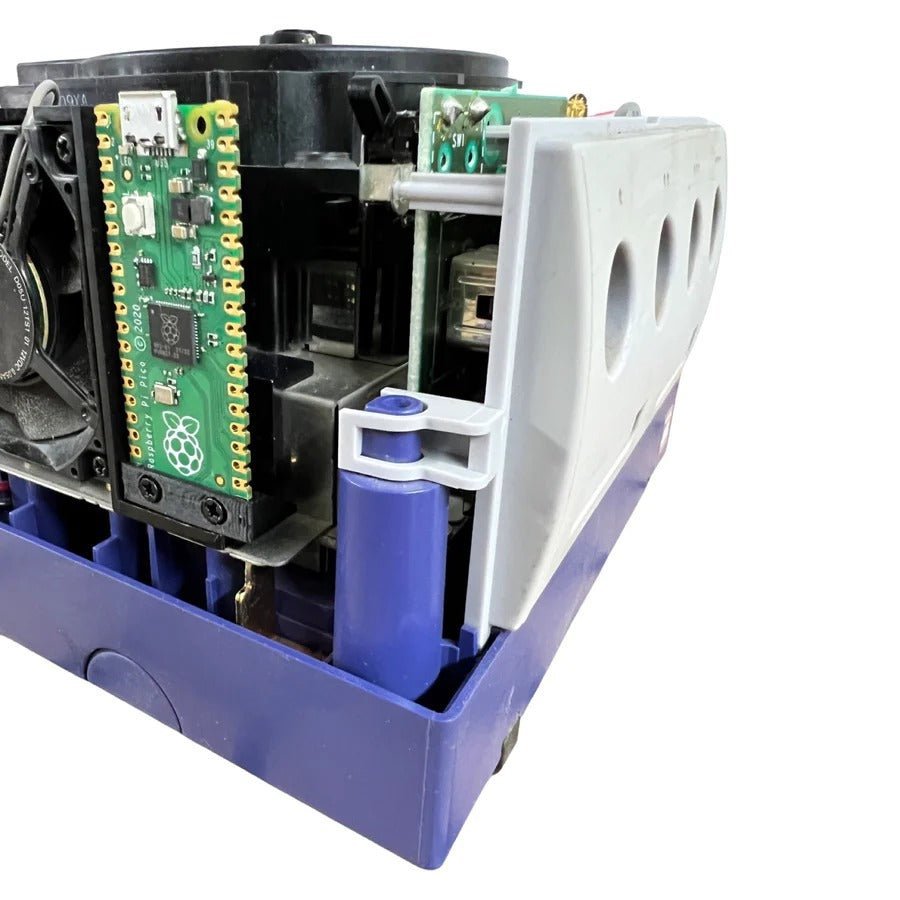
- Internal HDMI mod. KNJN Pluto 2 ii with GCVideo 3.1 firmware, USB-C powered
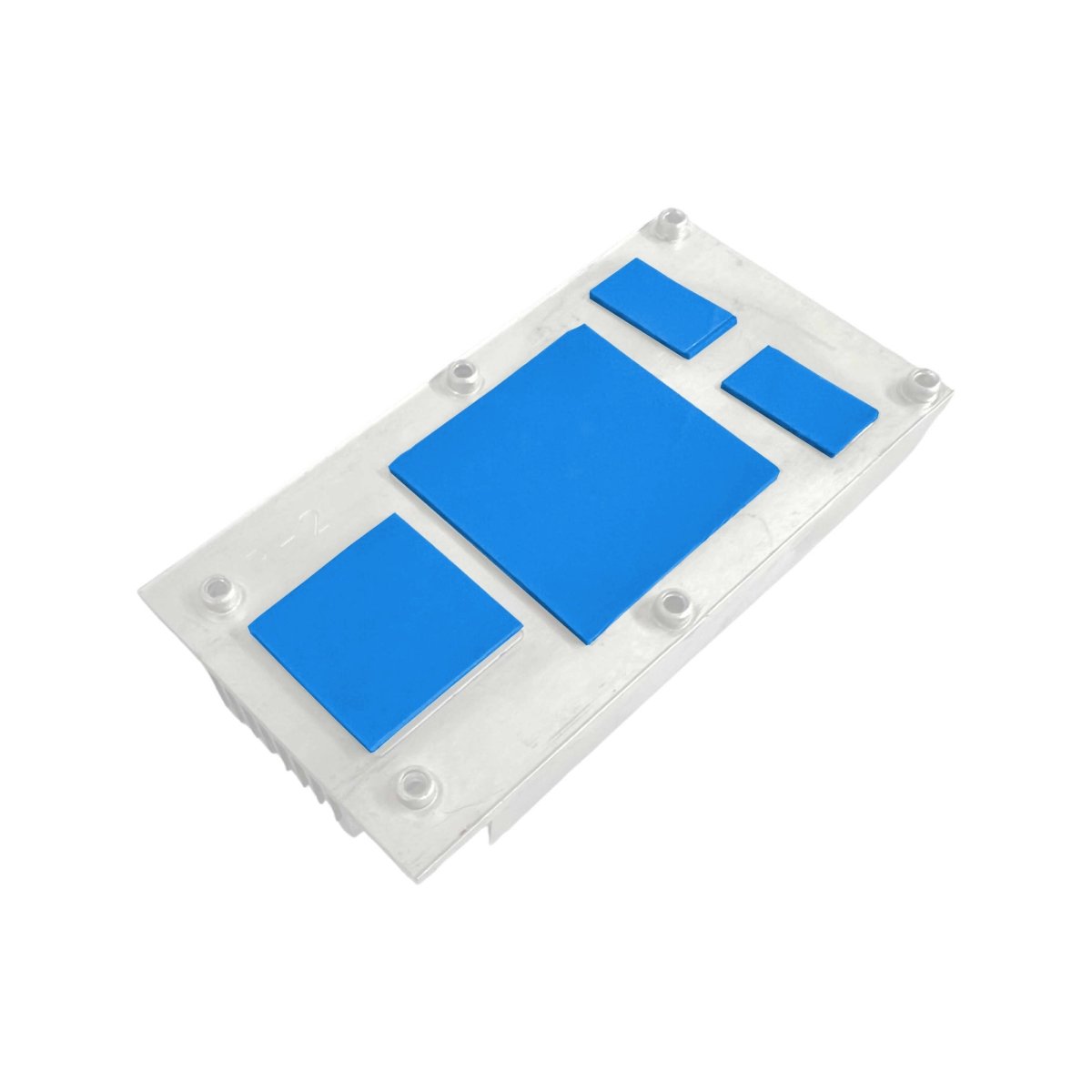
- Helder Game Tech flex cables. Quick-solder flex ribbons for DOL-101 internal HDMI install
The Nintendo GameCube (DOL-001 and DOL-101) outputs through a proprietary analogue port and the standard composite cable looks soft on a modern HDMI TV. There are three working HDMI routes: external plug-and-play through the digital AV port (DOL-001 only, since Nintendo removed that port on the DOL-101 revision), external HDMI with firmware menu (Retro-Bit Prism), or internal HDMI mod with true digital output (KNJN Pluto 2 ii). ZedLabz stocks all three plus the Helder Game Tech quick-solder flex cables for DOL-101 internal install.
Quick picks for GameCube HDMI
- If you have a DOL-001 and want fast HDMI: the Eon GCHD MK-II 480p HDMI adapter, plug-and-play through the digital AV port, no console opening required.
- If you want firmware features: the Retro-Bit Prism external HDMI adapter with firmware menu and remote, fits both DOL-001 and DOL-101.
- If you want true digital output: the KNJN Pluto 2 ii internal HDMI mod with GCVideo 3.1 firmware. Soldering required; for DOL-101 boards use the Helder Game Tech quick-solder flex cable. The cleanest GameCube HDMI option.
Comparing the three HDMI routes
| Mod | Install | Output | Best for |
|---|---|---|---|
| Eon GCHD MK-II | Plug-and-play, no soldering. DOL-001 digital AV port only | 480p HDMI | Fast HDMI on a DOL-001 with no console opening |
| Retro-Bit Prism | External, plug-and-play. Fits DOL-001 and DOL-101 | HDMI with firmware menu, remote control | Owners wanting a feature-rich external option that works on any GameCube |
| KNJN Pluto 2 ii (internal) | Internal install with soldering. DOL-001 direct, DOL-101 needs Helder flex | True digital, GCVideo 3.1 firmware, USB-C powered | Modders chasing the cleanest digital output |
Worldwide delivery with tracking on every order. Message support if you need help confirming whether your GameCube is a DOL-001 or DOL-101 before ordering.
Related collections
- Nintendo GameCube Parts and Mods. Full GameCube catalog
- GameCube Noctua Fan Mod. Quieter cooling
- Picoboot. ODE / SD-loading
GameCube HDMI. FAQs
How do I tell if I have a DOL-001 or DOL-101?
Look at the back of the GameCube. The DOL-001 has two ports: the analogue AV port and a separate digital AV port (a smaller socket next to it). The DOL-101 has only the analogue AV port, Nintendo removed the digital port on later production runs to cut cost. The Eon GCHD MK-II requires the digital port and only works on DOL-001.
Will the Eon GCHD MK-II work on a DOL-101?
No. The GCHD MK-II uses the digital AV port and the DOL-101 doesn't have one. For a DOL-101, the working HDMI options are the Retro-Bit Prism (external) or the KNJN Pluto 2 ii internal mod paired with the Helder Game Tech DOL-101 quick-solder flex cable.
Does the Pluto 2 ii install need a lot of soldering?
It's an internal mod and does require soldering experience. On a DOL-001 board the Pluto 2 ii connects directly to the digital video pads. On a DOL-101 board you need the Helder Game Tech quick-solder flex cable, which simplifies the install but still requires careful work. Plan an evening with a steady hand and a fine-tip iron.
What resolution do these adapters output?
The Eon GCHD MK-II outputs 480p HDMI, the GameCube's native progressive resolution where supported. The Retro-Bit Prism handles 480p with firmware processing. The KNJN Pluto 2 ii with GCVideo 3.1 outputs the GameCube's true digital signal as HDMI, also at 480p native, and is regarded as the cleanest source for downstream scalers (RetroTINK, OSSC, etc.) if you're building toward a competitive setup.
Will any HDMI cable work with these adapters?
Yes. All three adapters output via standard HDMI, so any HDMI cable works. The signal is at 480p so cable spec isn't critical; a basic certified HDMI cable is fine.