GBxCart and Joey Junior cart-backup tools, the modder community's go-to range for Game Boy ROM and save preservation at ZedLabz.
Browse Game Boy cart-backup tools by use case
- GBxCart RW Pro by colour — InsideGadgets cart reader-writer-flasher in 6+ coloured shells
- GBA FRAM flash carts and cart shells — reflashable BennVenn carts plus replacement cases
- Game Boy DMG parts and mods — DMG-01 console parts that pair with cart maintenance
- Game Boy Color parts and mods — CGB-001 console parts
- Game Boy Advance parts and mods — AGB-001 console parts
- Modding tools — tri-wing, Phillips PH00, opening tools
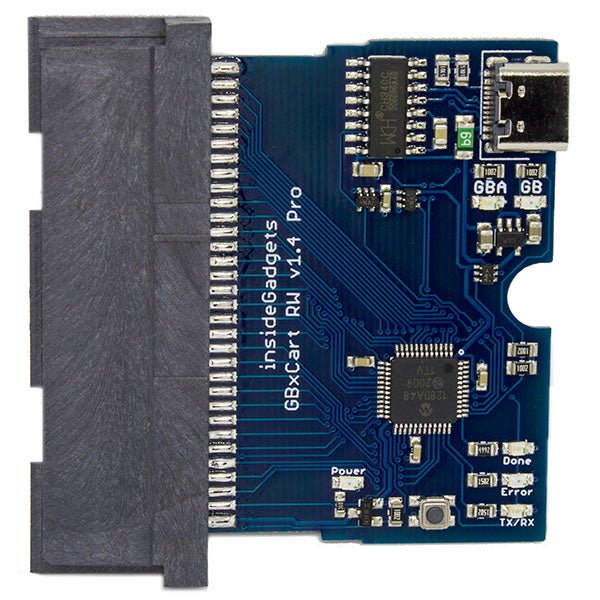
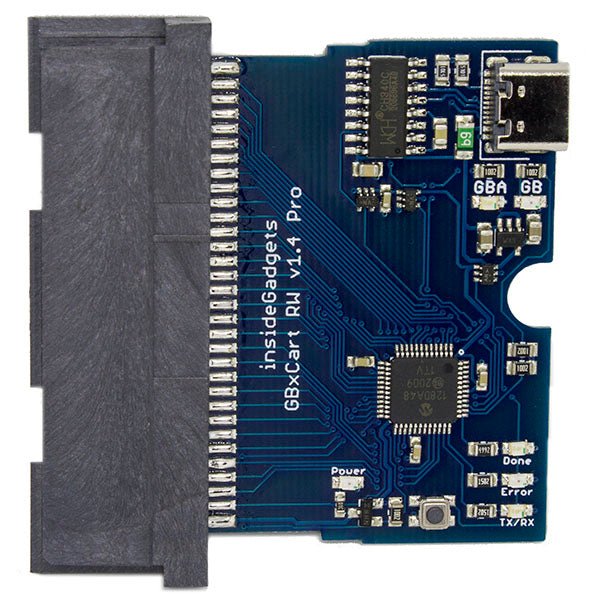
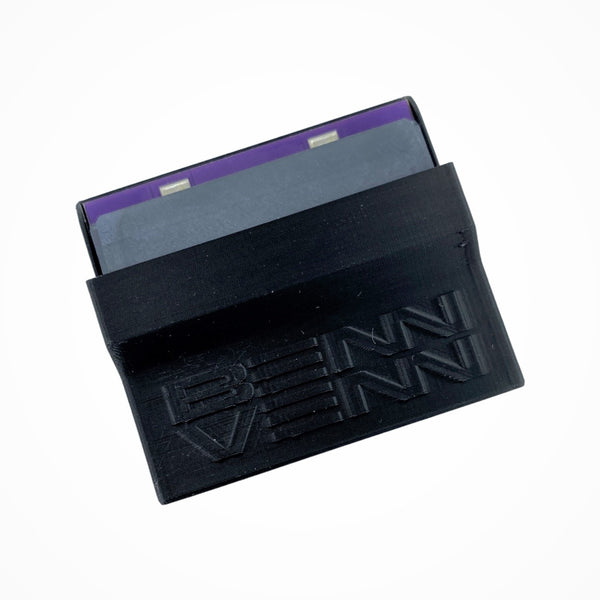
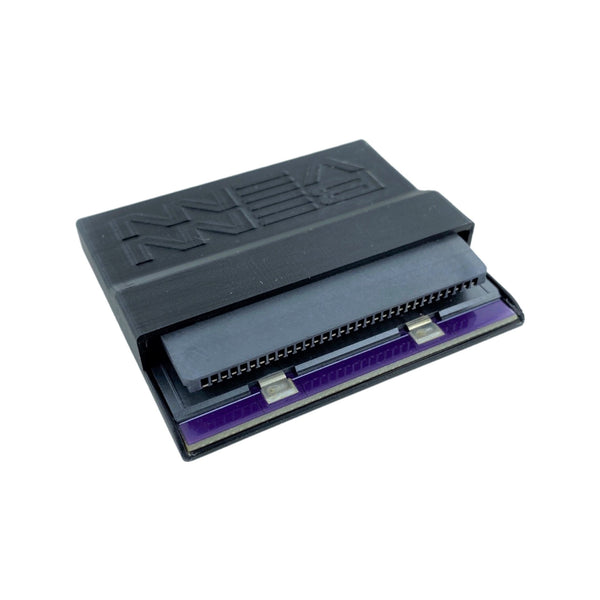
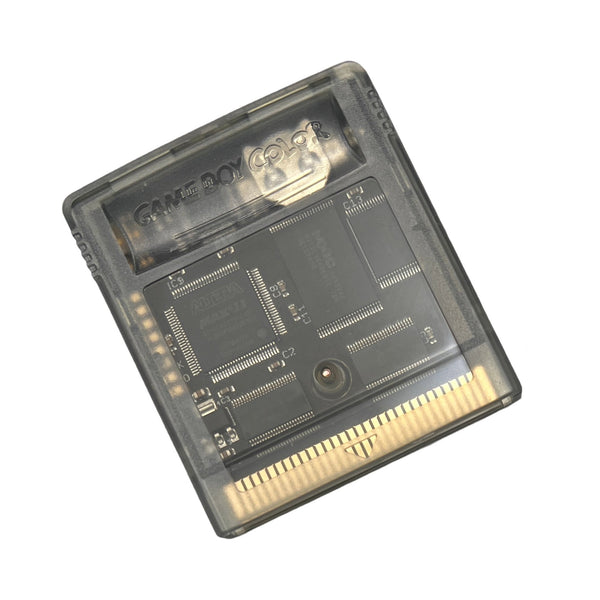
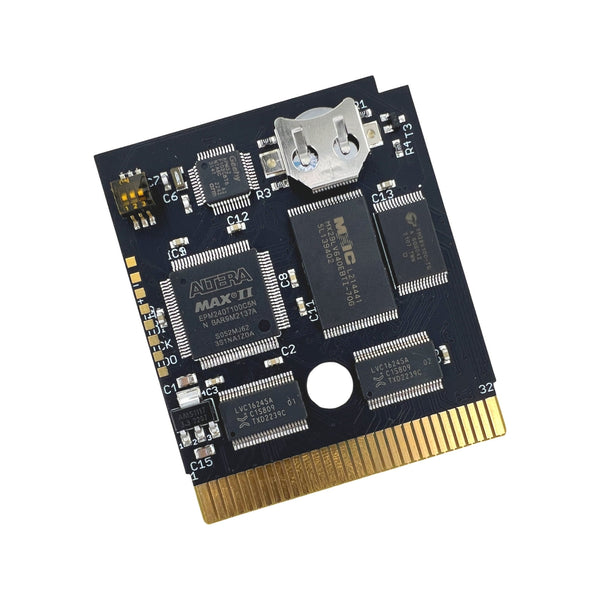
Original Game Boy, Game Boy Color and Game Boy Advance cartridges store save data in SRAM backed by a small lithium coin cell soldered to the cart PCB. After two decades that cell tends to run flat, and once it does the save is gone. Cart-backup tools let you dump the ROM and save to PC before that happens, write the save back after a battery swap, and re-flash compatible carts with patched or homebrew ROMs. ZedLabz stocks the InsideGadgets GBxCart RW 1.4 Pro (the most-shipped tool on this page), the BennVenn Joey Junior JR V2++, and BennVenn's 8MB FRAM reflashable flash cart with optional MBC5 mode.
Quick picks for any Game Boy cart-backup project
- Easy entry point: the GBxCart RW 1.4 Pro — comes assembled, no soldering, USB-C, works with Windows, Mac and Linux. The standard first-time buy.
- The crowd favourite: the GBxCart RW Pro paired with a BennVenn 8MB FRAM flash cart — back up your originals, then play them off a single reflashable cart.
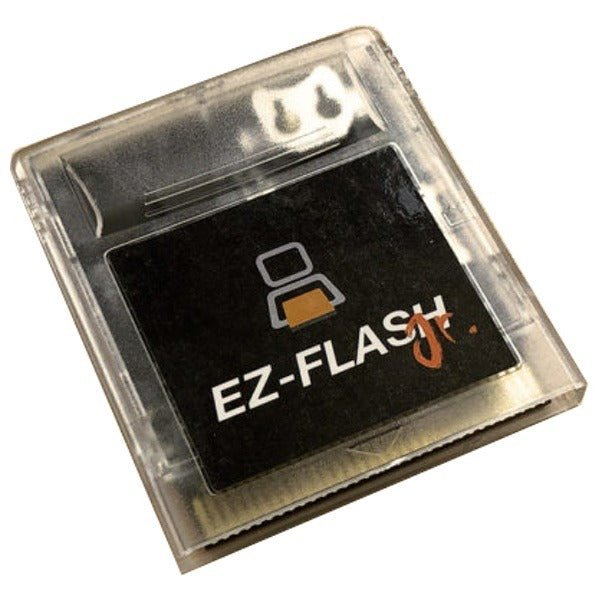
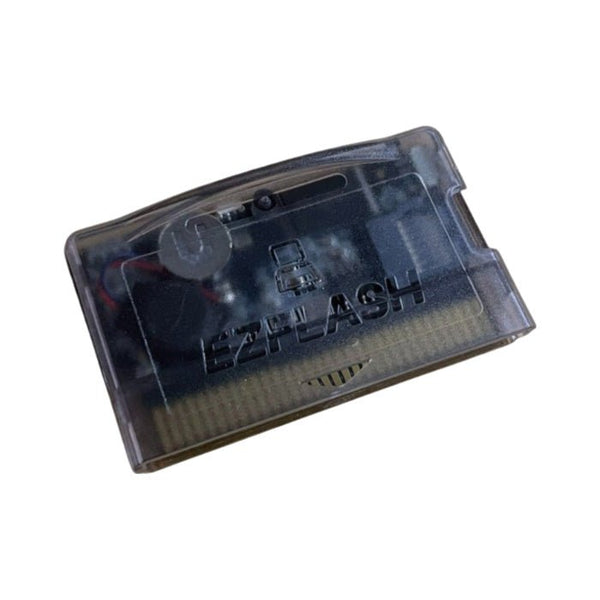
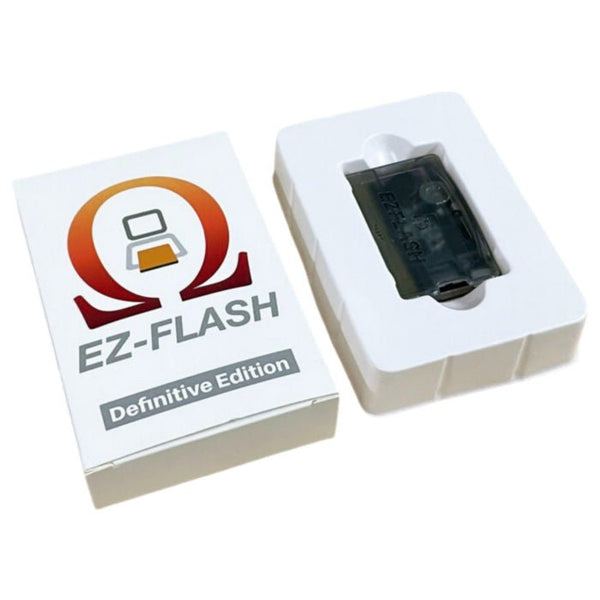
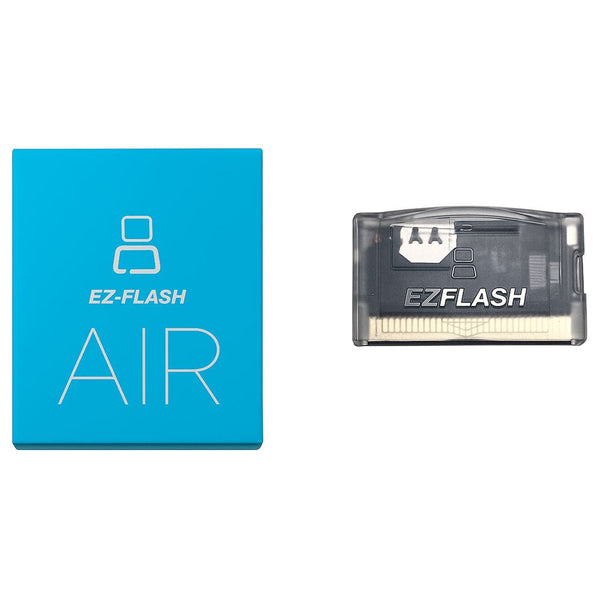
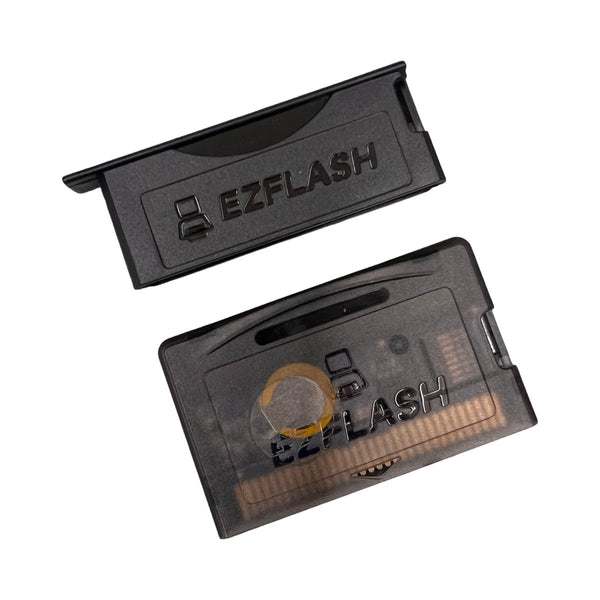
- The pro choice: the BennVenn Joey Junior JR V2++ for builders who prefer BennVenn's open-source toolchain, plus an EZ-Flash Omega Definitive Edition for the deepest GBA-side library.
The cart-backup workflow — what to do in what order
- Open the cart with a Y-bit tri-wing screwdriver from our modding tools range — original Nintendo cart shells use Y00 security screws.
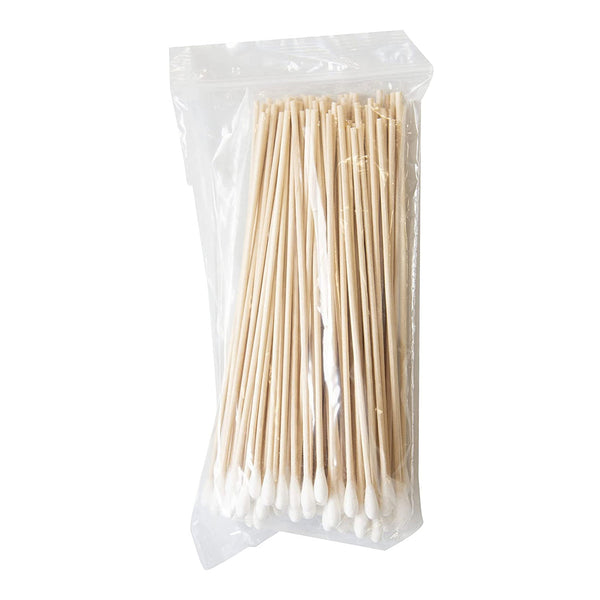
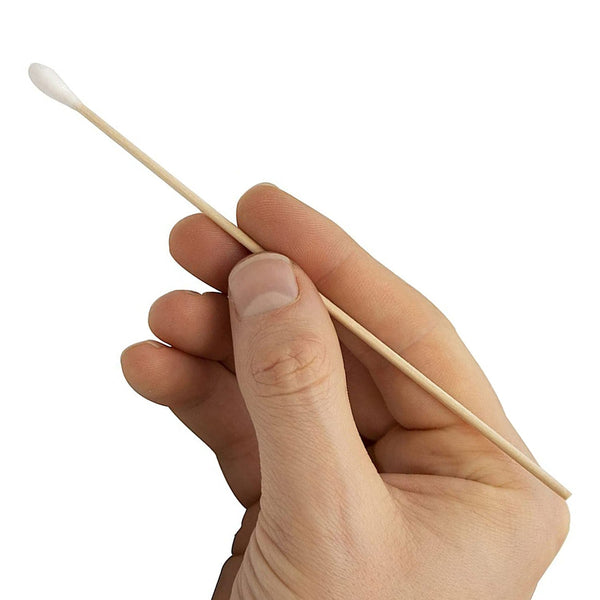
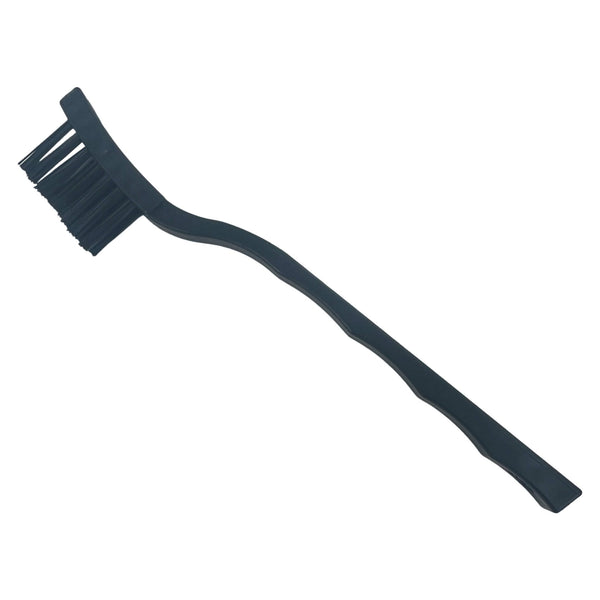
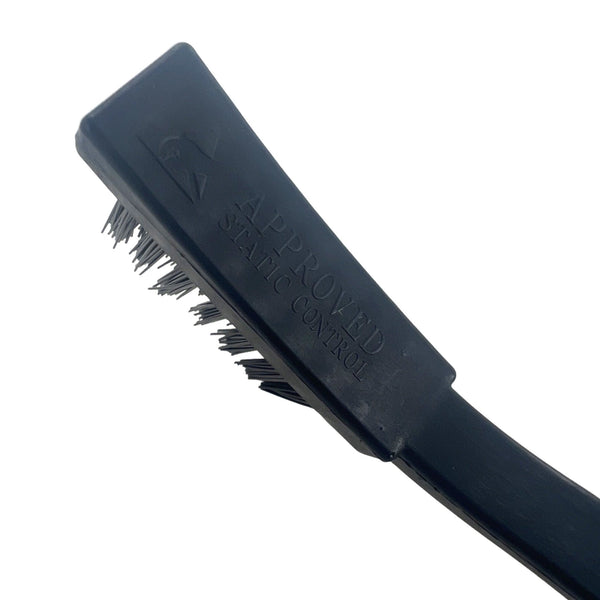
- Inspect and clean the PCB edge contacts — IPA wipes and cotton buds are usually enough; a soft anti-static brush helps with dust.
- Dump the ROM and save via GBxCart RW Pro or Joey Junior. Both tools handle GB, GBC and GBA cartridges with auto ROM-size detection.
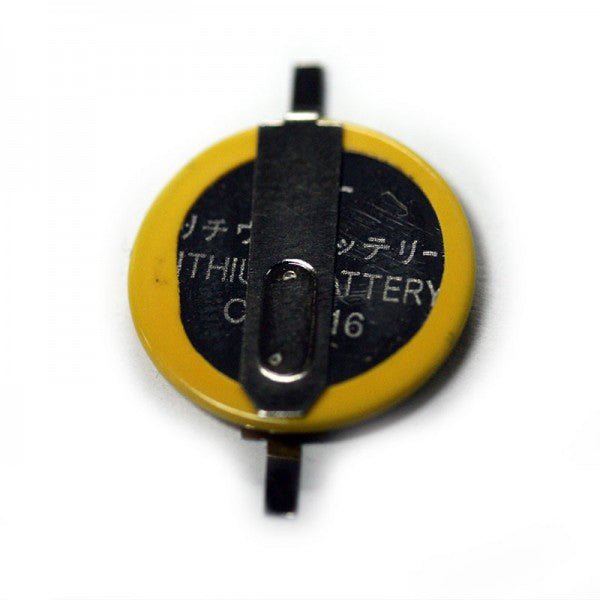
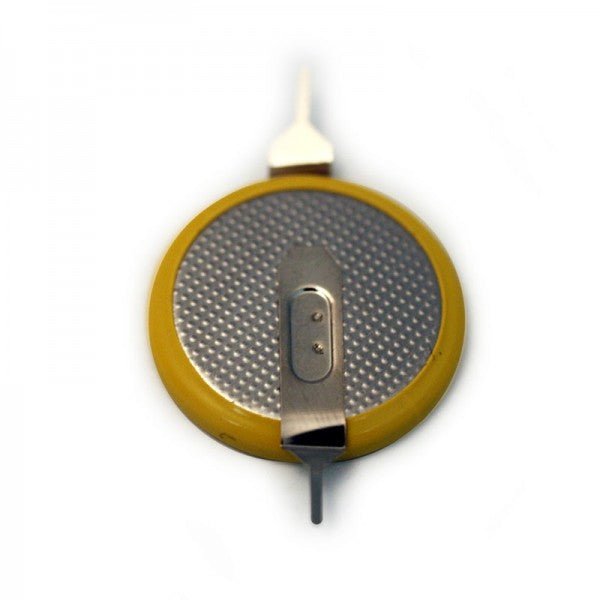
- Replace the save battery if the cart has one — original Game Boy / Color games typically use a tabbed CR2025 or CR1616 cell, soldered to two pads. Test the dumped save in an emulator before proceeding.
- Restore the save via the same tool, then verify in an emulator like BGB before putting the cart back into rotation.
GBxCart RW Pro vs Joey Junior — which one?
| Tool | Console support | Soldering required | Best for |
|---|---|---|---|
| GBxCart RW 1.4 Pro | GB, GBC, GBA | No (comes assembled) | First-time buyers, customers who want one tool that covers the whole Game Boy family |
| BennVenn Joey Junior JR V2++ | GB, GBC, GBA | No (plug and play) | BennVenn-toolchain users, modders who prefer the open-source firmware path |
All Game Boy cart-backup tools ship from the UK with global delivery. Returns and replacements per our returns policy.
Related collections
- GBxCart RW Pro by colour — shop the GBxCart by shell colour
- GBA FRAM flash carts and cart shells — what to flash onto after dumping
- Game Boy DMG parts — DMG-01 console parts
- Game Boy Color parts — CGB-001 console parts
- Game Boy Advance parts — AGB-001 console parts
Game Boy cart-backup — FAQs
What does the GBxCart RW Pro actually do?
Do I need to solder anything to back up a Game Boy cart?
My Game Boy cart's save keeps wiping — what should I do?
Which flash carts work with the GBxCart RW Pro?
What if I just want to play backups, not dump originals?
Does the GBxCart RW Pro work on a Chromebook?