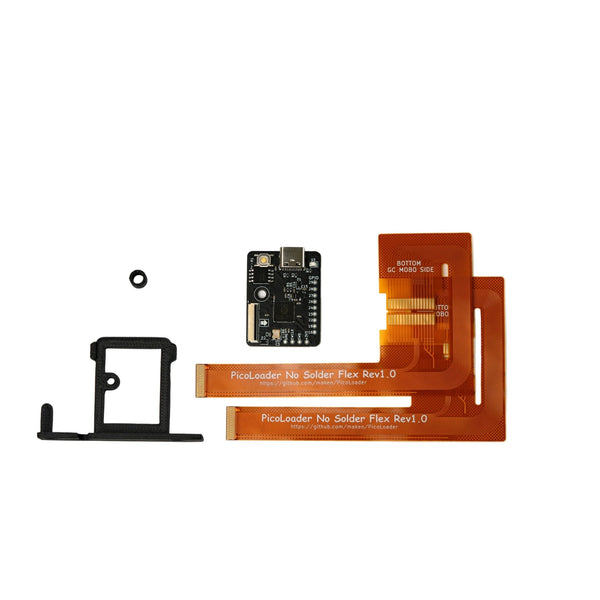
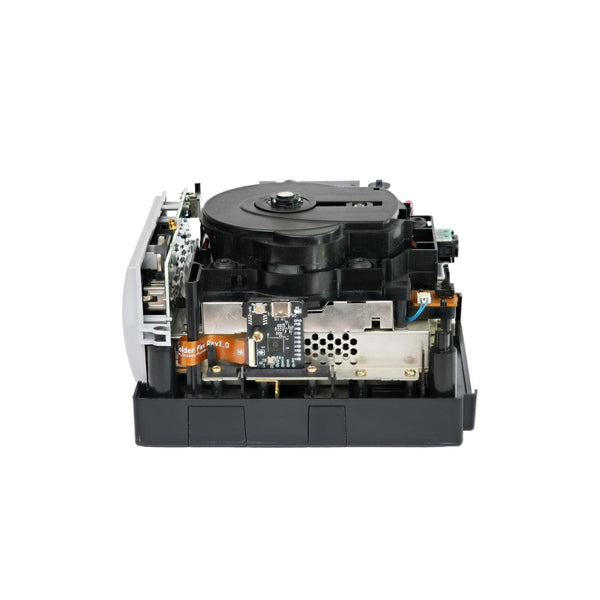
Shop Picoboot and Makeo Picoloader kits for the Nintendo GameCube. These Raspberry Pi Pico based loaders let the console load Swiss, the open-source GameCube homebrew loader, from an SD card at boot. The range includes the solderless Makeo Picoloader and the bare Picoboot board, with options for both DOL-001 and DOL-101 consoles.
Picoboot or Picoloader: which one do you need?
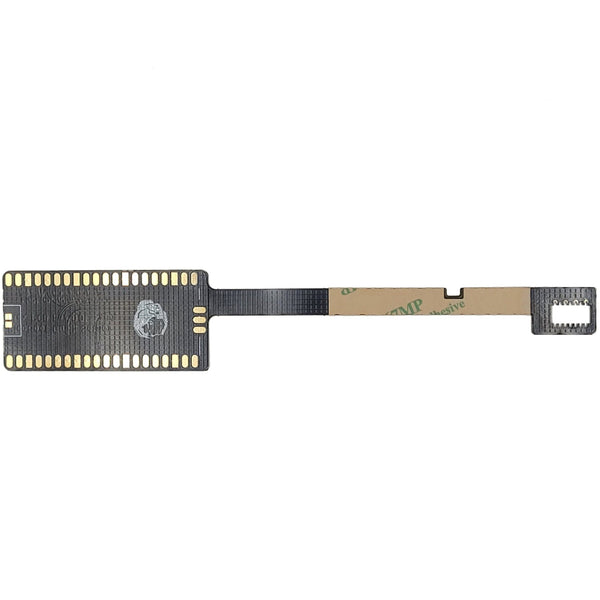
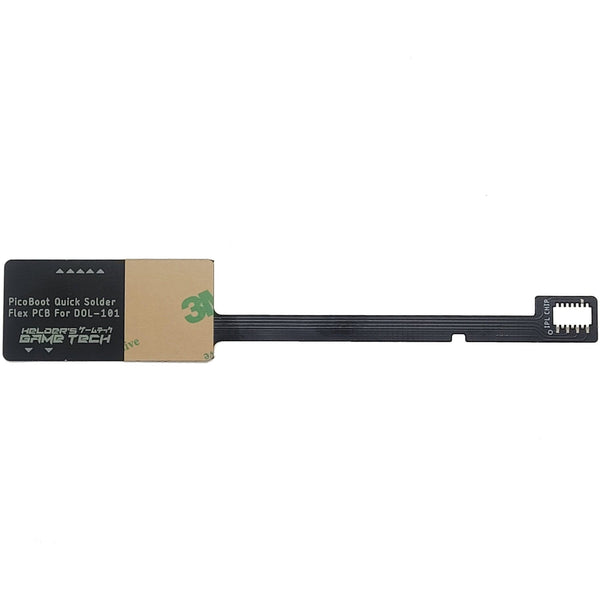
Picoboot is a bare Raspberry Pi Pico. It needs to be flashed with the Picoboot firmware and soldered into the GameCube, either with discrete wiring or with a Helder Game Tech quick-solder flex cable. It is the lower cost route and suits buyers who are comfortable with a soldering iron.
The Makeo Picoloader is a pre-flashed, drop-in version of the same idea. It does not require soldering and is the easier option for buyers who want a clean install without console soldering. Both give the same end result once installed: the GameCube can load Swiss from SD card when the console powers on.
GameCube compatibility: DOL-001 and DOL-101
Picoboot and the Makeo Picoloader fit both common GameCube revisions:
- DOL-001: the original revision with the Digital AV Out port on the back.
- DOL-101: the later revision with the Digital AV Out port removed.
If you are taking the soldered route, the Helder Game Tech quick-solder flex cable is revision specific. Each cable listing names the GameCube revision it fits, so check your console before ordering.
SD card adapters for Swiss SD loading
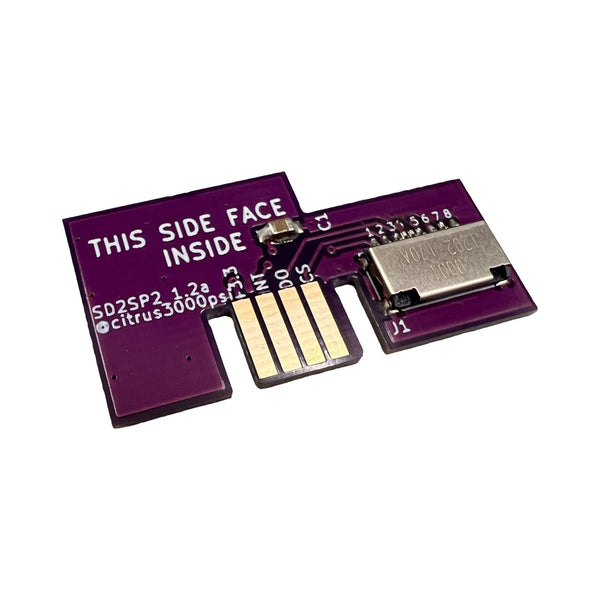
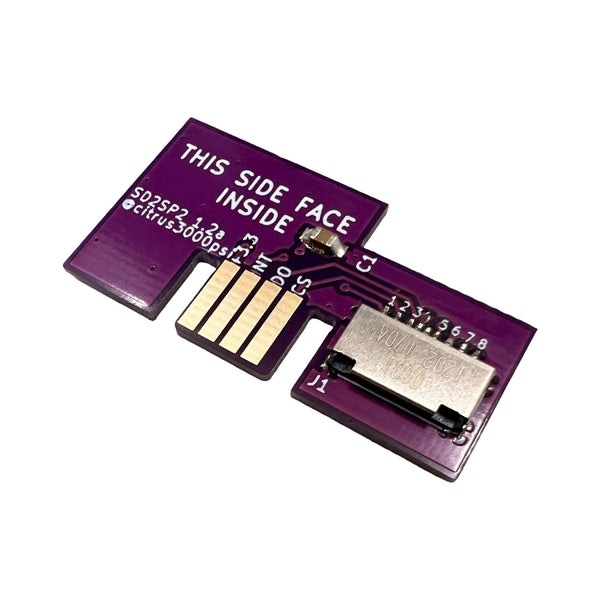
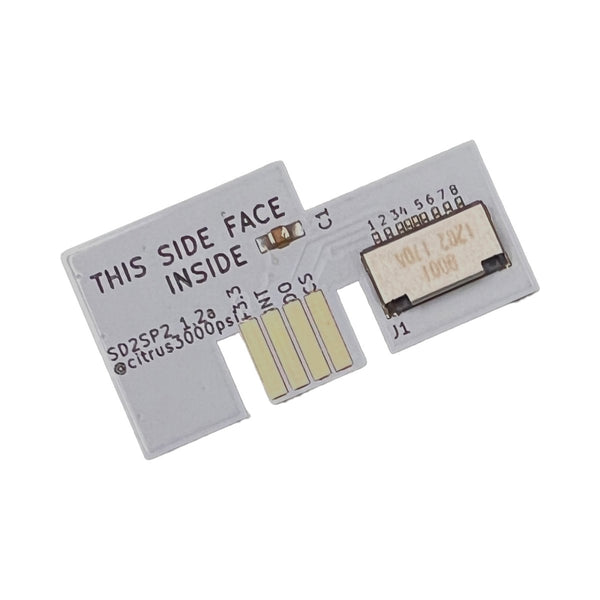
Picoboot and Picoloader handle the boot side. For SD card storage on the console itself, most setups also use either an SD2SP2 adapter, which fits the Serial Port 2 slot on the bottom of the GameCube, or an SD Gecko, a memory card shaped SD adapter that fits the standard memory card slots. Both are common GameCube SD card adapter options for Swiss SD loading and work alongside the loaders in this collection. Browse GameCube parts and mods for the SD2SP2, SD Gecko, and related accessories.
Choosing between solderless and soldered
If this is your first GameCube mod, the Makeo Picoloader is the safer starting point. It drops in without soldering, can be removed cleanly later, and avoids the most common cause of failed installs (poor solder joints).
If you already have a soldering iron and some practice on retro consoles, the bare Picoboot paired with a Helder Game Tech flex cable is a lower cost path with the same end result. Discrete wiring is also an option for experienced modders, though it leaves more residual solder than the flex cable route.
Related collections
- GameCube parts and mods: the full DOL-001 and DOL-101 catalogue, including SD2SP2 and SD Gecko adapters.
- GameCube HDMI adapters: pair Picoboot with HDMI output for modern TVs.
- GameCube modding tools: 4.5 mm gamebit, PH00 Phillips, and ESD safe tweezers.
- Console soldering supplies: irons, tips, flux, and solder for the bare Picoboot install.
- Cleaning consumables: IPA wipes and brushes for prepping the install area.
Installation steps at a glance
- Choose your install path: Makeo Picoloader (solderless) or bare Picoboot (soldered).
- Identify your GameCube revision (DOL-001 or DOL-101). This matters for the Helder flex cable on the soldered path.
- Open the console with a 4.5 mm gamebit and a PH00 Phillips from our modding tools range.
- Clean the install area with IPA wipes and an ESD safe brush.
- Fit the Picoboot or Picoloader. Drop in for the Makeo, or solder the discrete points or the Helder flex for the bare Pico.
- Boot test before reassembly. Swiss should load from a FAT32 formatted SD card on power-on.
- Reassemble and confirm the console runs as expected.
Picoboot and Picoloader FAQs
What is the difference between Picoboot and the Makeo Picoloader?
What can I run with Swiss?
Do I need an SD2SP2 or SD Gecko adapter as well?
Does the Makeo Picoloader need soldering?
Will Picoboot fit a DOL-101 GameCube?
Can I keep the disc drive after installation?
Is the install reversible?
Do I need any other parts to get started?
All Picoboot and Picoloader parts ship from the UK with global delivery. Returns and replacements are covered by our returns policy. These products are intended for homebrew, open-source software, and community-developed applications. Software use is the buyer's responsibility.