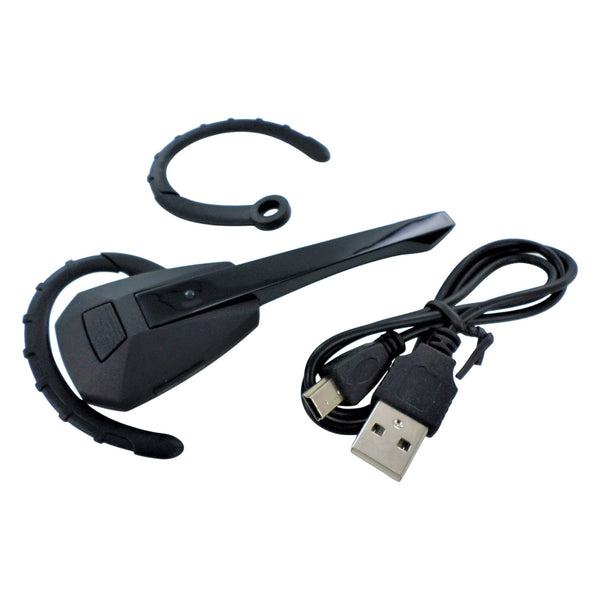
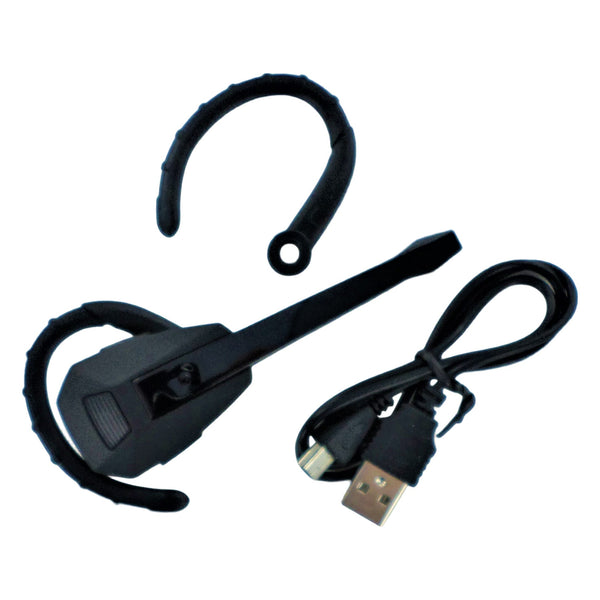
Headsets and earphones for PS3, the focused range for chat audio and stereo headsets on the PlayStation 3 at ZedLabz.
Browse PS3 audio
The PS3 supports headsets through several routes. Bluetooth pairing for chat, a 3.5mm jack on later DualShock 3 revisions for stereo headsets, and USB connections for wired headsets. We stock a working selection across those formats, suitable for online chat as well as basic in-game audio.
Quick picks by use
- Easy entry point: a basic wired chat headset over USB or 3.5mm, cheap, plug-and-play, no pairing.
- The crowd favorite: a Bluetooth chat headset for cordless party chat. The PS3 has Bluetooth 2.0 / 2.1 onboard depending on revision; pair via Settings > Accessory Settings > Manage Bluetooth Devices.
- The pro choice: a stereo gaming headset that uses the controller's 3.5mm jack on later DualShock 3 controllers, sends both chat and game audio through one device.
Related collections
Worldwide tracked delivery. Returns and replacements per our returns policy.
PS3 headsets. FAQs
How do I pair a Bluetooth headset with a PS3?
Open Settings > Accessory Settings > Manage Bluetooth Devices > Register New Device. Put the headset in pairing mode and select it from the list. The PS3 supports up to seven Bluetooth devices total. Re-pair after a system update if the connection drops.
Can I use a PS4 headset on a PS3?
Sometimes. Wired headsets that use 3.5mm into the controller jack work on later DualShock 3 controllers. Bluetooth headsets typically pair fine. USB headsets that use PS4-specific drivers may not be recognized by the PS3.
Do all DualShock 3 controllers have a 3.5mm jack?
No. The 3.5mm headset jack on the DualShock 3 was a later addition; early DualShock 3 revisions don't have it. If your controller has no jack, use a Bluetooth or USB headset instead.
Why is my PC chat headset quiet on a PS3?
The PS3's USB audio output is generally low-power compared to a PC. Most PC USB headsets work but volume and mic gain can be lower than expected. Check Settings > Accessory Settings > Audio Device Settings to confirm the headset is selected as both input and output.