Sega Saturn parts and mods, the parts and mods collection for keeping the 1994 32-bit running at ZedLabz.
Browse Saturn parts by type
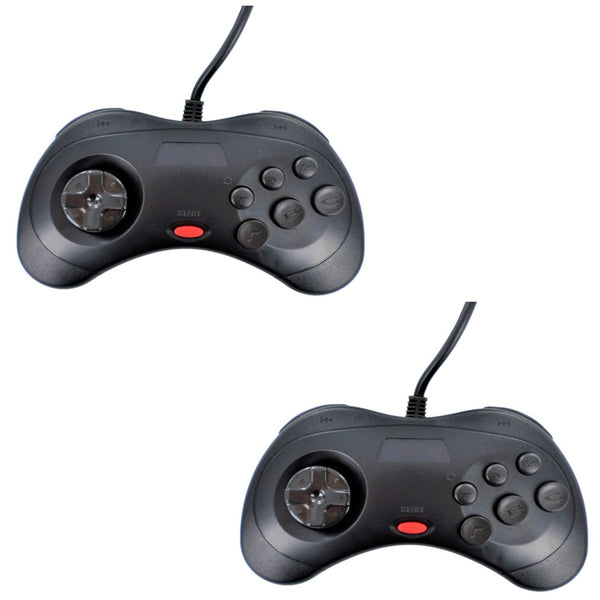
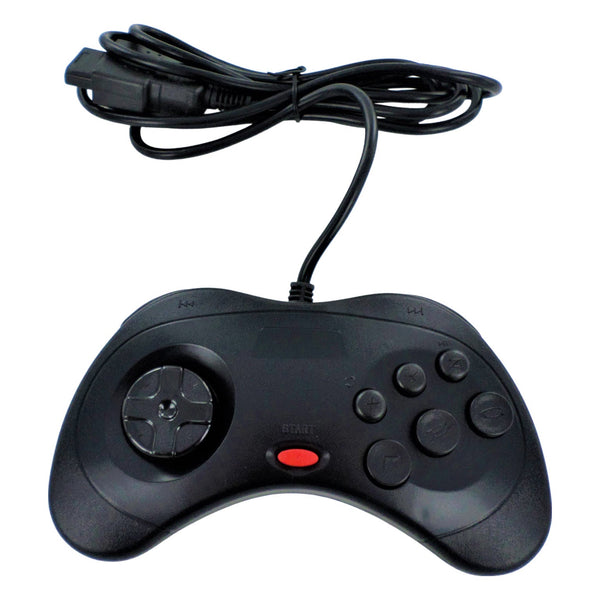
- Saturn controllers and parts
- All Sega retro consoles
- Capacitor kits, for board recap projects
- Sega Dreamcast parts
- Sega Game Gear parts
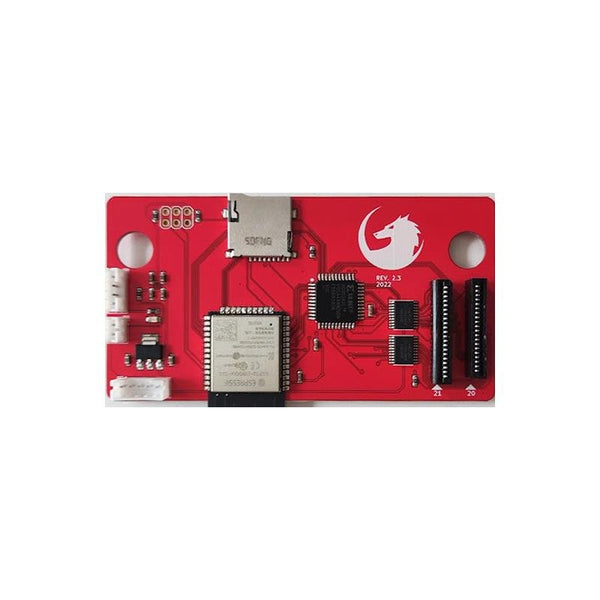
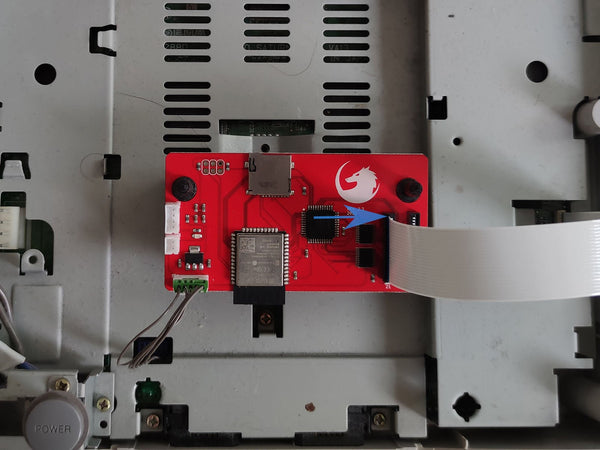
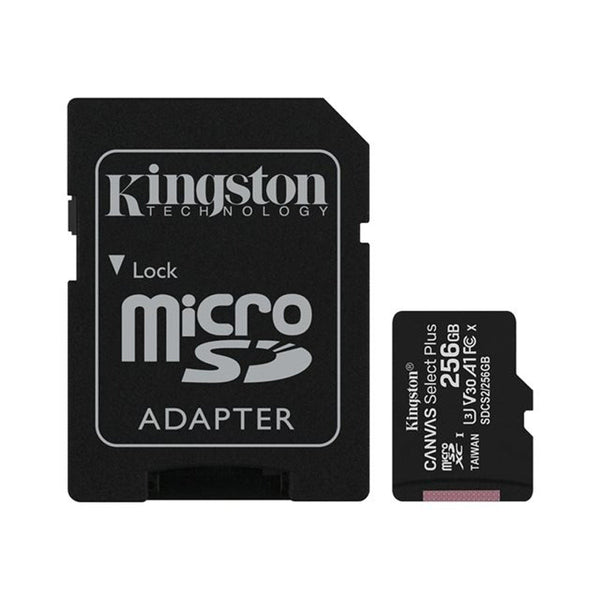
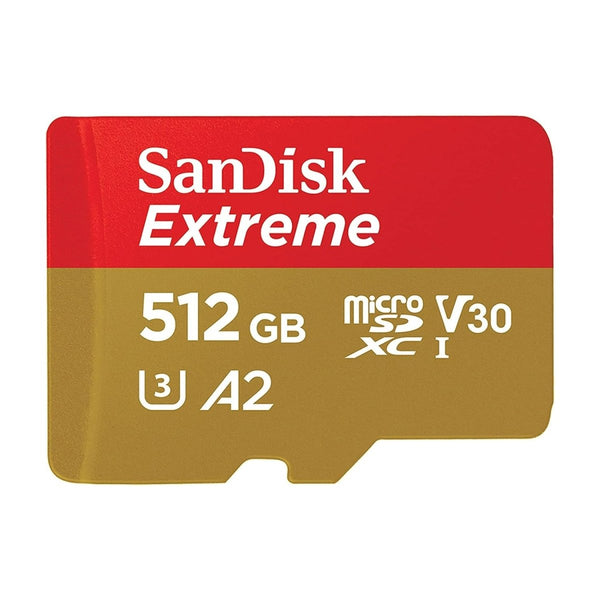
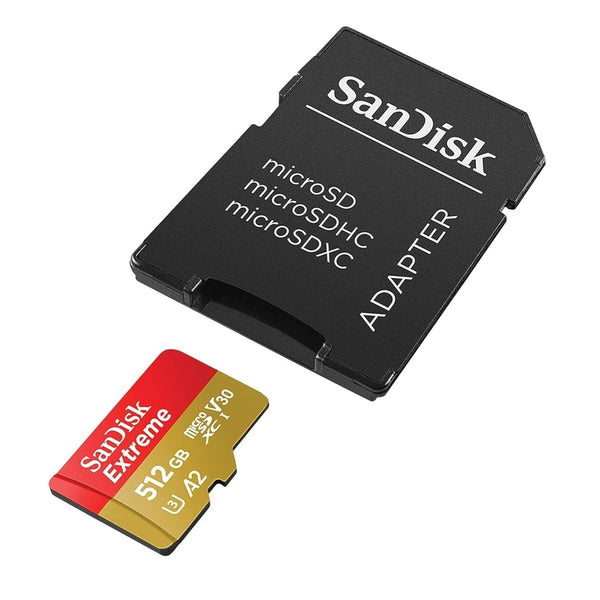
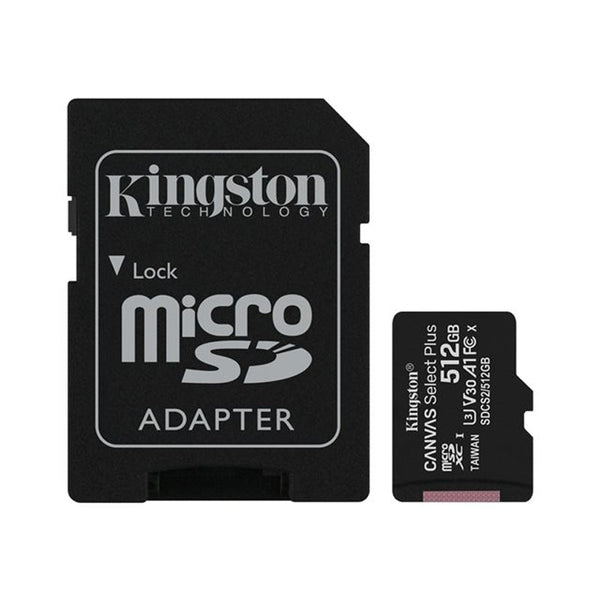
The Sega Saturn launched in 1994 (Japan) / 1995 (US/EU) and powered through to 2000. The most-cited Saturn maintenance items: the internal CR2032 battery (which holds save data and the system clock) and the optical drive ribbon. Modder community attention is also on the Saturn ODE (optical drive emulator) install for buyers who want to play from SD card. ZedLabz stocks replacement controllers, AV cables, capacitor kits and the routine repair parts.
Quick picks for any Saturn build
- If it's your first Saturn fix: a fresh CR2032 battery, stops "no save data" and "clock keeps resetting" issues. Takes minutes, no soldering.
- The everyday build: battery refresh plus an RGB SCART cable and a fresh controller, modern picture, clean save data, working pad.
- The dream rig: recapped board, ODE install (in the wider modding scene), RGB output, and a couple of OEM-spec controllers.
The Saturn maintenance ladder
- Replace the CR2032 battery: the foundational Saturn fix. The battery sits in a clip on the motherboard and is screwdriver-only.
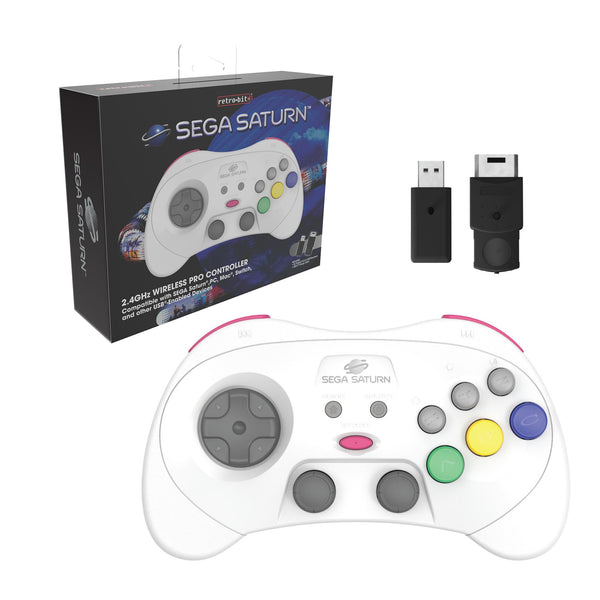
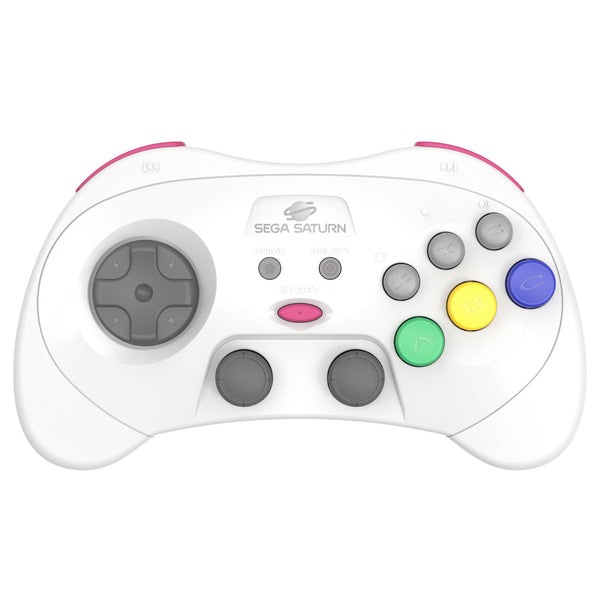
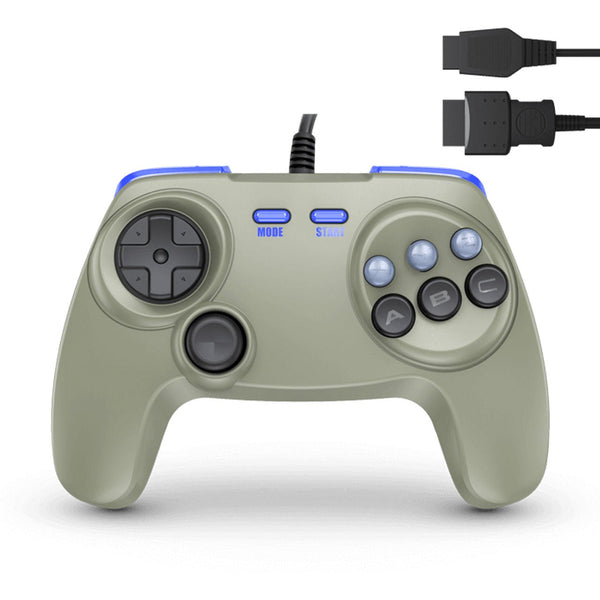
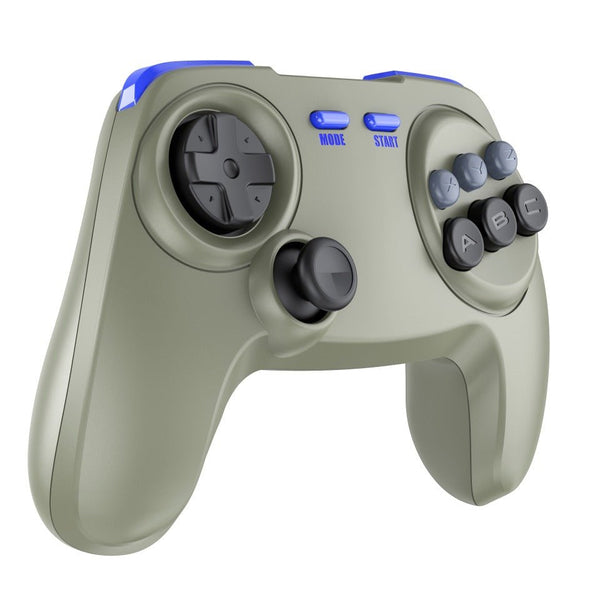
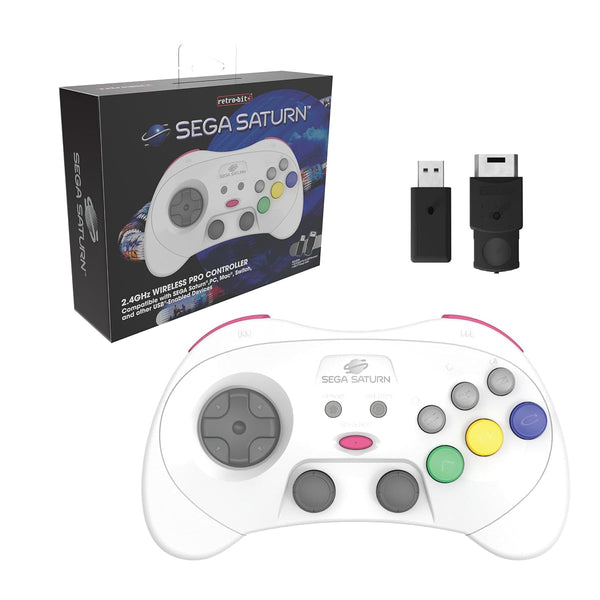
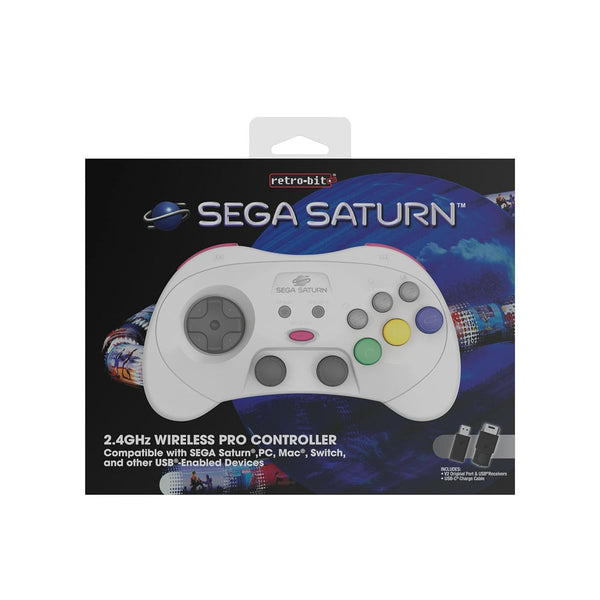
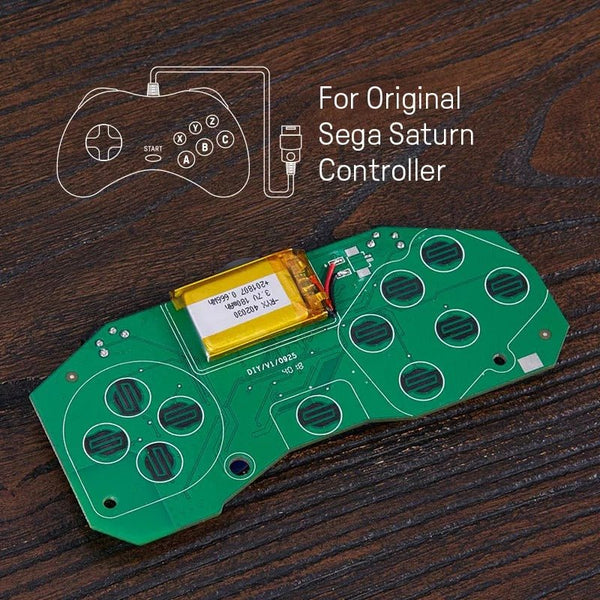
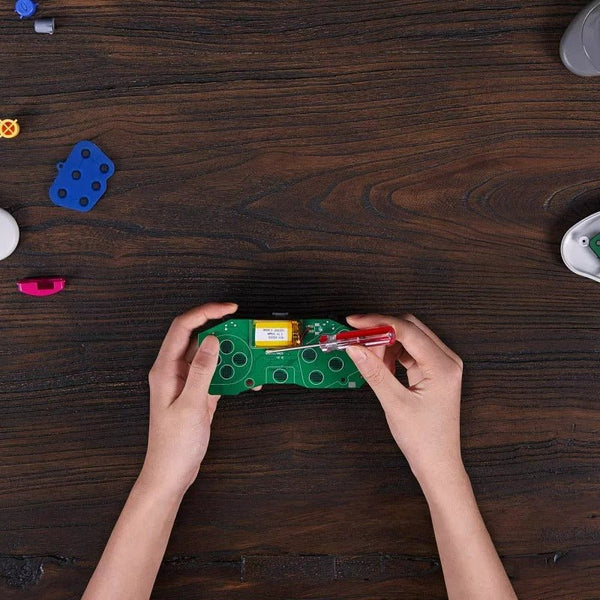
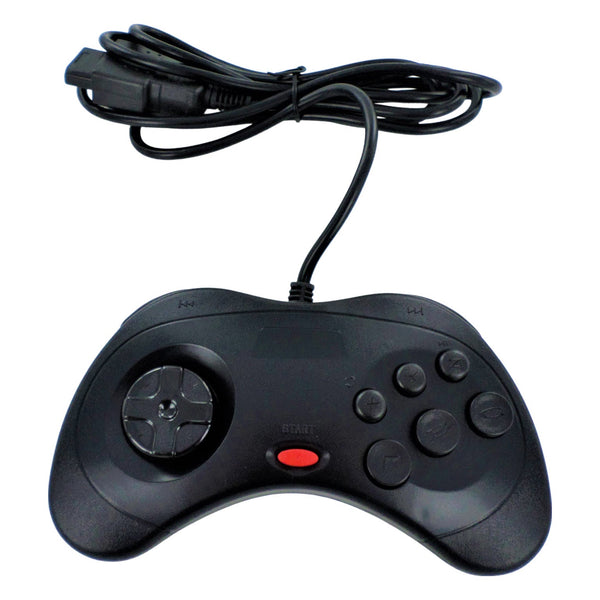
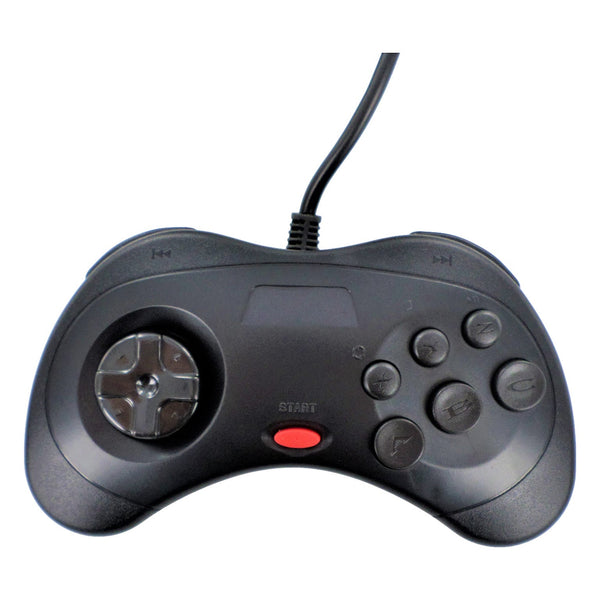
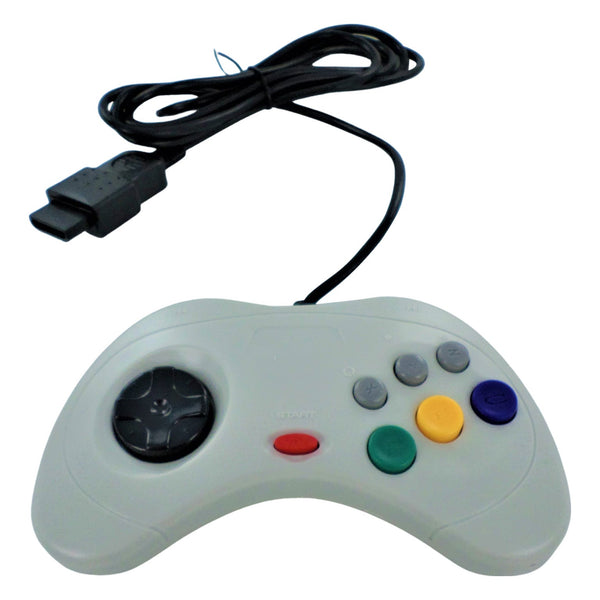
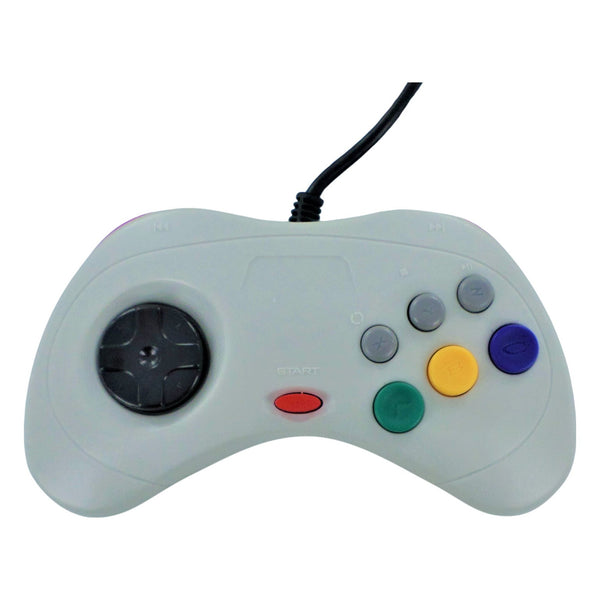
- Refresh the controller: Saturn pads are mechanically simple, but worn D-pads and stuck Start buttons are common. Browse Saturn controllers.
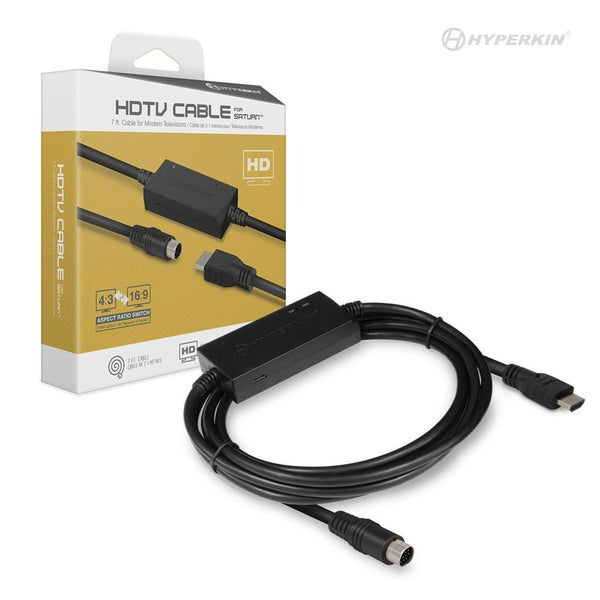
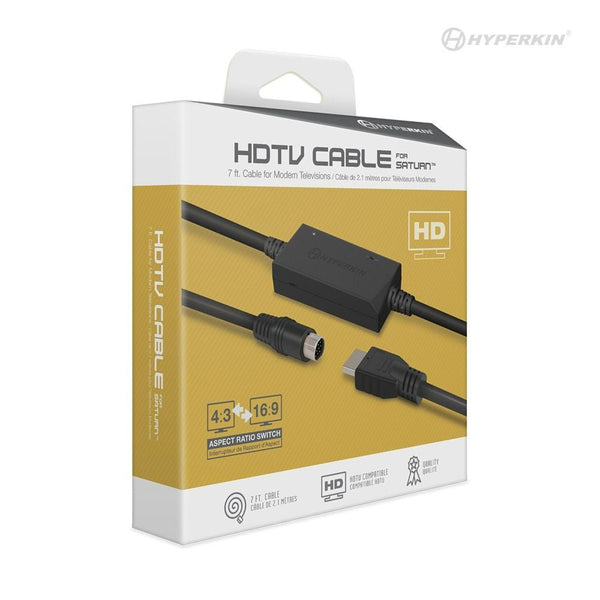
- Upgrade the AV cable: RGB SCART is widely considered the cleanest Saturn picture. Pair with an upscaler for modern displays.
- Recap the board: for consoles with audio noise or display artefacts. Through-hole capacitors mostly; some surface-mount on later revisions. See capacitor kits.
- Optical drive cleaning / replacement: for read errors. Lens cleaning helps short-term; a fresh optical drive ribbon or full drive is the longer fix.
International tracked shipping available.
Related collections
Sega Saturn. FAQs
Why does my Saturn keep losing saves?
The internal CR2032 battery holds Saturn save data and clock, when the battery dies (typical after ~5–10 years), saves and date settings are lost on power-off. A fresh CR2032 is the fix. The battery sits in a clip on the motherboard, accessible via the rear cover. Modder community recommendation: refresh the battery proactively rather than waiting for save loss.
Are Saturn controllers compatible across regions?
Largely yes, the Saturn controller port is the same across Japanese, US and PAL consoles. Region differences affect the console itself (and the games), not the pad. Modern third-party Saturn pads from Retro-Bit and similar are widely available and work on any region console.
Why won't my Saturn read discs?
Most often, optical drive ribbon wear or a tired laser. The ribbon flexes every time the drive opens, and after 25+ years many ribbons crack. Replacement ribbons are stocked. If the ribbon is fine, lens cleaning is the next try; replacement laser assemblies are scarce, which is part of why the ODE community is active.
Is RGB worth it on a Saturn?
For most modders, yes. The Saturn outputs RGB natively, and an RGB SCART cable produces a noticeably sharper image than composite or S-Video. CRT users get the classic look directly; modern-display users typically pair RGB with an upscaler. US modders typically need a SCART-to-component or upscaler chain since US sets didn't ship with SCART.