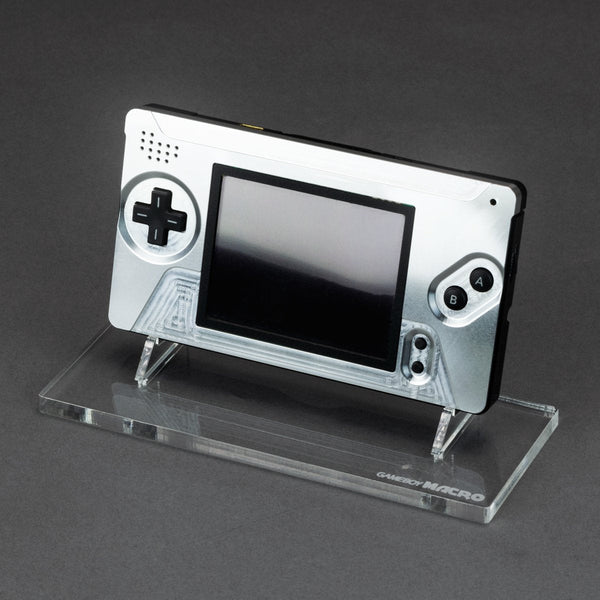
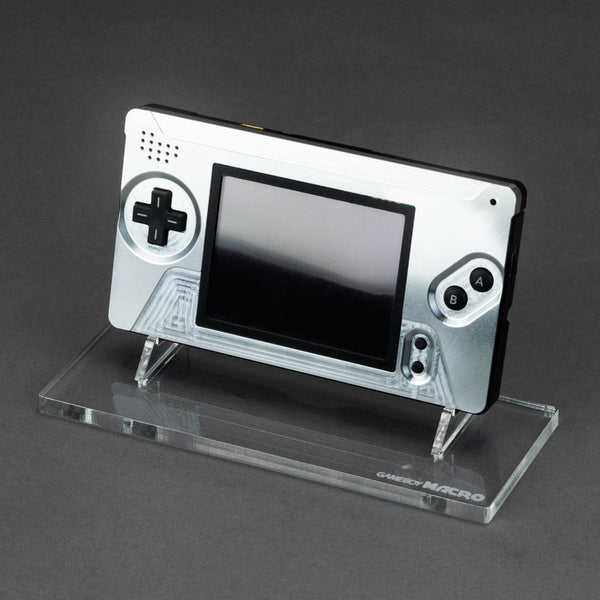
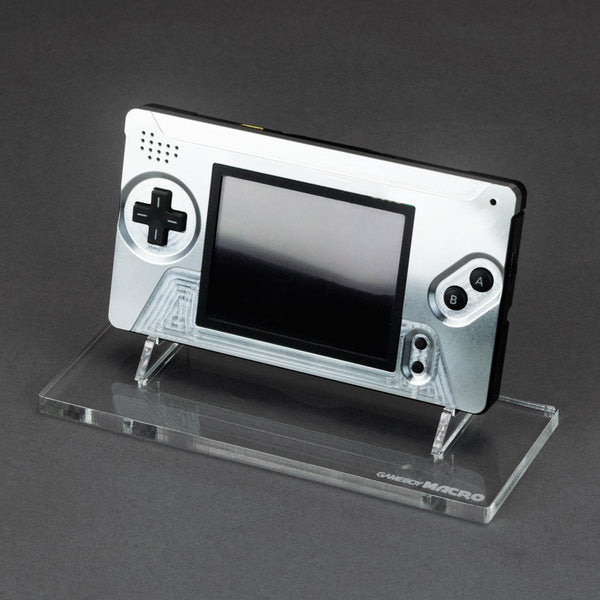
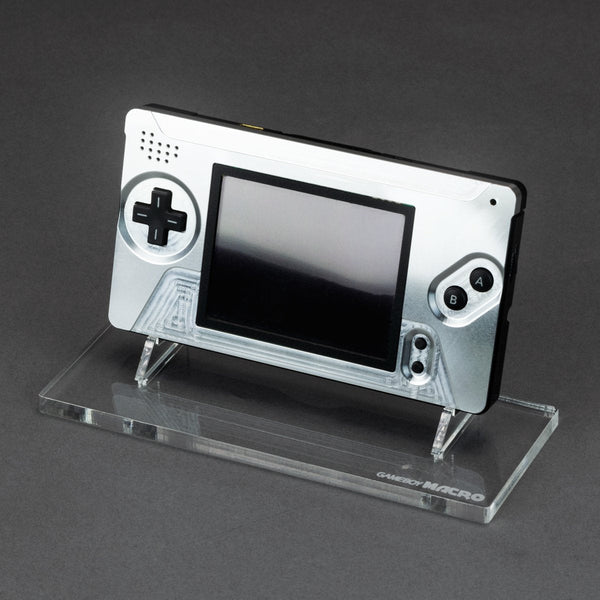
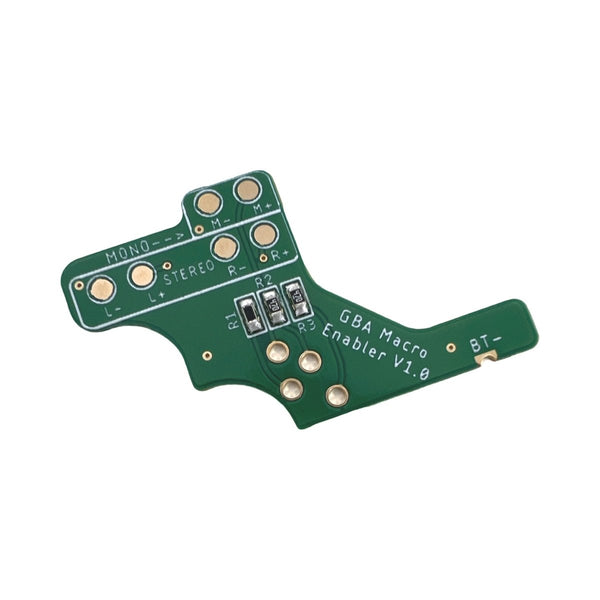
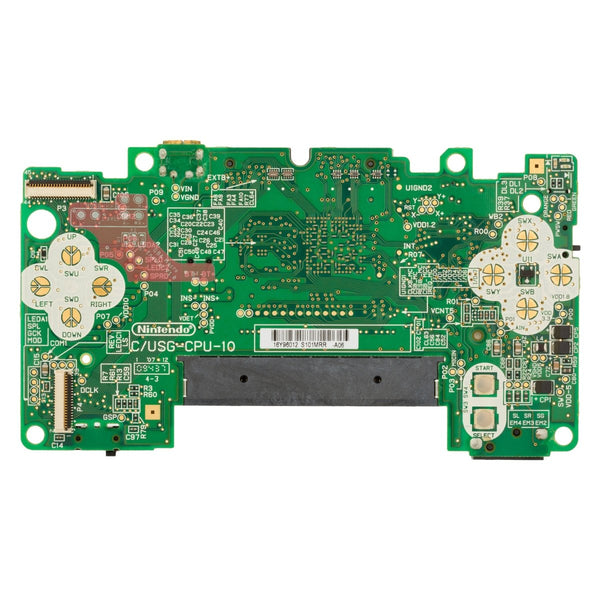
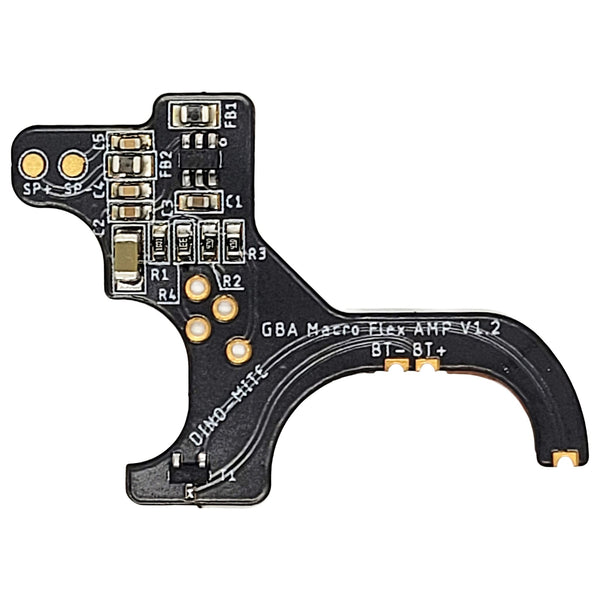
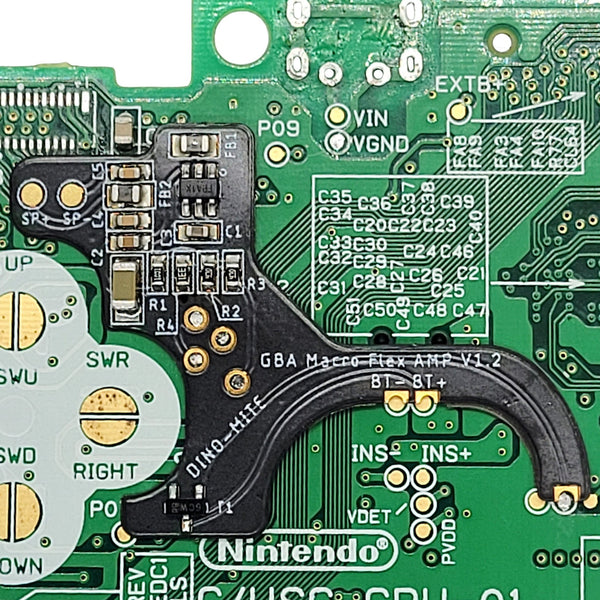
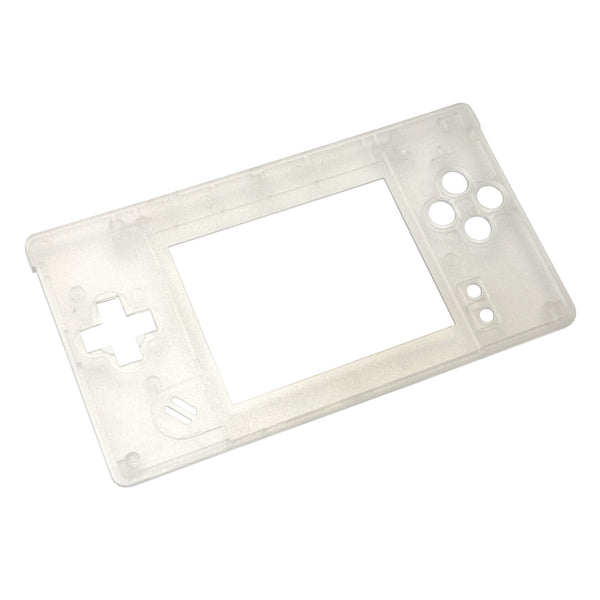
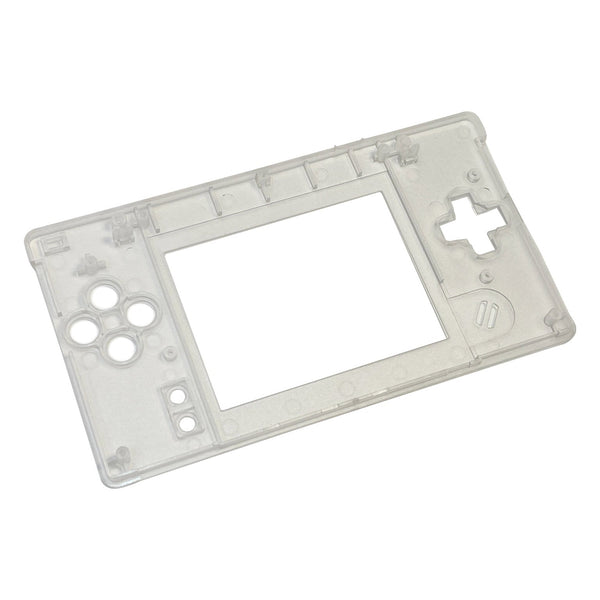
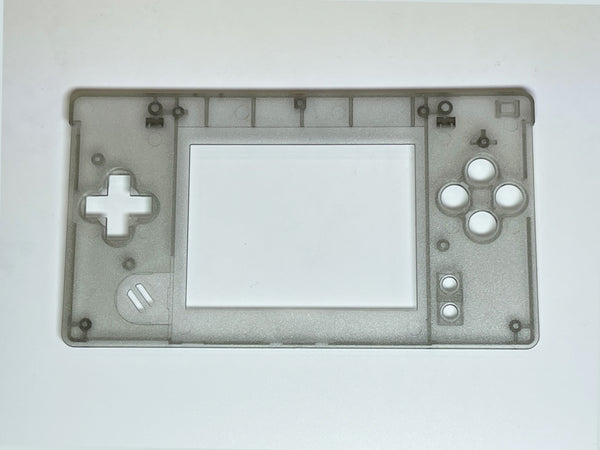
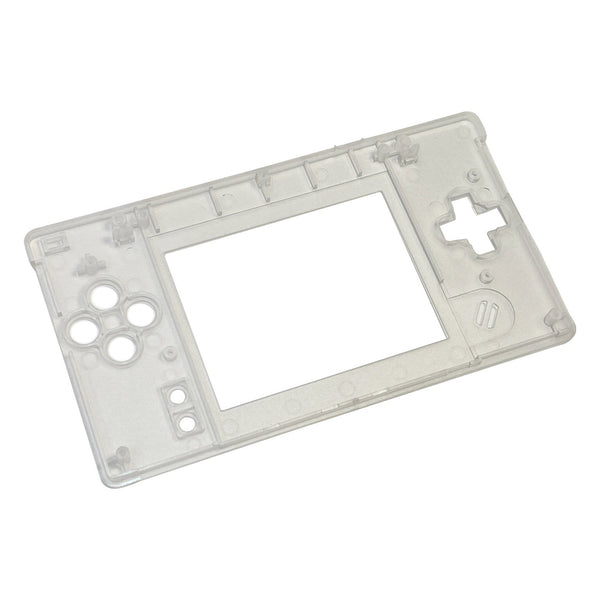
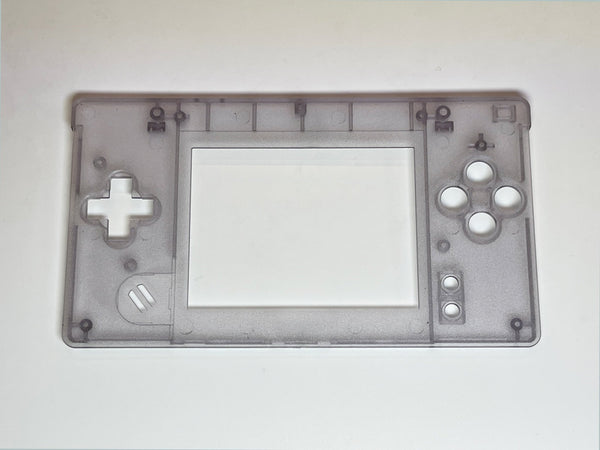
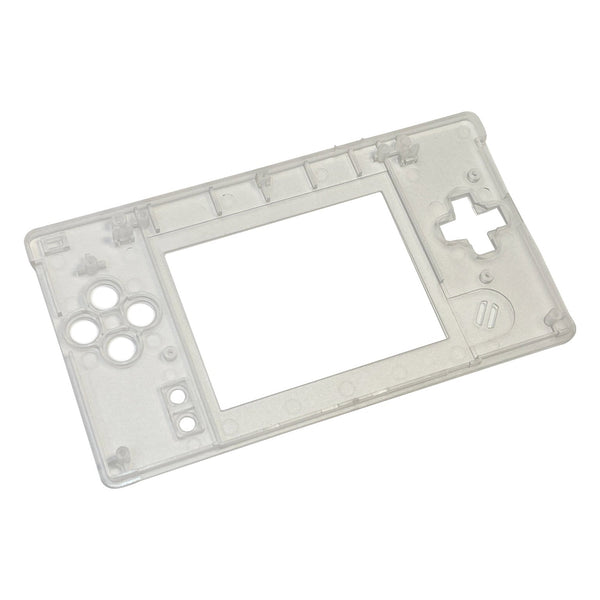
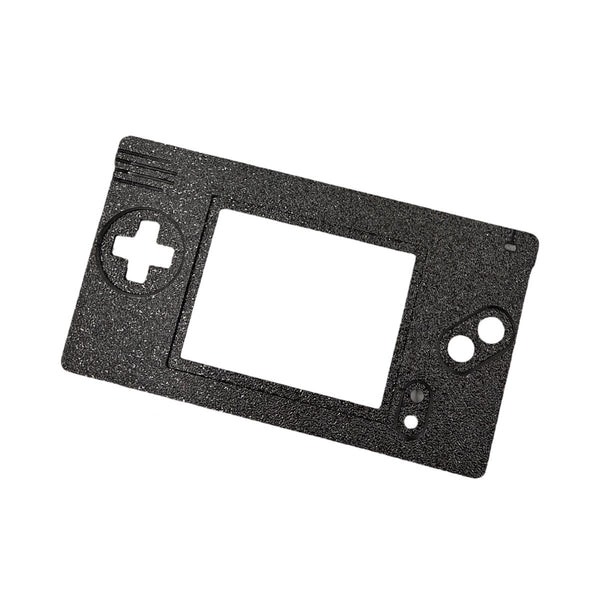
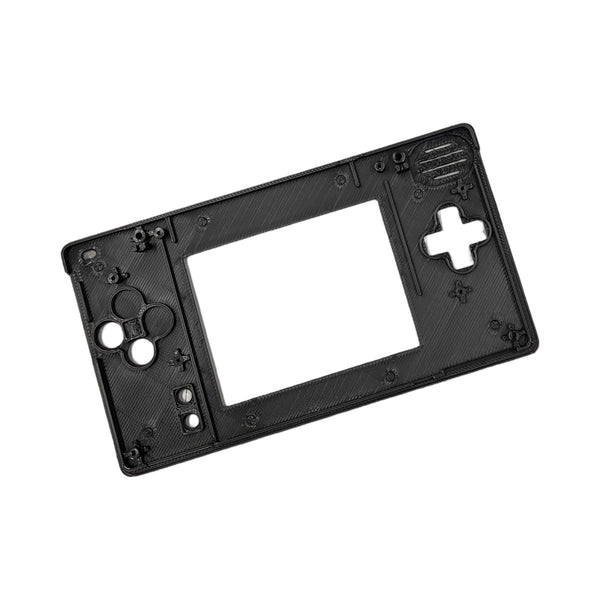
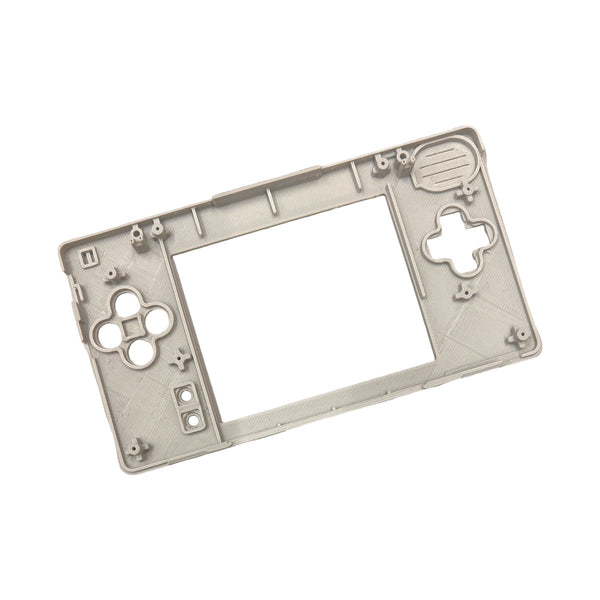
Game Boy Macro modding parts, parts and kits to convert a Nintendo DS Lite (USG-001) into a Game Boy Macro for big-screen GBA play.
Browse Game Boy Macro parts by type
- Top-screen removal hardware. Hinge covers and trim parts for a clean top after removing the upper screen
- Macro button mods. X / Y button reposition and shoulder button add-ons
- Replacement DS Lite shells. Cosmetic shells for the converted handheld
- DS Lite repair parts. Batteries, hinges, ribbons (see also DS Lite parts)
The Game Boy Macro is a Nintendo DS Lite mod where the upper screen is removed and the lower screen becomes the main display, giving you a single big bright screen for playing Game Boy Advance cartridges through the DS Lite's GBA slot. It's one of the most-cited DS Lite mods because it's mostly mechanical (no soldering for the basic version) and produces an obviously different handheld at the end. ZedLabz stocks the trim hardware, button mods and shells you need to finish the conversion cleanly.
Quick picks for a Macro build
- Easy entry point: a basic top-screen removal job, you don't strictly need any extra parts beyond opening the DS Lite, removing the top screen and putting it back together. The Macro mod earns its name from this minimal version.
- The everyday build: top-screen removal plus a fresh DS Lite shell in your color of choice and a hinge trim cover for a clean look at the top. Cosmetic refinement on the basic conversion.
- The competitive build: top-screen removal, replacement shell, button reposition mod for X / Y access in GBA games, plus a fresh DS Lite battery for the unit returning to active use.
The Macro conversion workflow
- Open the DS Lite: tri-wing Y-bit and Phillips PH00 screws, plastic pry tools to separate the shell halves carefully.
- Disconnect the top screen: lift the top-screen ribbon from the motherboard and remove the upper assembly. The DS Lite will boot into GBA mode with one screen working.
- Cap the hinge: a hinge cover or trim part finishes the top of the unit cleanly where the upper screen used to attach.
- Optional: rehouse: a fresh DS Lite shell in your color of choice for cosmetic refresh.
- Optional: button mods: X and Y button repositioning gives access to those inputs in DS games (the lower-screen-only Macro is GBA-focused but still accepts DS games with the right inputs).
Worldwide delivery with tracking on every order. Message support if you need help choosing between hinge trim styles for your Macro build.
Related collections
- DS Lite Parts. Full DS Lite parts catalog
- Game Boy Advance Parts. AGB-001 mods (GBA cartridges play in the Macro)
- Game Boy Pocket Parts
Game Boy Macro. FAQs
What's the appeal of the Game Boy Macro?
It gives you a bright backlit single-screen handheld for Game Boy Advance cartridges, using the DS Lite's lower screen and the GBA cartridge slot the DS Lite shipped with. The DS Lite screen is sharper and brighter than the original GBA's reflective LCD, so the Macro is a way to play GBA games on a much better screen without doing an IPS install on an actual GBA.
Does the Macro mod need soldering?
The basic top-screen removal version doesn't need any soldering, just disassembly and disconnecting the top-screen ribbon. Some advanced Macro variants add things like a USB-C charging mod or a power button reposition, those individual mods may have their own soldering requirements.
Will the Macro still play DS games?
Most DS games require both screens, so the Macro is primarily a GBA-focused mod. Some DS games that use only one screen are technically playable but with input limitations. If you want full DS compatibility, keep an unmodded DS Lite alongside the Macro.
What tools do I need for a Macro conversion?
Tri-wing Y-bit and Phillips PH00 (DS Lite shell screws), plastic pry tools to separate the shell, ESD tweezers for ribbons. No soldering iron needed for the basic version. See our modding tools.
Can I undo the Macro mod?
Yes, if you keep the original top screen and ribbon, the basic Macro mod is reversible by reversing the disassembly steps. If you've cut down the shell or done irreversible cosmetic work, those changes don't reverse.