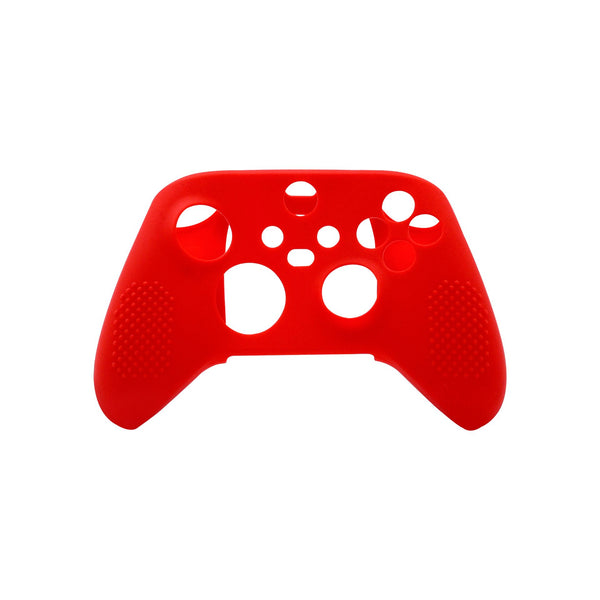
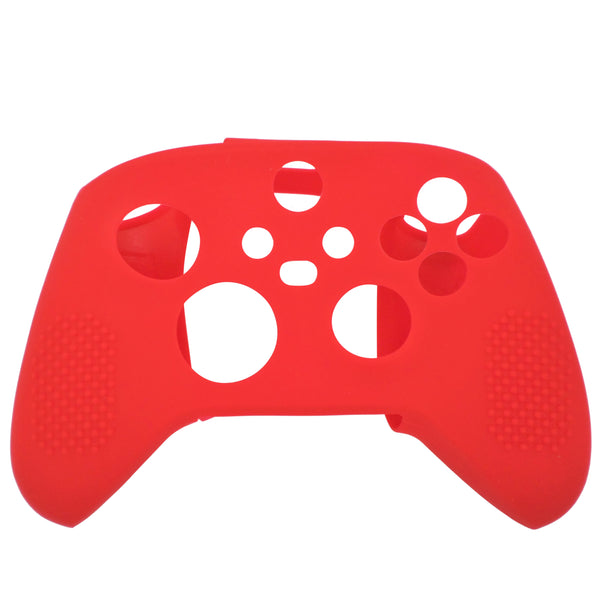
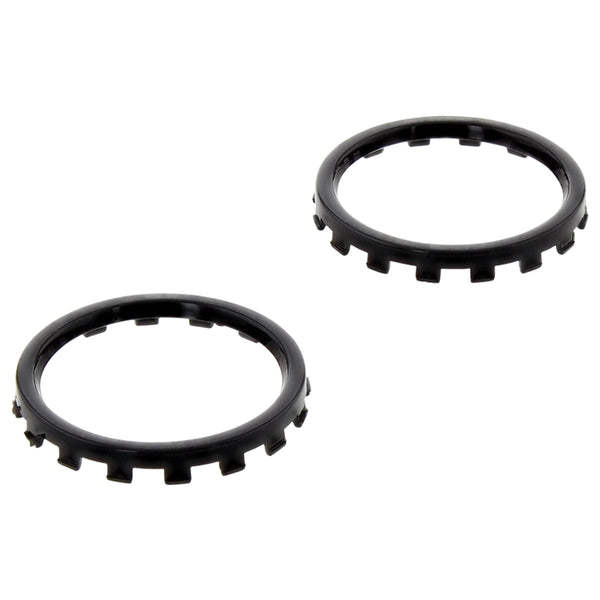
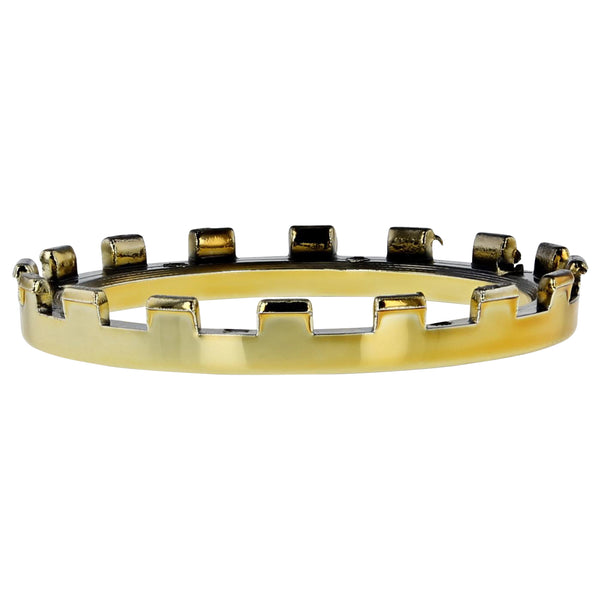
Xbox One parts and accessories, the comprehensive catalog for Xbox One, Xbox One S and Xbox One X at ZedLabz.
Browse Xbox One parts by type
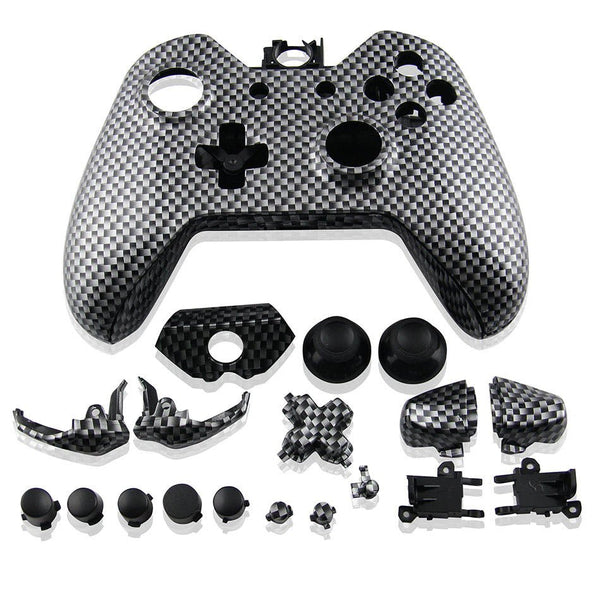
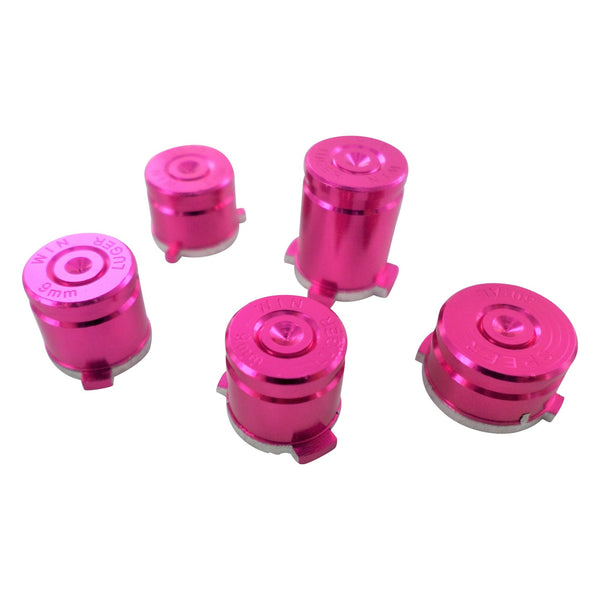
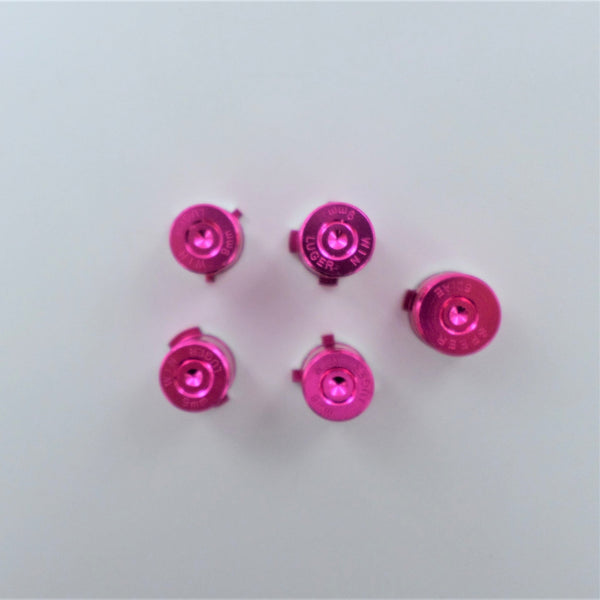
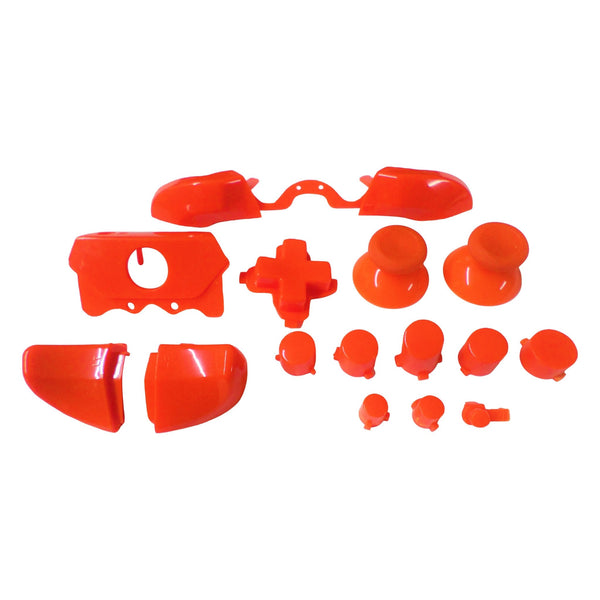
Replacement Xbox One controller parts (thumbsticks, ABXY buttons, conductive films, charge ports, faceplates), charging cables, headset adapters, console cleaning supplies and skins for Xbox One, One S and One X. The Xbox One controller went through revisions over the platform lifecycle (2013 / 2016 / 2020), most parts are revision-specific; check listing fitment notes before ordering.
Quick picks for any Xbox One setup
- Easy entry point: a fresh Xbox One thumbstick replacement set, the most-replaced single part. The Xbox One stick mechanism is part of a larger module; a stick swap is a controller-disassembly job.
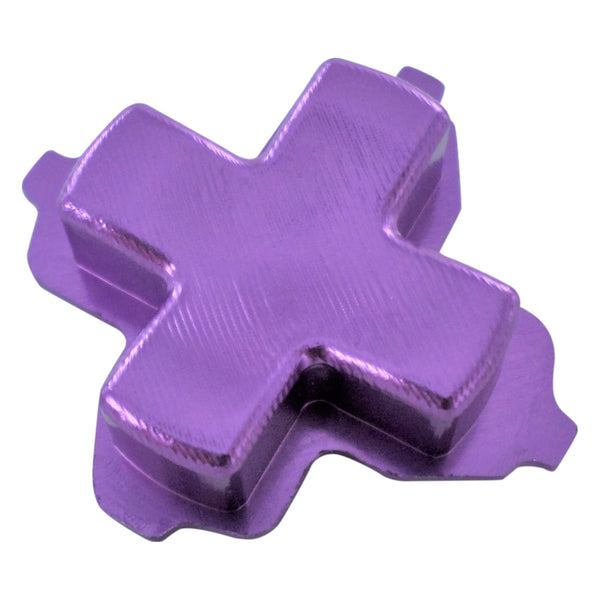
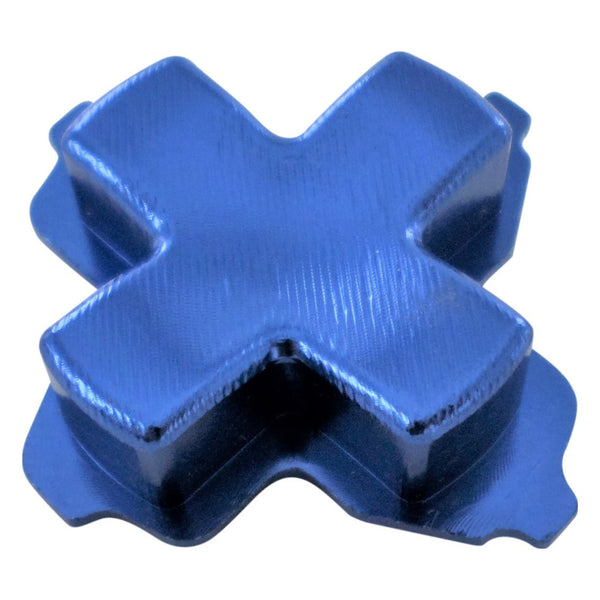
- The crowd favorite: thumbsticks plus conductive film and ABXY button refresh, the full pad refresh. An evening's project for first-time fixers.
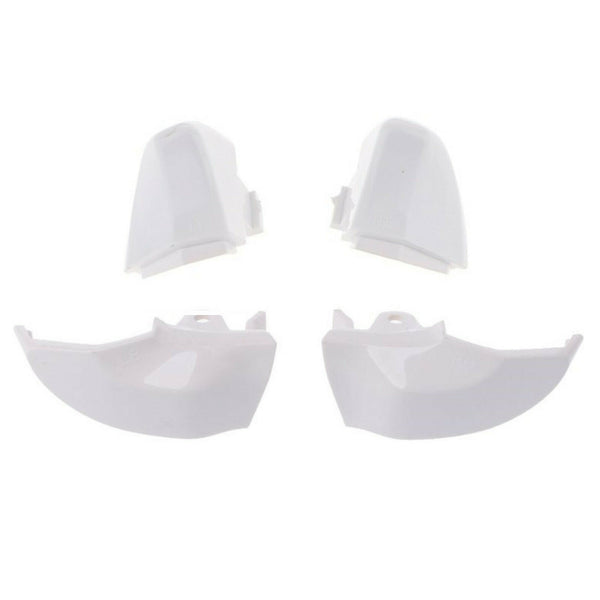
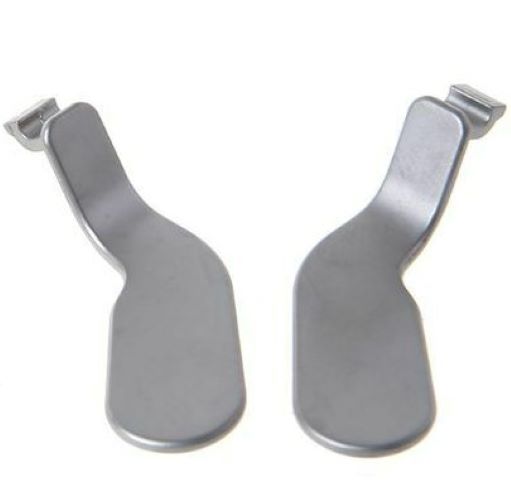
- The pro choice: full pad rebuild, sticks, films, ABXY, triggers, bumper paddles, faceplate. Plus console-side fan and thermal paste refresh.
The Xbox One maintenance ladder
- Refresh the controller: most Xbox One issues are pad issues. Sticks, films, buttons. T6 / T8 security driver required for the rear screws.
- Fresh charge cable / play-and-charge battery: Xbox One charge cables get pulled at angles and split internally. Replacement cables and batteries are routine consumables.
- Console fan + thermal paste: for noisy Xbox One consoles. Disassembly + clean + thermal paste refresh.
- Faceplate / shell swap: for cracked or scuffed pad shells. Cosmetic-only.
- Skins and cosmetic upgrades: vinyl wraps for personalisation. Browse Xbox One skins.
Worldwide delivery with tracking on every order.
Related collections
Xbox One. FAQs
Are Xbox One controllers compatible with Xbox Series X / S?
Yes. Xbox One controllers (model 1697, 1708 and later) work with Xbox Series X / S consoles and Windows PC via USB or Bluetooth. The reverse, using a Series X / S controller on Xbox One, is also supported. Some Series X / S features (Share button) are absent on older Xbox One pads, but core gameplay is fully cross-compatible.
Why is my Xbox One controller drifting?
Drift typically traces to wear in the joystick potentiometer. Cleaning under the rubber stick boot with isopropyl alcohol sometimes helps short-term. The durable fix is replacement of the joystick module, most replacement modules are soldered in. Modder community consensus: this is intermediate difficulty for soldering newcomers; set aside an evening.
What's the difference between Xbox One, One S and One X?
Xbox One (2013) is the original. Xbox One S (2016) is smaller, has 4K Blu-ray and HDR support, and was the first to drop the Kinect connector. Xbox One X (2017) is the highest-spec variant, 4K gaming, faster GPU, more RAM. The controller is broadly cross-compatible across all three; console internals (fans, thermal solutions, optical drive) differ.
Why bother fixing an Xbox One controller?
Thumbstick replacement and a film refresh typically cost a fraction of a new pad and bring the controller back to factory feel. The skill transfers to PS4 / PS5 / Switch repairs too. Tradeoff: heavily-worn pads with multiple failures (cracked shell, broken triggers, drift, dead bumpers) sometimes aren't worth the cumulative repair vs a new controller.