Features:
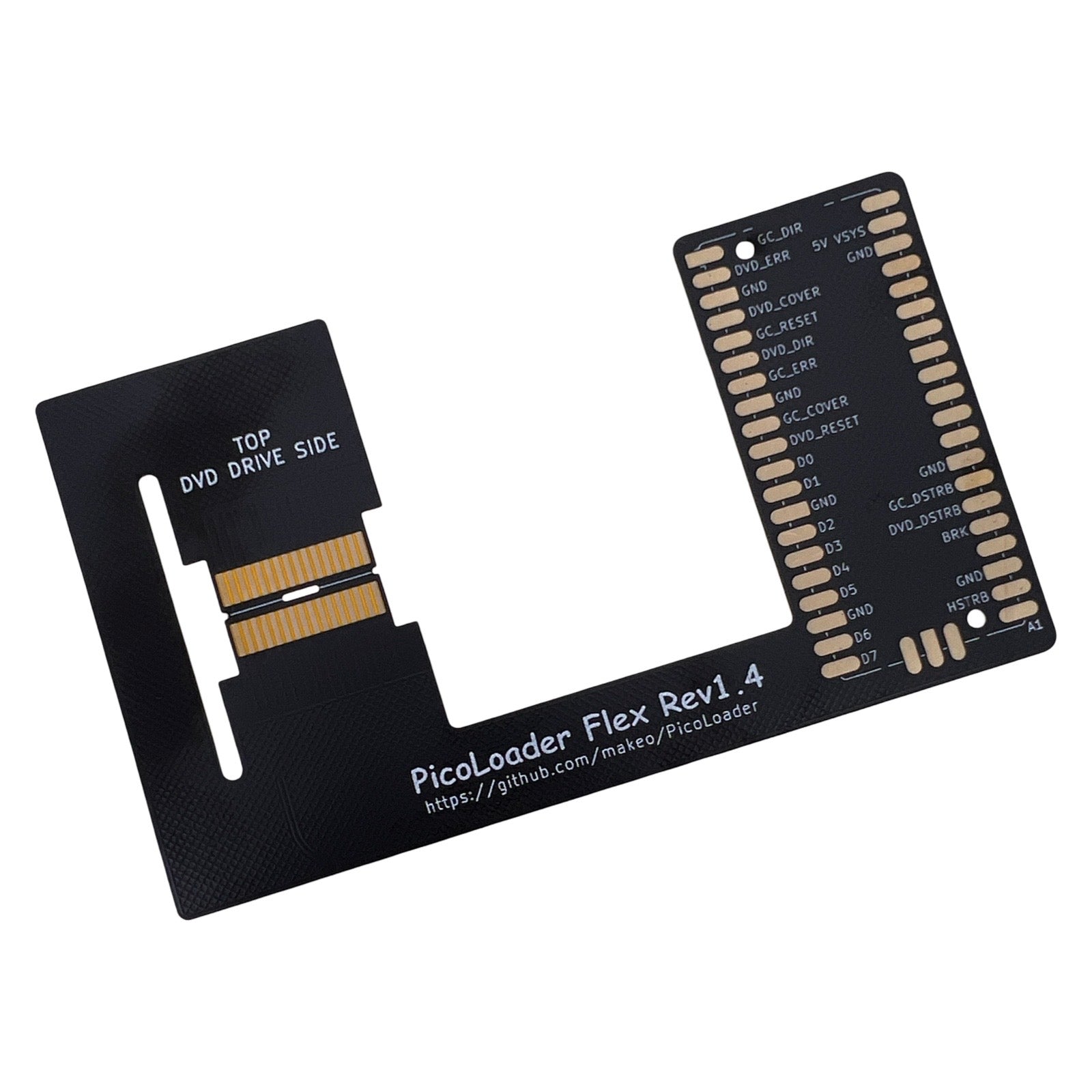
- PicoLoader DIY flex 1.4 for Nintendo GameCube
- Picoboot style mod retaining DVD drive
- No soldering to the GameCube motherboard
- Care must be taken not to fold or hard crease the flex
- Soldering required for Rasberry Pico & Diode.
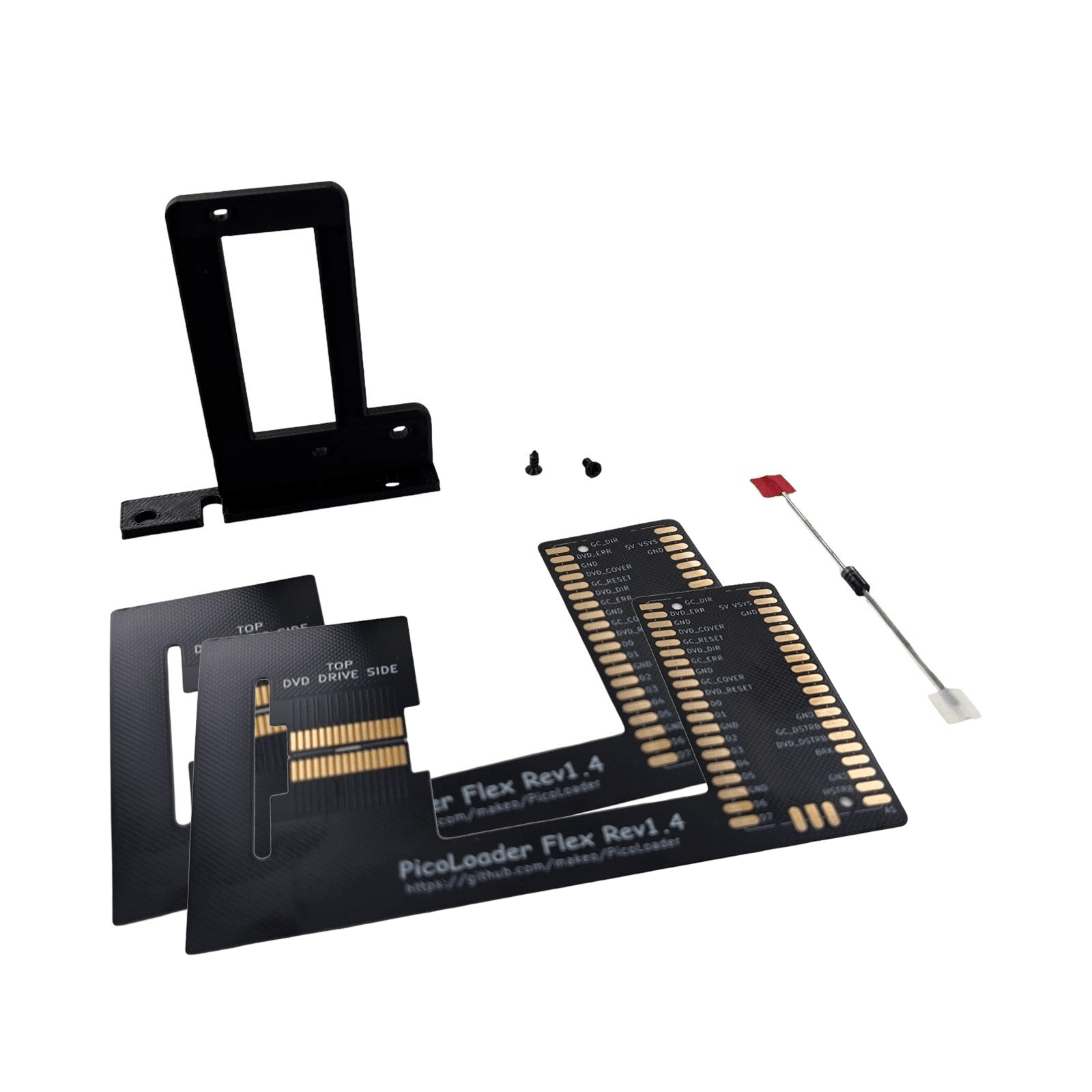
- Includes 2 x Flex, 1 x Diode, 1 x 3D printed bracket and screws
Description:
The PicoLoader is straightforward and cost effective picoboot style modification for the Nintendo GameCubbe. It is perfect for those diving into homebrew or eager to expand their console’s capabilities, whilst avoiding perminently modding the motherboard, or sacrificing the original DVD drive.
Warning! Installation Caution — Please Read First
Do NOT fold the flex ribbon cable!
The flex cable is very thin, and internal traces can break if sharply creased. Only bend it to form smooth curves—no hard folds allowed. We will not provide replacements for folded ribbon cables, you will need to purchase the kit again if you damage it, you will need to take your time and keep gently squeezing and manipulating until you have the desired shape without hard creases or folds.
Take extra care during soldering: Flex PCBs are prone to delamination from overheating. We recommend using low‑melting point solder and keeping soldering iron contact time as short as possible to avoid damaging the flex.
Further description:
The PicoLoader uses the same tiny Raspberry Pi Pico to allow homebrew loading, but requires no soldering to the motherboard, plus it retains the original disc drive for your physical games.
The main difference with installing the picoloader is that there is no soldering to the consoles motherboard, instead the flex is carefully bend into the shape of the DVD drive connection port and it intercepts the same connection pins as the original DVD drive.
The Rasberry pico will require setup with software loaded to it from a PC, you will need your own Rasberry pico, usb cable and computer to do this.
For more information on the required open source software needed and the installation guide visit the following links:
https://github.com/makeo/PicoLoader
https://github.com/makeo/PicoLoader/wiki/1.-Home
What’s in the Box?
- Pico Loader 1.4 flex ribbon x 2
- 1N5819 Schottky Diode
- 3D printed bracket
- Philips mounting screws for bracket
What else will you need?
- Care & patience for bending the DVD drive interface part of the cable (no folding!)
- Solder and soldering iron, suggest low melting point solder
- screwdrivers and gamebit tools for opening gamecube
- Raspberry PI board, USB cable and computer to load software
Revision notes:
This is the first public iteration of PicoLoader, produced to the creator’s advised specifications—using the provided open source files, no modifications to the design have been made by us so it matches the creators version 1.4
As an evolving project, future versions may be refined or updated, the current version being provided is 1.4, it is expected that other versions may be made which will offer variants but possibly not replace this version entirely.
License and recognition:
Open Source & Community-Powered
Open‑Source license under the GPL‑2.0 license
Huge thanks to the modding enthusiasts, developers, and contributors who made PicoLoader possible.
Special Thanks to:
Makeo for developing this project with help from the community.
- Silversteel for his help, especially for making the flex PCBs and mounts
- TeamOffBroadway for the amazing idea to use a flex PCB to intercept the drive signals
- Extrems, emukidid and everyone involved in creating swiss
- novenary (9ary) for gekkoboot
Browse the range