Collections
View all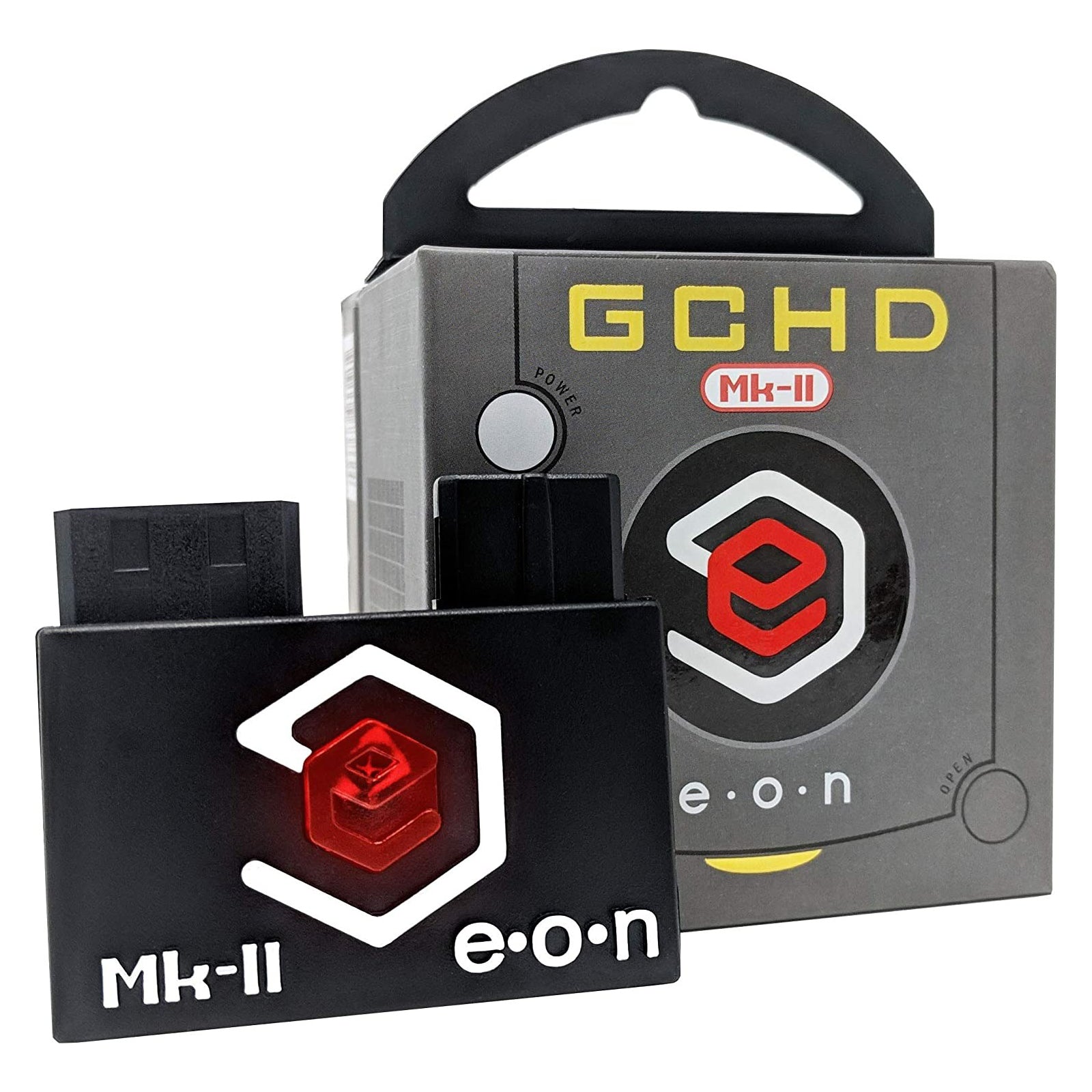
Picoboot for the Nintendo GameCube, pre-flashed Raspberry Pi Pico boards and the quick-solder flex cables to install them.
Browse Picoboot by component
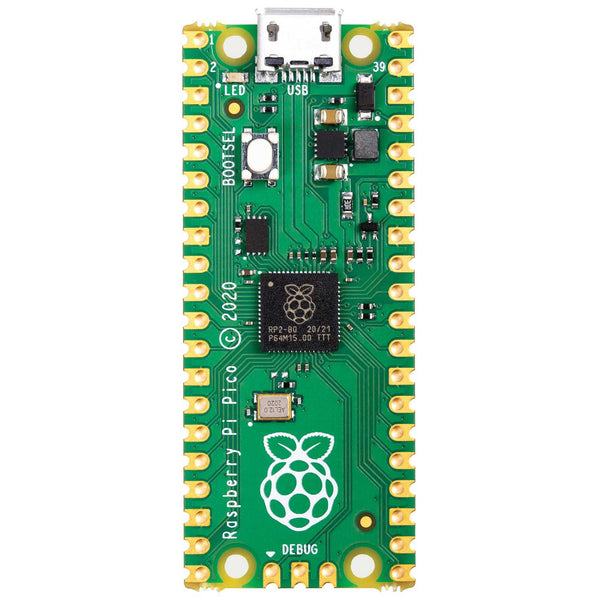
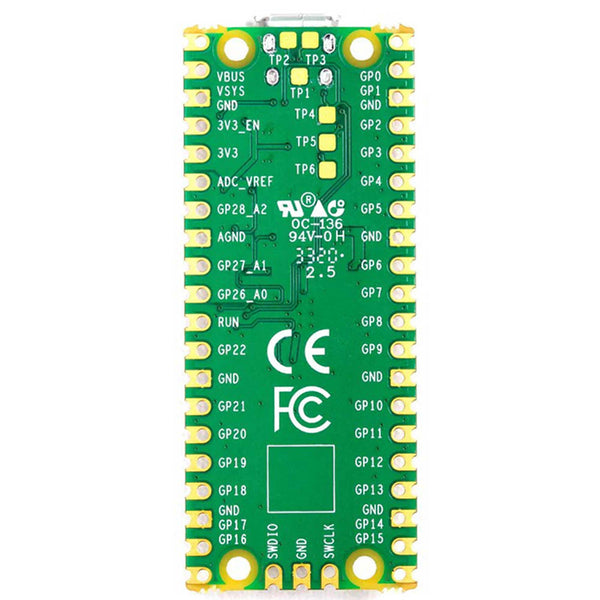
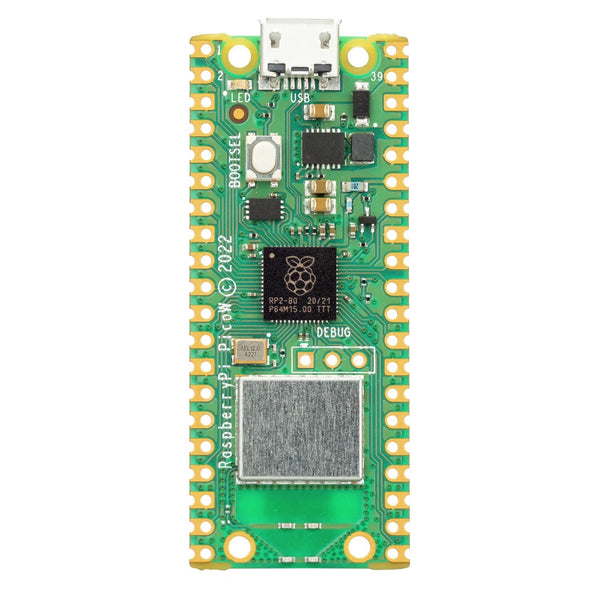
- Pre-flashed Picoboot Pico. Raspberry Pi Pico flashed with Picoboot firmware, ready to install
- Picoboot bundles. Pre-flashed Pico plus accessories
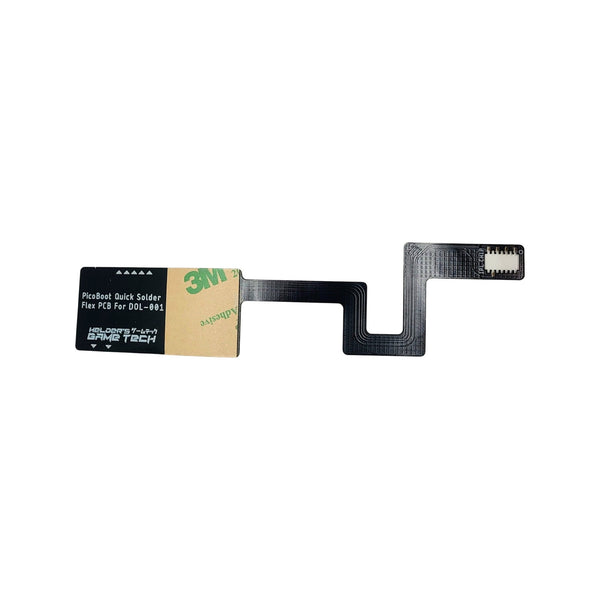
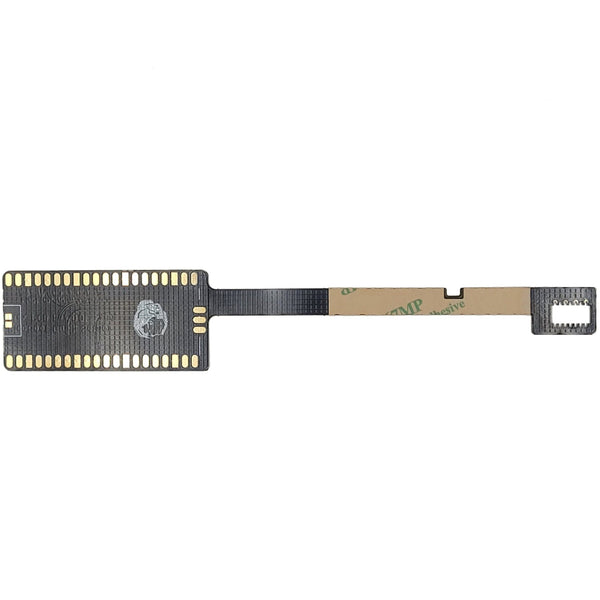
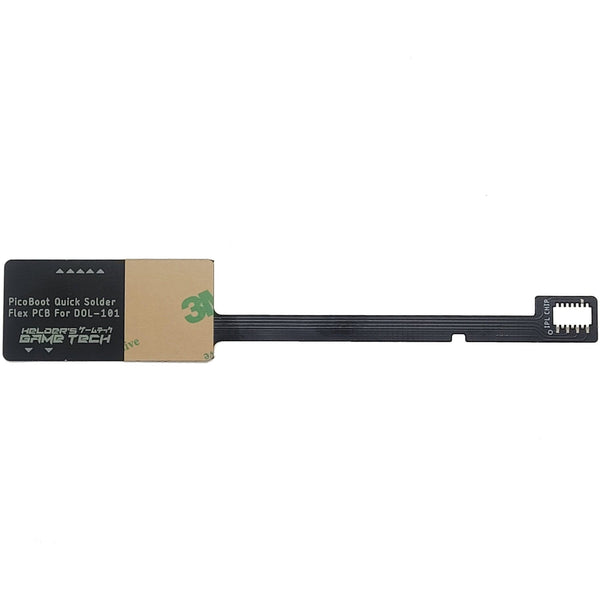
- Helder Game Tech quick-solder flex cables. Simplified install for both DOL-001 and Rev 1.4 / DOL-101 boards
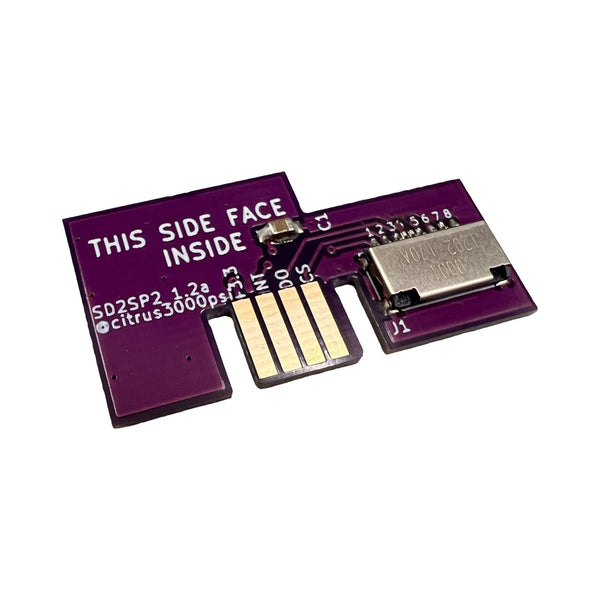
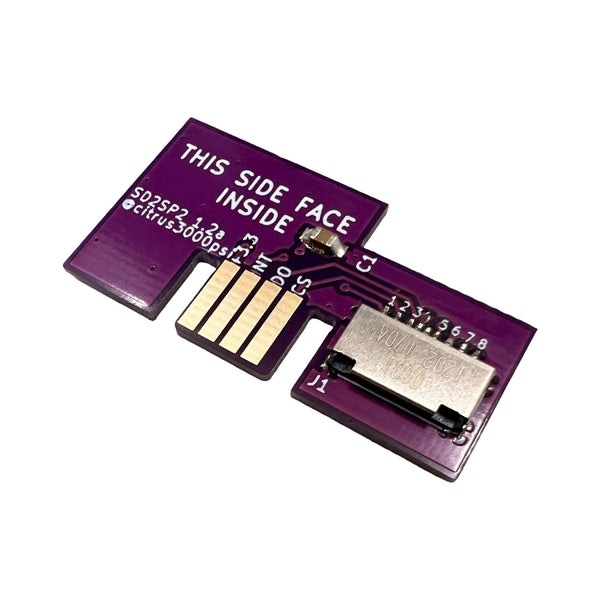
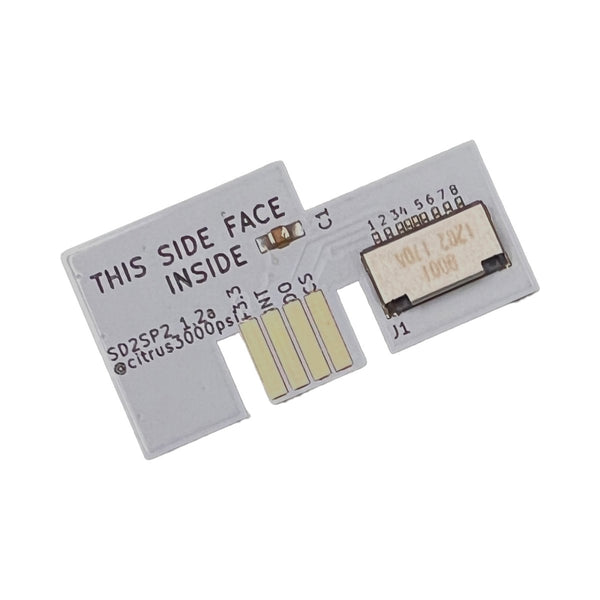
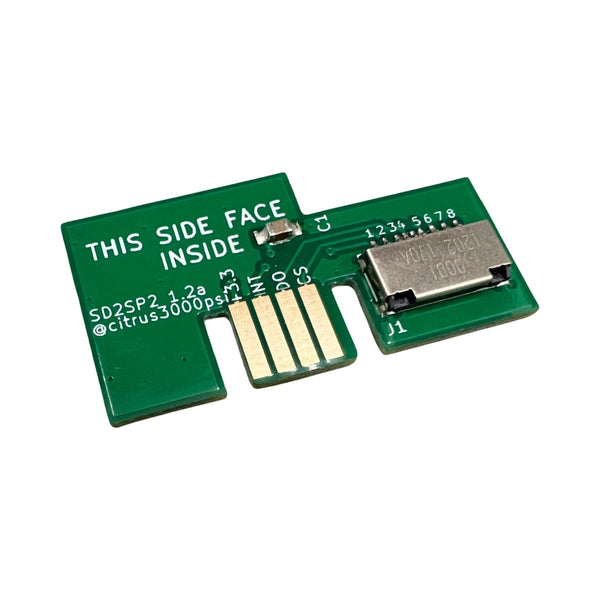
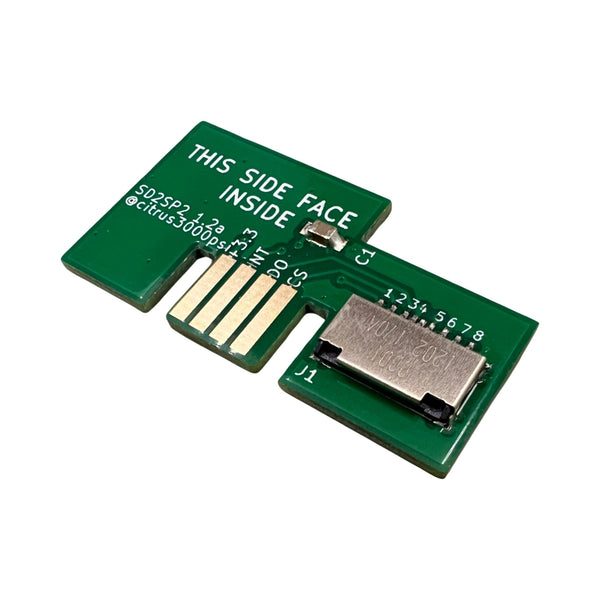
- SD2SP2 SD card adapters. SD card reader for the GameCube Serial Port 2 slot, the standard Picoboot loading mechanism
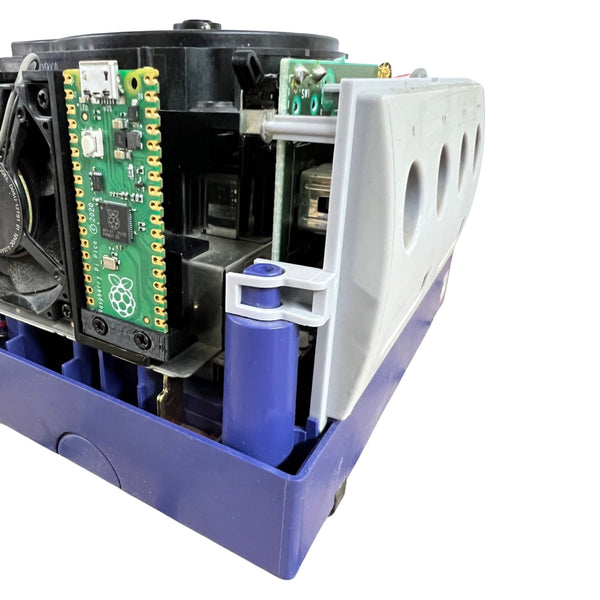
Picoboot replaces the GameCube's IPL boot ROM with a Raspberry Pi Pico flashed with Picoboot firmware. The Pico boots straight into Swiss (an open-source GameCube loader) which loads games from an SD card via an SD2SP2 adapter, instead of from disc. Benefits: faster loads, no laser wear, no broken-disc hassle, plus access to homebrew and useful tools. ZedLabz stocks pre-flashed Pico boards and Helder Game Tech quick-solder flex cables that simplify the install for both DOL-001 and DOL-101 GameCube revisions.
Quick picks for a Picoboot install
- Easy entry point: a pre-flashed Picoboot Pico plus the Helder Game Tech quick-solder flex cable for your GameCube revision (DOL-001 or DOL-101). The flex cable simplifies the soldering significantly compared to the original install method.
- The everyday build: Picoboot Pico, Helder flex cable, SD2SP2 SD card adapter, plus your own SD card. Once installed, the GameCube boots into Swiss and loads from the SD card.
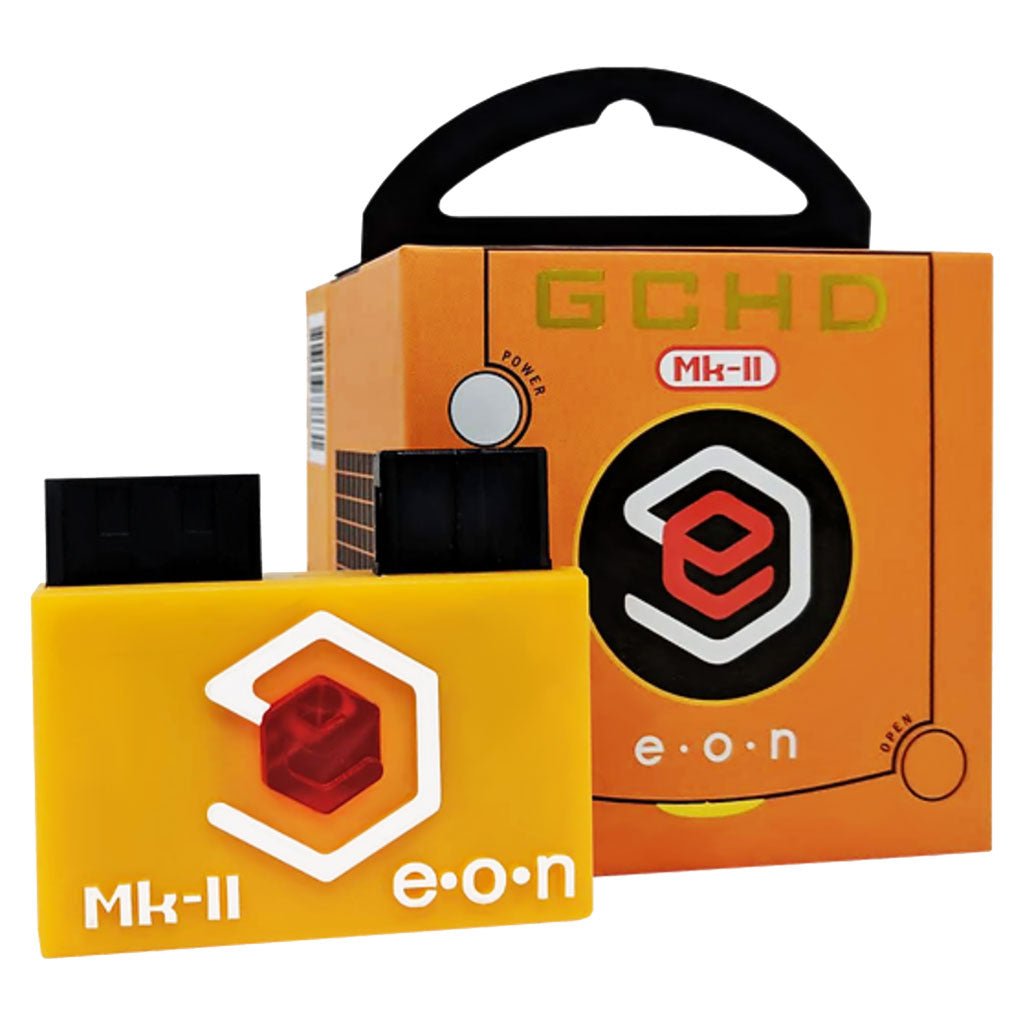
- The full setup: Picoboot install paired with the GameCube Noctua fan mod and an HDMI option (Eon GCHD MK-II for DOL-001, KNJN Pluto 2 ii internal HDMI for either revision). The complete modernised GameCube.
What you'll need
- Pre-flashed Picoboot Pico: the Raspberry Pi Pico flashed with Picoboot firmware. Stocked pre-flashed so you don't need to flash it yourself.
- Helder quick-solder flex cable: matched to your GameCube revision, DOL-001 or Rev 1.4 / DOL-101. Simplifies the install compared to direct PCB soldering.
- SD2SP2 adapter: an SD card reader that fits the GameCube's Serial Port 2 slot. Reads your game backups from a microSD card.
- An SD card: a microSD card for storing game backups. Capacity depends on your library size.
- Tools: a temperature-controlled iron, solder, quality flux, plus the standard GameCube opening tools.
Worldwide delivery with tracking on every order. Message support if you need help confirming whether your GameCube is a DOL-001 or DOL-101 before ordering the matched flex cable.
Related collections
- Nintendo GameCube Parts and Mods. Full GameCube catalog
- GameCube HDMI Adapters
- GameCube Noctua Fan Mod
- Soldering Supplies
Picoboot. FAQs
How does Picoboot work?
Picoboot replaces the GameCube's IPL boot ROM with a Raspberry Pi Pico flashed with the Picoboot firmware. On power, the Pico boots straight into Swiss (an open-source GameCube loader) which loads games from an SD card via an SD2SP2 adapter. The optical drive is no longer needed for game loading, although it stays in place and still works for original discs if you want.
Does Picoboot need soldering?
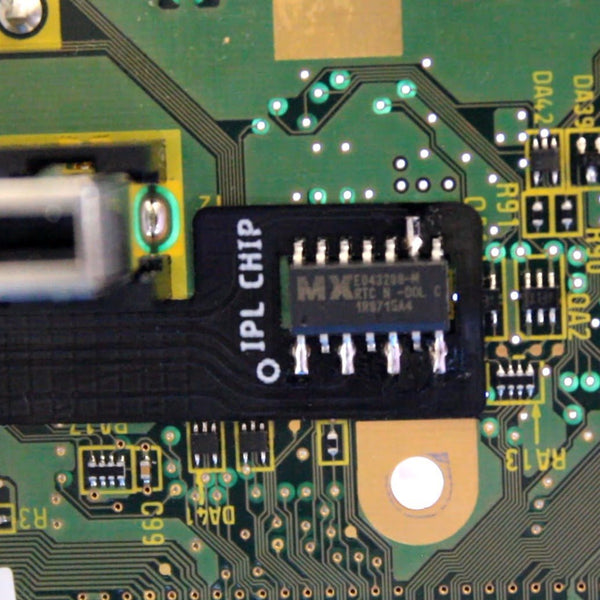
Yes. The Pico has to be wired into the GameCube motherboard. The Helder Game Tech quick-solder flex cables we stock simplify this significantly, you solder the flex cable to the Pico's pads (a much friendlier surface than direct GameCube PCB soldering) and then mount the flex onto the GameCube. Plan an evening for someone comfortable with an iron.
Does Picoboot work on DOL-001 and DOL-101?
Yes, both. The Helder Game Tech quick-solder flex cable comes in two variants matched to the board revision: one for DOL-001 (and Rev 1.0-1.3), and one for the later Rev 1.4 / DOL-101 boards. Order the flex cable matched to your specific GameCube.
Will the disc drive still work after Picoboot install?
Yes. Picoboot intercepts the boot process but doesn't disable the optical drive. You can still load original discs through Swiss after the mod, and you can boot into them just like before. Many builders use Picoboot for SD-card convenience while keeping the disc drive for their physical collection.
What tools do I need for the Picoboot install?
A GameCube security bit (4.5mm) for the outer shell screws, Phillips PH00 for internal screws, a temperature-controlled iron (the Miniware TS101 is a popular starting point), solder and quality flux for the Pico-to-flex soldering. See our modding tools and soldering supplies.