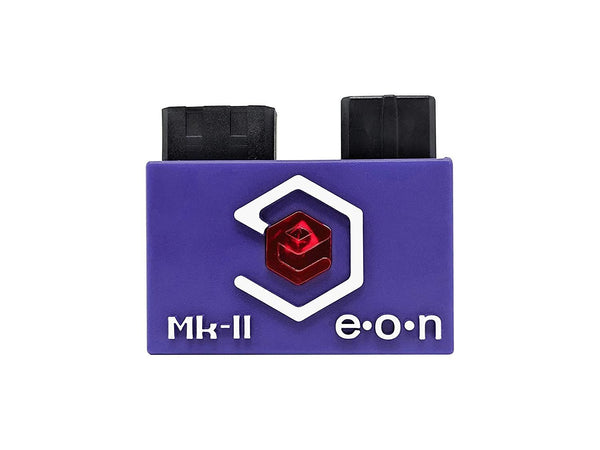
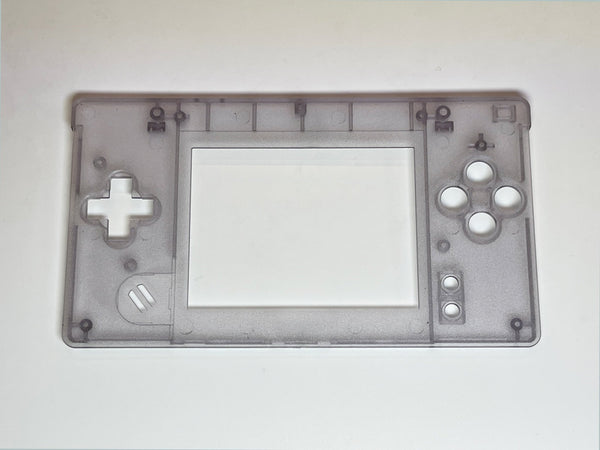
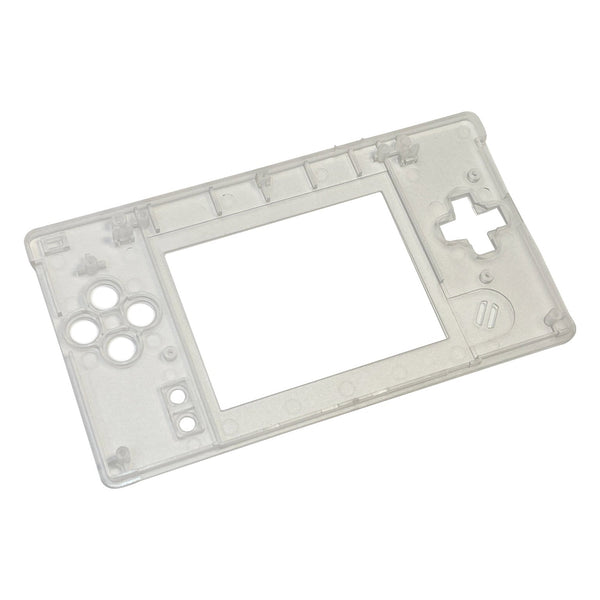
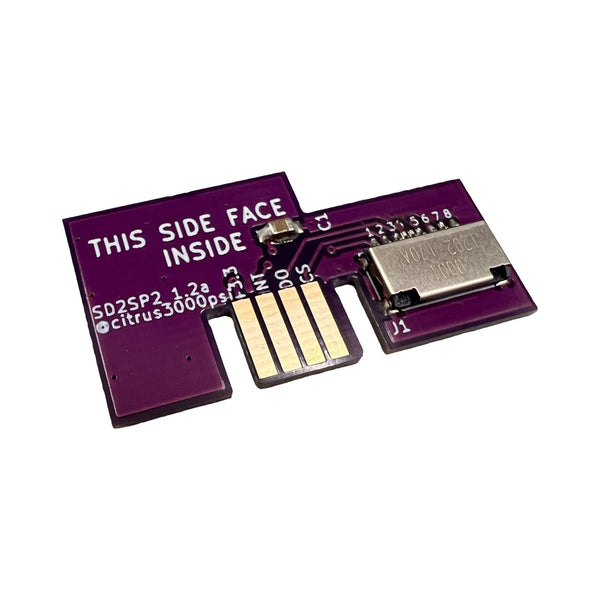
Popular console mods, the modder community's go-to range for the upgrades buyers actually install at ZedLabz.
Browse popular mods by category
The shortlist of mods buyers actually install, across the Game Boy family, the Switch family, the PlayStation and Xbox controllers and the Sega retro range. IPS screen kits, USB-C charging upgrades, drift-proof joysticks, audio amp mods and no-solder shell swaps. If a mod has community consensus and a clear "why bother" answer, it tends to live in this hub.
Quick picks by buyer state
- If it's your first console mod: a no-solder IPS kit for the Game Boy family. Hispeedido drop-in 3.0 for GBA, FunnyPlaying Q5 for GBC. Drop-in, no soldering, biggest visual upgrade.
- The everyday build: IPS kit plus USB-C charging and a custom shell swap, the modern handheld experience without committing to a workshop full of tools.
- The dream rig: laminated IPS, IPS-ready shell, audio amp mod, rechargeable battery and a full button refresh, the showcase build, several evenings of work.
The popular mods ladder, what to start with
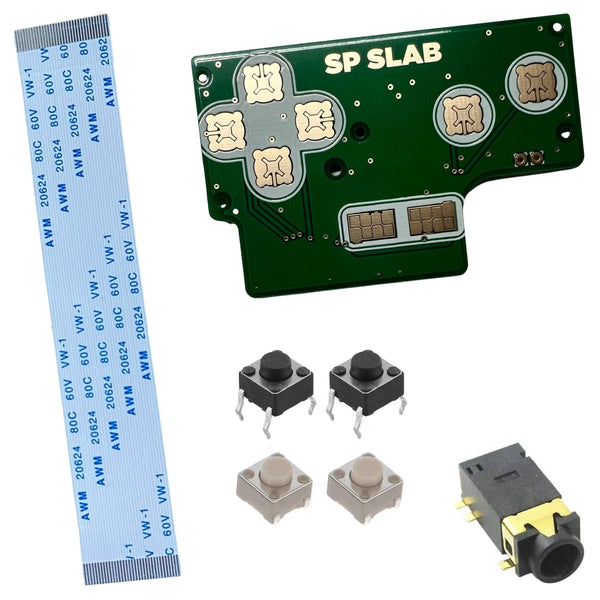
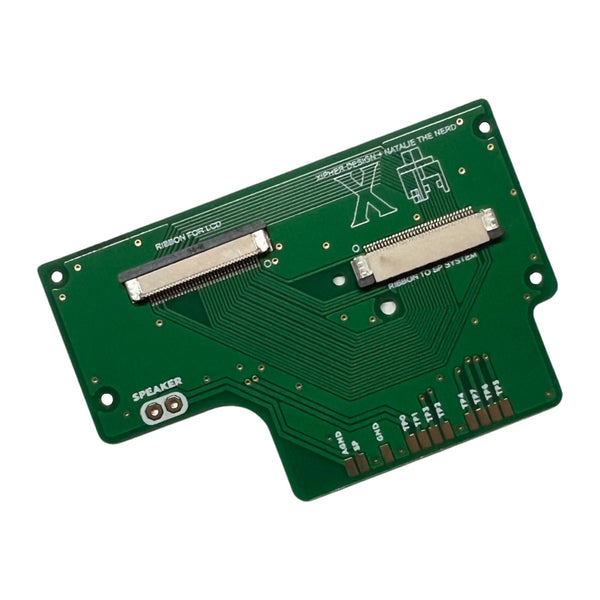
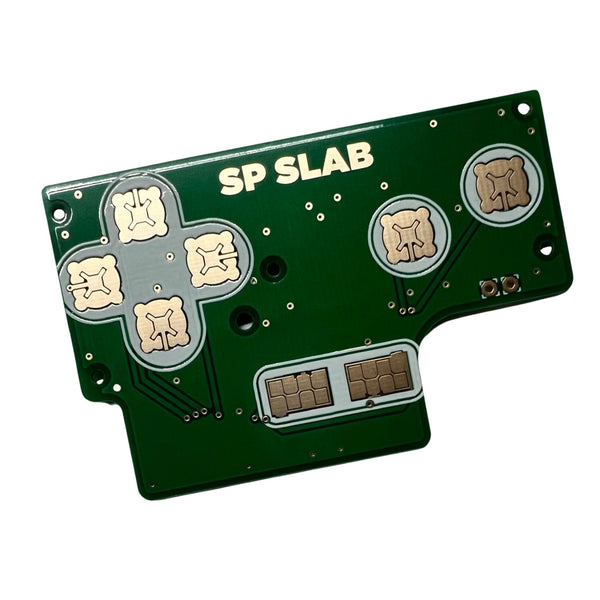
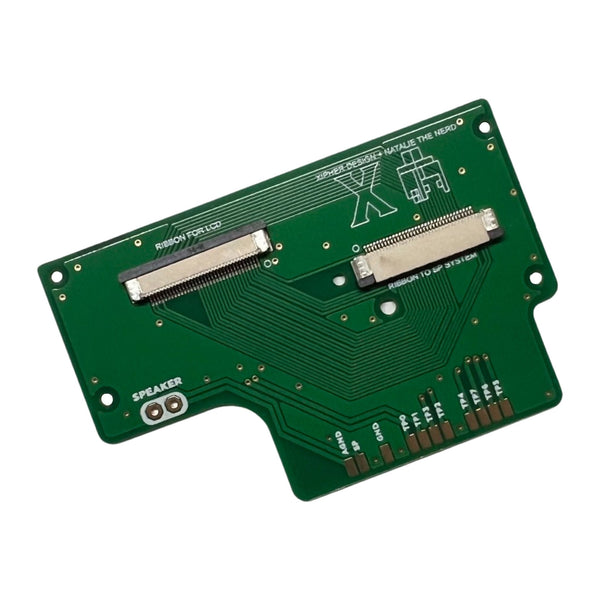
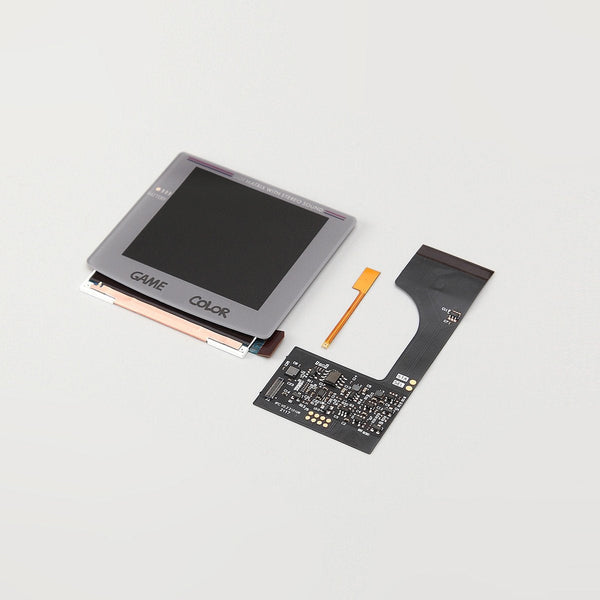
- IPS screen kit: the highest-impact retro handheld mod. Browse GBA IPS, GBC IPS and GBA SP IPS.
- USB-C charging: modernises any retro handheld's charging story. See USB-C mods.
- Drift-proof joystick: Hall-sense Joy-Con sticks (Ginfull / ZedLabz) and N64 Hall-sense controller options address controller drift at the wear-mechanism level.
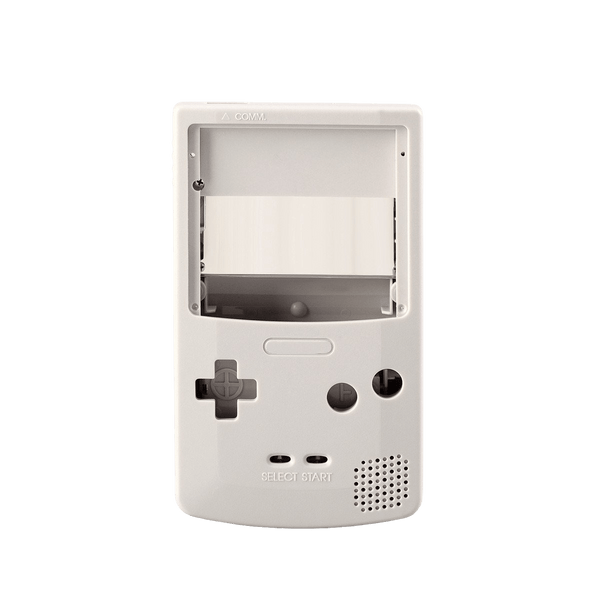
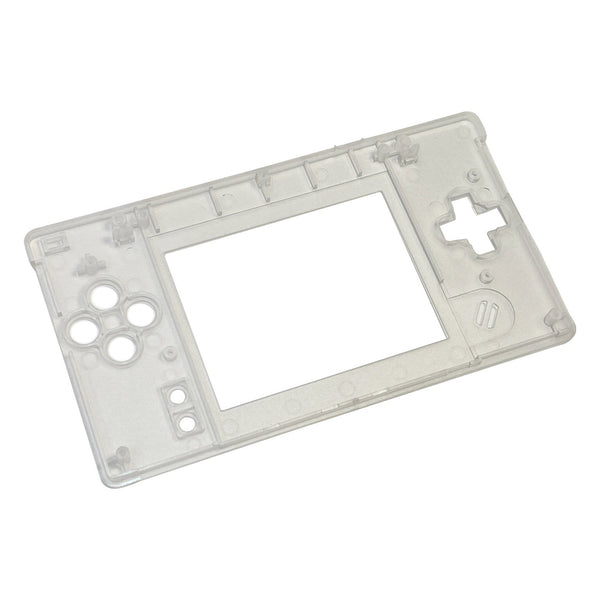
- No-solder shell swap: biggest aesthetic change with the smallest tool requirement. See no-solder mod kits.
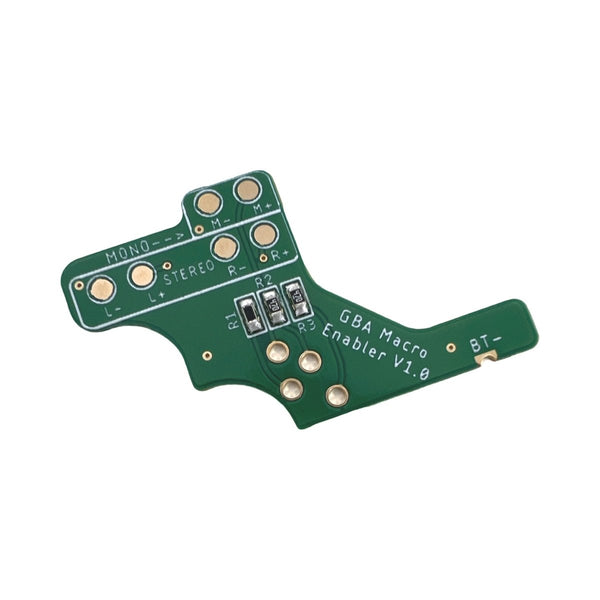
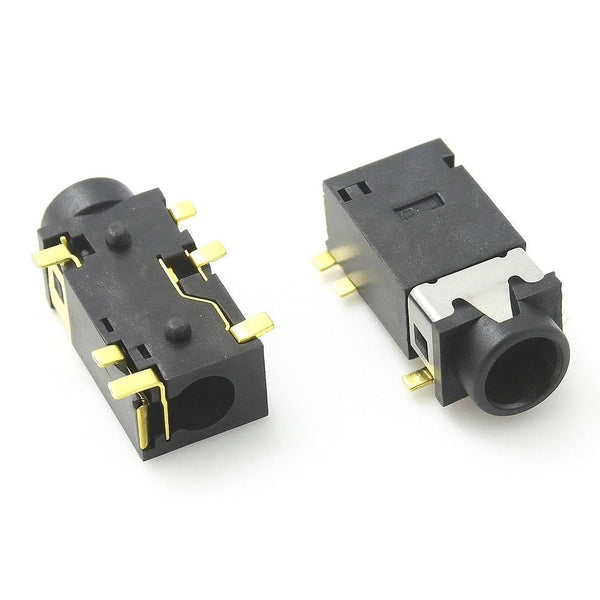
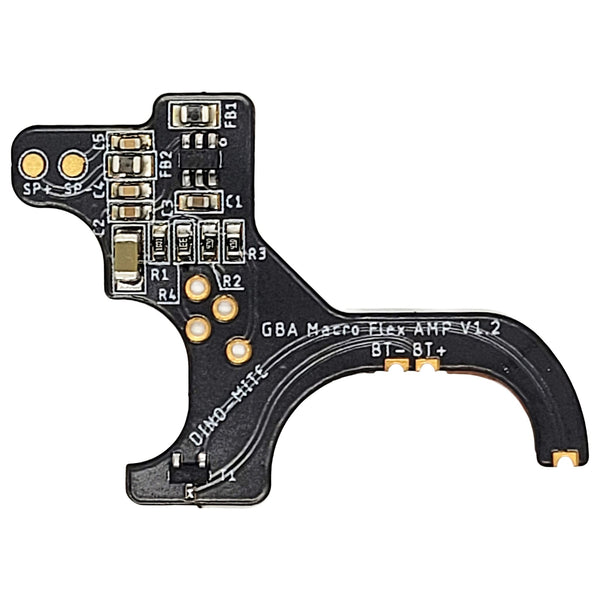
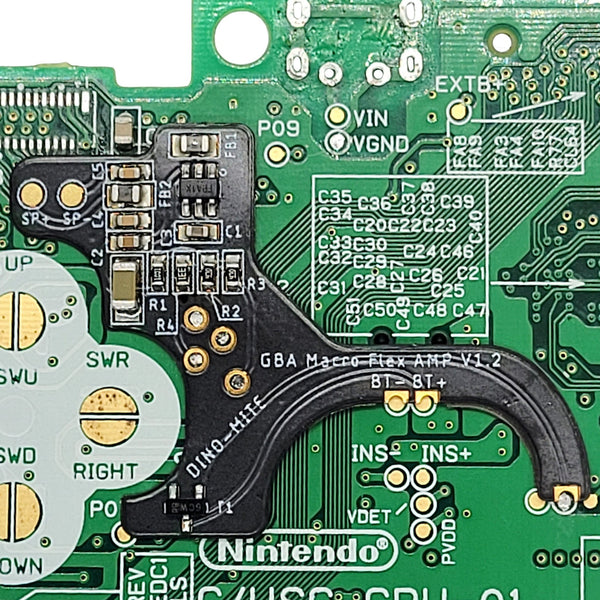
- Audio amp / power cleaner: Helder Game Tech FlexAmp (GBA) and similar mods clean up the audio path. Soldering required.
Worldwide delivery with tracking on every order.
Related collections
Popular console mods. FAQs
What's the best first mod for a Game Boy?
For most modders, an IPS screen kit. Hispeedido drop-in 3.0 for the GBA and FunnyPlaying Q5 for the GBC are no-solder installs and produce the single biggest visible change. A new shell swap is a lower-effort first move if budget is tight, but the screen upgrade is the transformative one.
Which mods don't need soldering?
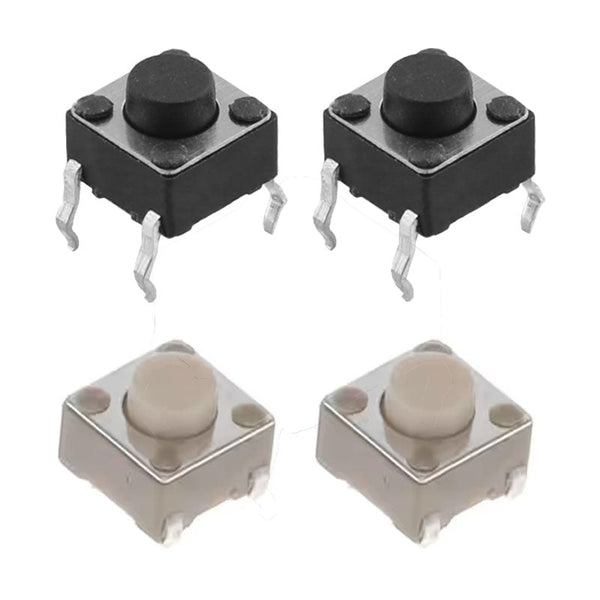
Drop-in IPS kits (Hispeedido GBA 3.0, FunnyPlaying Q5 GBC, Hispeedido SP), shell swaps, button replacements, controller thumbstick caps and most "no-solder mod kits" install with a screwdriver and patience. Audio mods, USB-C battery conversions and most charge-port replacements typically require soldering.
How do I fix Joy-Con drift permanently?
The most durable fix is a hall-sense / hall-effect joystick replacement. Hall-effect sticks use magnetic sensors instead of the contact-based potentiometers that wear and cause drift, so they avoid the most common failure mechanism. They aren't immune to all failures, but they typically last longer than OEM-style sticks. Ginfull and ZedLabz hall-sense sticks are stocked.
Are USB-C mods worth the work?
For day-to-day convenience, yes, modern USB-C cables are everywhere, and removing the proprietary AA / DC barrel reliance means one cable for the whole modern setup. Tradeoff: most retro USB-C mods involve soldering, and the charging on retro handhelds typically negotiates as 5V USB-C (not USB-PD), so any USB-C cable from a phone charger works fine.