



At a glance
Cut for the standard lens – not for IPS lenses unless you trim the centre window.
Key features
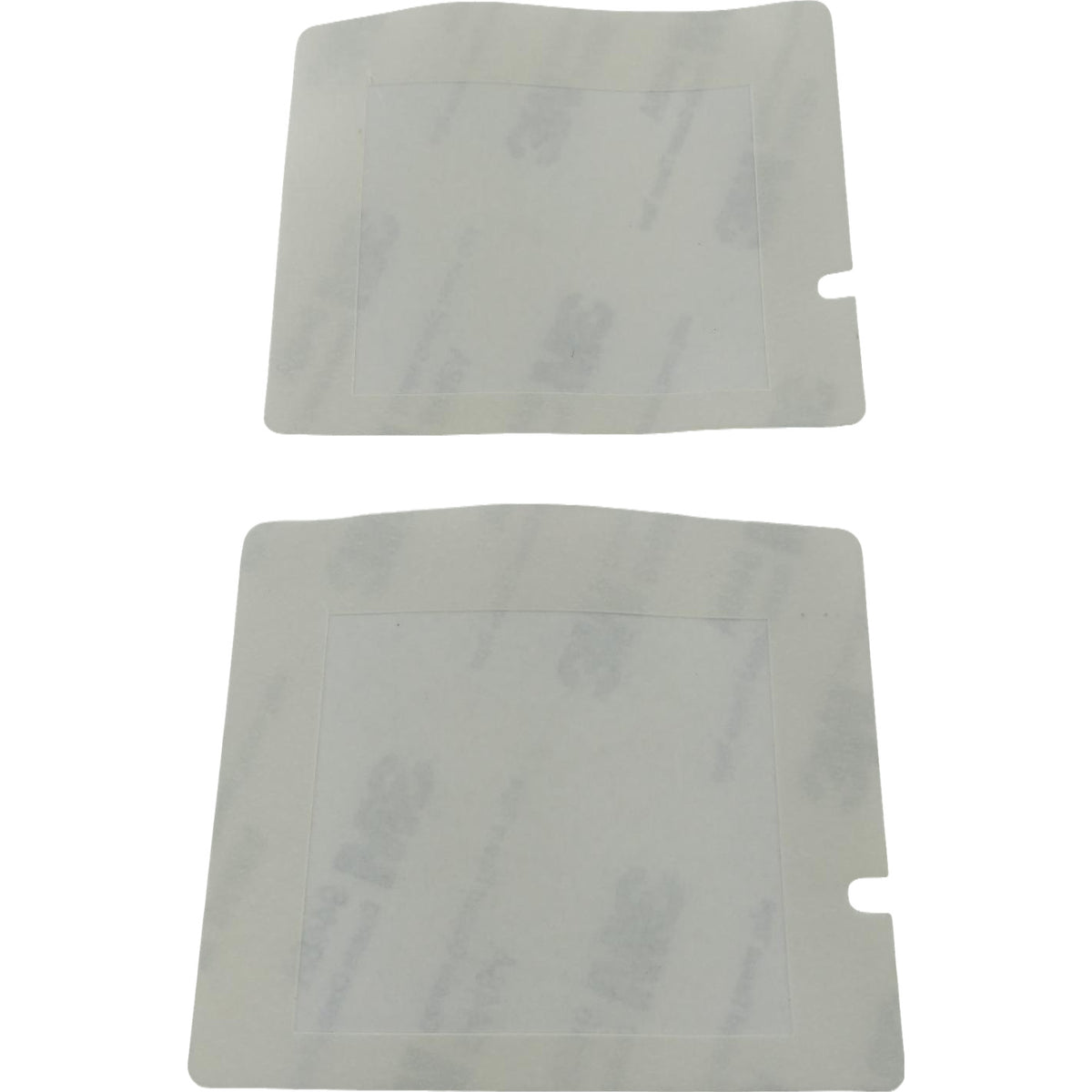
- Double-sided adhesive frames for glass or plastic lenses
- Cut to fit the standard Game Boy Color screen lens
- Reattach your existing lens and keep the console original
- Two frames per pack
Compatibility
- Game Boy Color
- Does not fit Game Boy Pocket
Installation
Warm the lens, lift it off with a suction cup or plastic pry tool – metal tools not recommended, as they may scratch or damage the plastic shell. Clean off old adhesive, fit the new adhesive, press the lens back in.
Why easy: Nothing needs opening – the old lens or cover lifts off and the new one sticks on. A little warmth helps the adhesive let go.
No opening · peel off lens · new adhesive frame
Tools needed (not included)
- Plastic prying tools – plastic only – metal tools scratch the shell
- Suction cup (screen lens tool)
Technical specs
In the box
- 2 × Adhesive lens frames
Also needed (not included)
- Screen lens
Description
Product Safety
 Keep out of reach of children
 Check compatibility
Manufacturer: ZedLabz · Grove Farm Rd, Maldon, CM9 8LR, UK · support@zedlabz.com
EU responsible person: FFB Estonia OÜ · Päevalille tn 6-15, Haabersti linnaosa, 13517 Tallinn, Harju maakond, Estonia · finance_estonia@fulfillment-box.com
Payment & Security
Your payment information is processed securely. We do not store credit card details nor have access to your credit card information.


