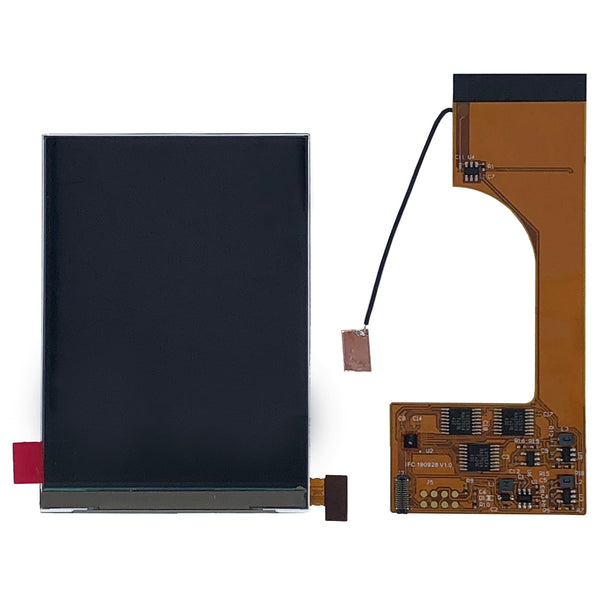
Game Boy Color parts and mods, the modder-focused upgrade and repair hub for the CGB-001.
Browse Game Boy Color parts by upgrade type
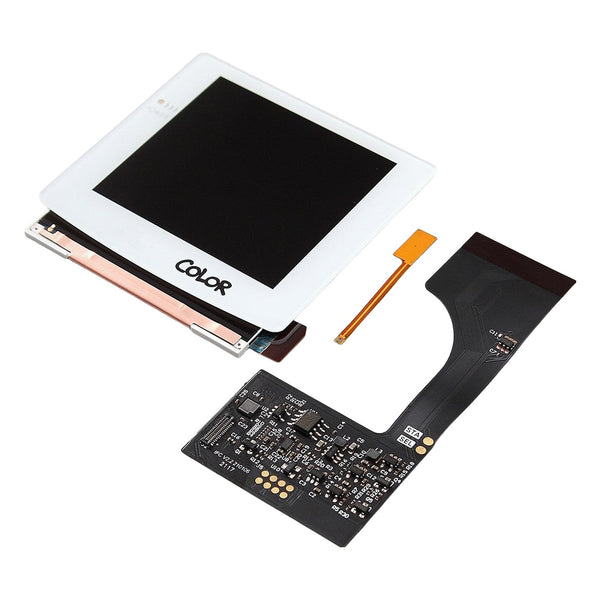
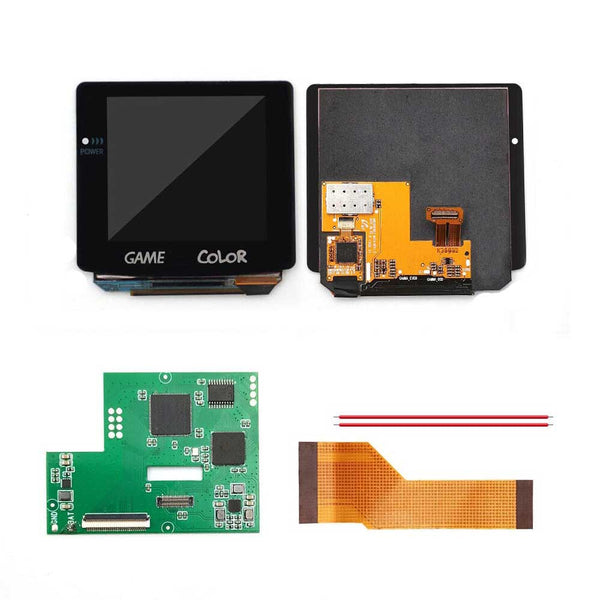
- GBC IPS and AMOLED screen kits. FunnyPlaying Q5 V2 laminated, Hispeedido AMOLED touch
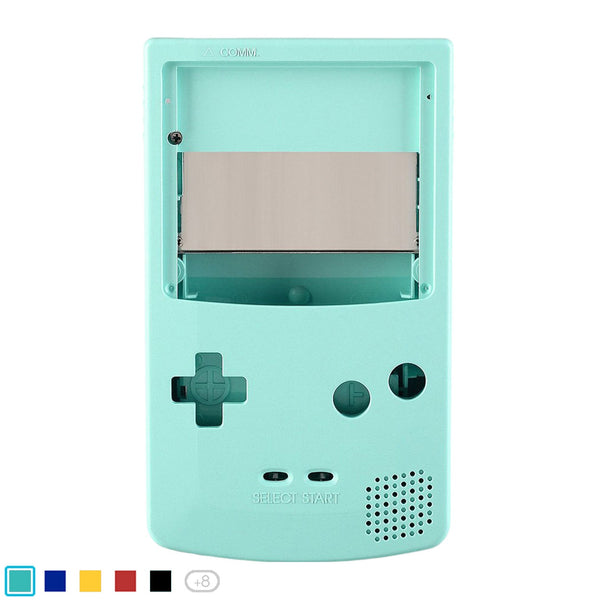
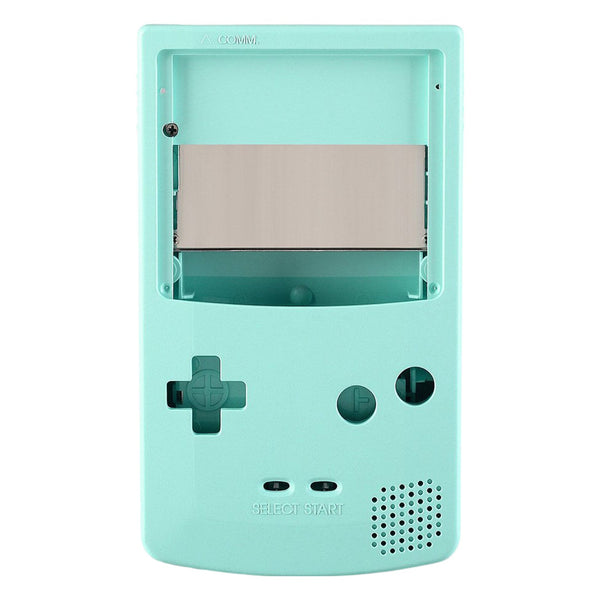
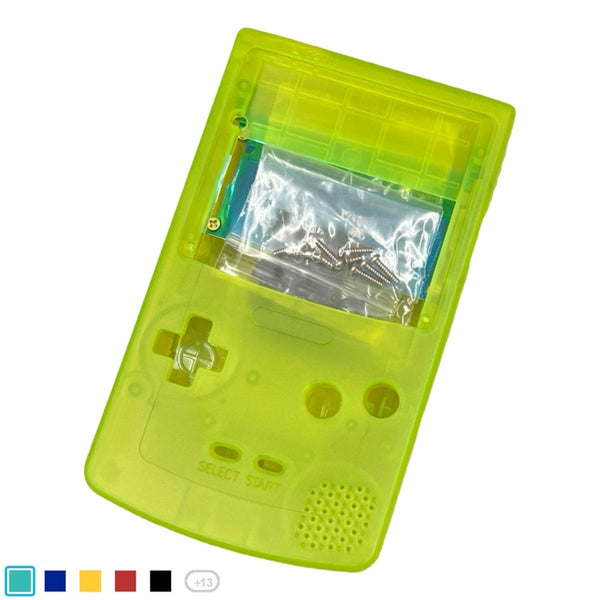
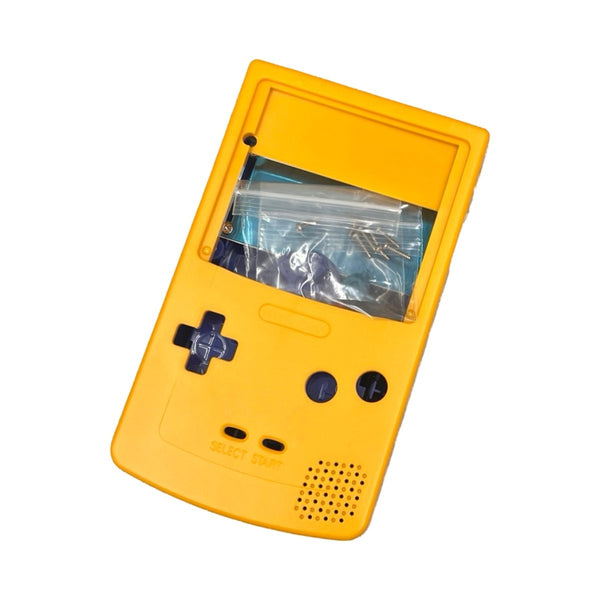
- GBC replacement shells. IPS-ready Q5 V2 housings, transparent, atomic colors
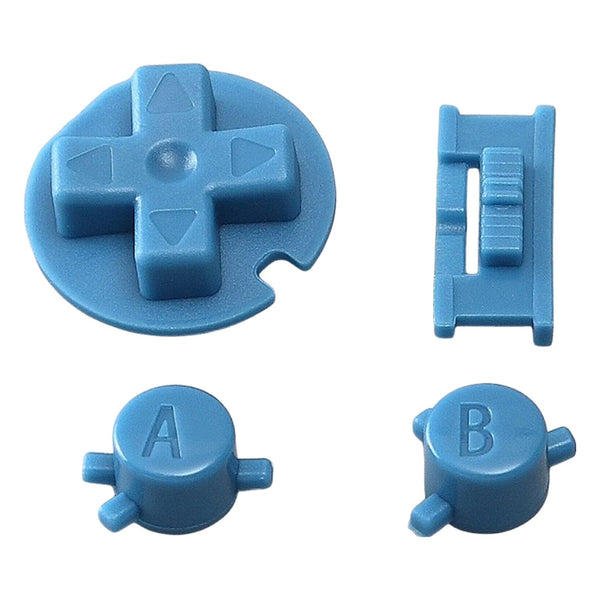
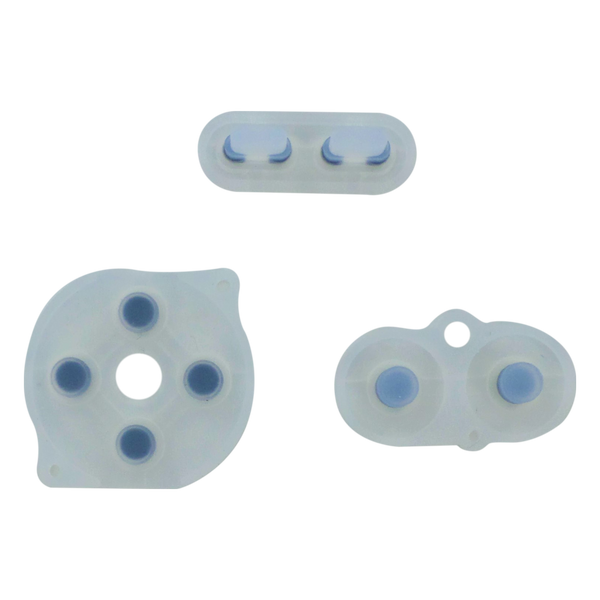
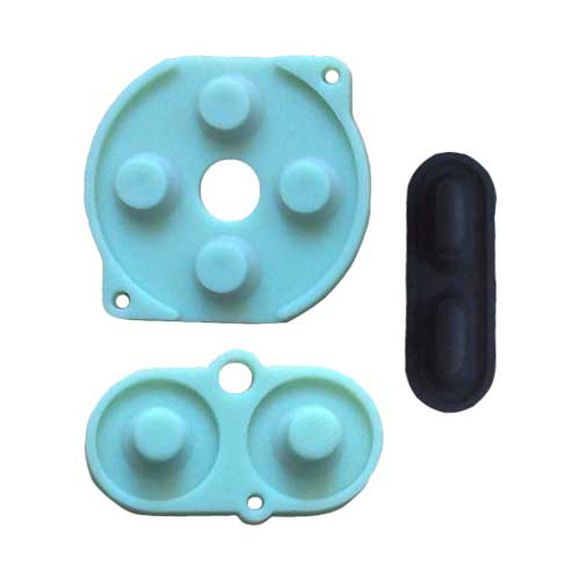
- GBC buttons and membranes. A, B, D-pad, conductive silicone
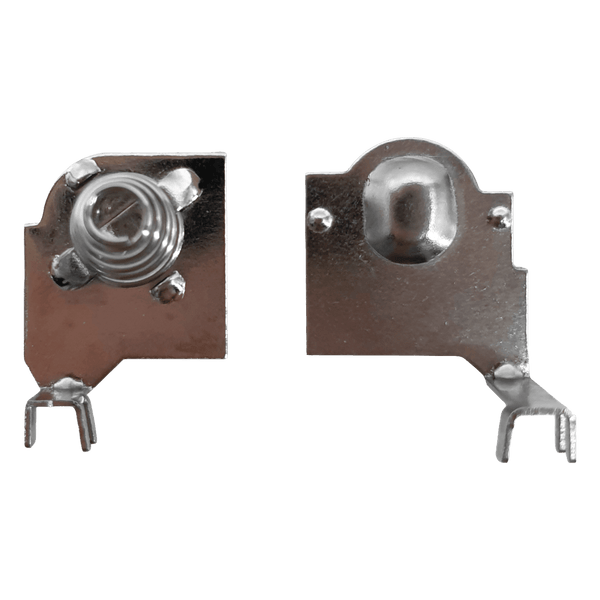
- GBC USB-C battery mods, rechargeable conversions
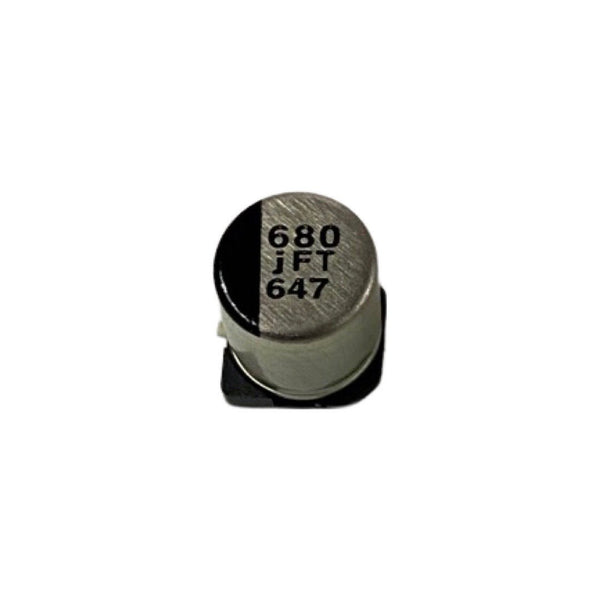
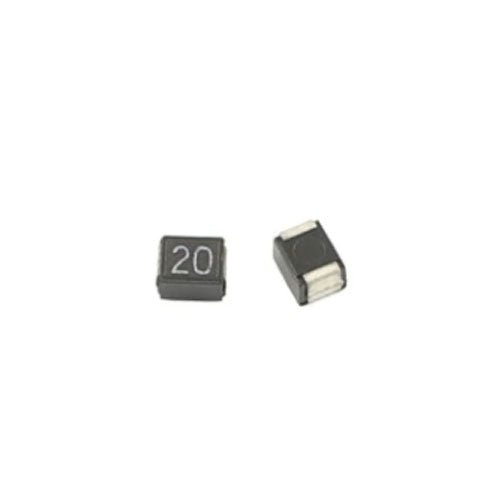
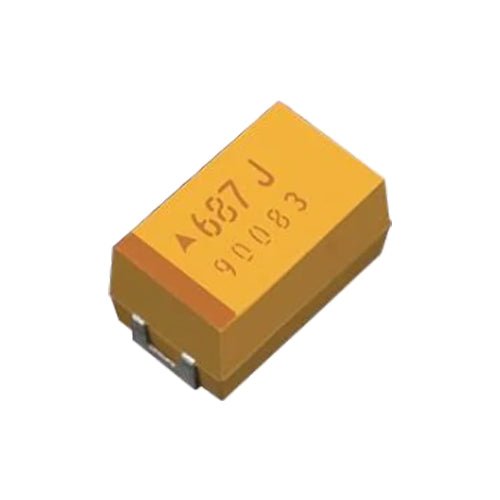
- GBC capacitor kits, power, sound and dim screen repairs
- GBC modding tools, tri-wing, Phillips, soldering
The Game Boy Color (CGB-001) launched in 1998 as Nintendo's transition from monochrome to color gaming, before the Advance line took over. The original reflective screen depends entirely on ambient light, which is why backlight upgrades are the most-installed GBC mod today. ZedLabz stocks the FunnyPlaying Q5 V2 laminated IPS, the Hispeedido AMOLED touch-screen kit, IPS-ready shells, capacitor kits and the tools to fit it all.
Quick picks for any GBC build
- Easy entry point: the FunnyPlaying Q5 V2 laminated IPS in a FunnyPlaying Q5 V2 IPS-ready shell, pair them and the install avoids most of the original-shell trimming work.
- The crowd favorite: Q5 V2 IPS plus IPS-ready shell, A/B button refresh, fresh conductive silicone membrane and a 3-capacitor power/sound/screen repair kit, restores audio and screen reliability alongside the visual upgrade.
- The pro choice: Hispeedido AMOLED touch-screen display in a matching Hispeedido or FunnyPlaying laminated GBC shell (Hispeedido recommend either), the AMOLED kit requires soldering and a pre-cut laminated shell, plan for an evening or two with patience.
The GBC mod ladder
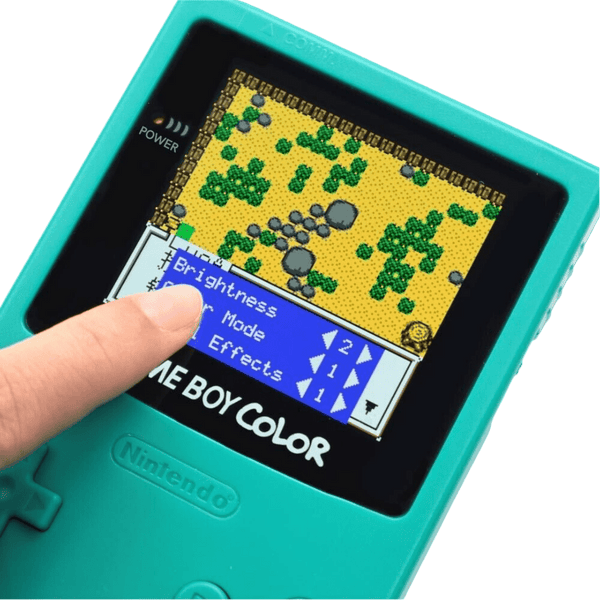
- IPS or AMOLED screen kit: Q5 V2 laminated IPS for ease, Hispeedido AMOLED for vivid colors and OSD touch menu. Both increase the visible display area roughly 25% over the original.
- IPS-ready shell: FunnyPlaying's Q5 V2 ready shell removes the trimming work the original GBC shell needs to fit a Q5 panel. Modder consensus: trimming the original shell yourself is doable but easily damages the LCD assembly, pre-cut shells are the recommended path.
- Capacitor refresh: the 3-capacitor kit addresses common GBC age-related faults: dim screen, distorted sound, intermittent power. A worthwhile preventative on any console of this era.
- Custom buttons + silicone: fresh A and B button caps and conductive silicone pads restore tactile feel.
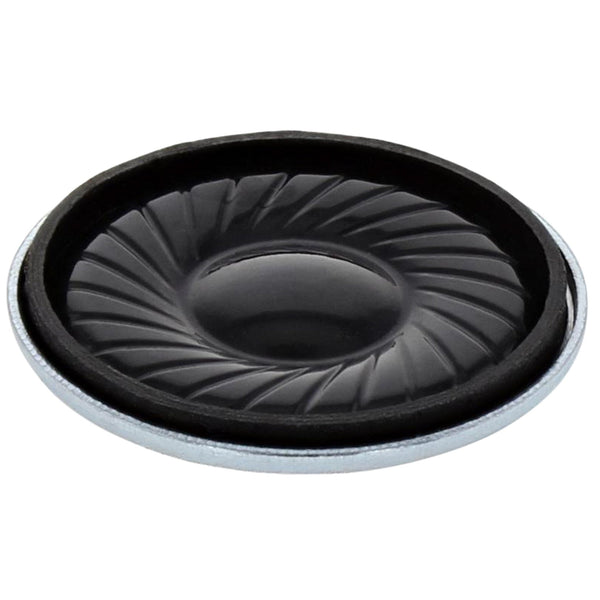
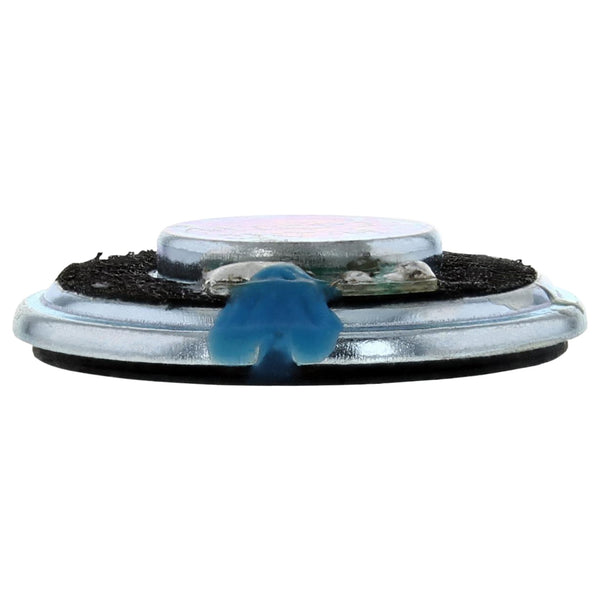
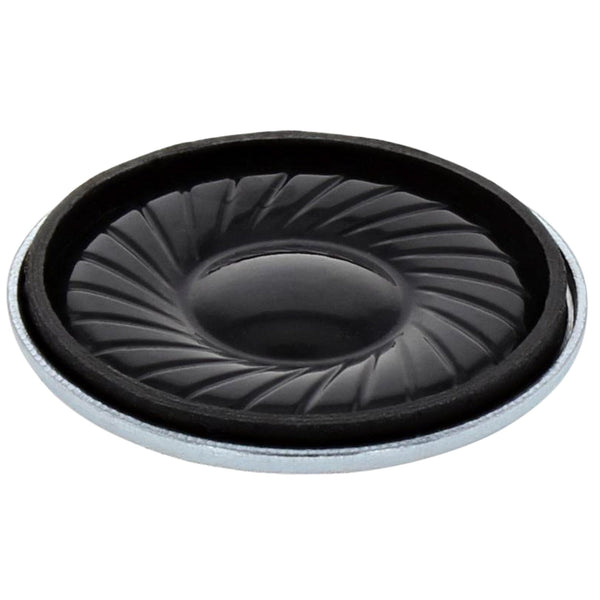
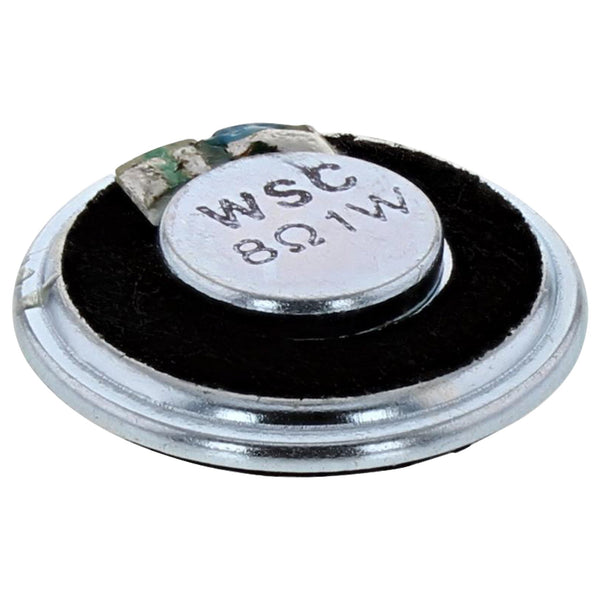
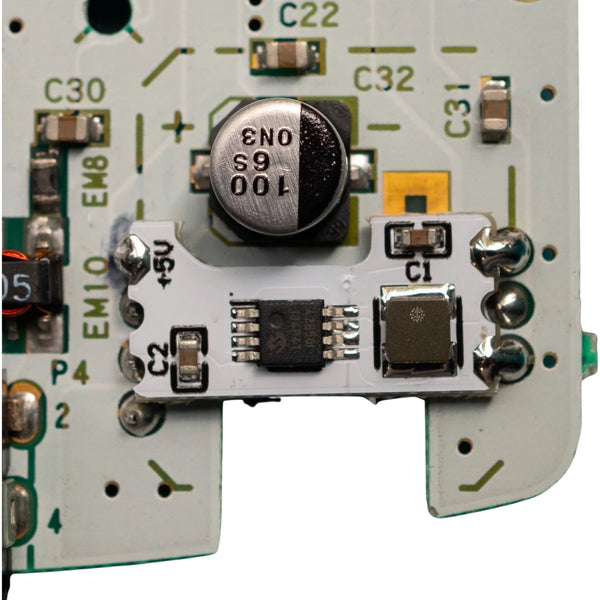
- Audio + speaker: 1W or 2W speaker upgrade and the Helder Game Tech power regulator flex are higher-end add-ons.
FunnyPlaying Q5 V2 vs Hispeedido AMOLED, which kit?
| Kit | Install difficulty | Shell needed | Best for |
|---|---|---|---|
| FunnyPlaying Q5 V2 laminated IPS | Substantial work without IPS-ready shell, pair with the matching shell | FunnyPlaying Q5 V2 IPS-ready shell strongly recommended | Most modders, best balance of brightness, longevity and ease |
| Hispeedido AMOLED touch-screen | Soldering required, plan for an evening or two with patience | Hispeedido or FunnyPlaying laminated GBC shell required | Modders chasing the deepest blacks and richest colors |
Shipped worldwide. Modder support if you need help choosing between IPS and AMOLED.
Related collections
- Original Game Boy DMG Parts. DMG-01 mods
- Game Boy Advance Parts. AGB-001 mods
- Xipher Pocket Color conversion. GBC-to-GBP mod parts
- No-solder mod kits
Game Boy Color. FAQs
Is it worth modding a Game Boy Color with an IPS screen?
For most builders, yes. The original CGB-001 reflective screen needs strong ambient light to read clearly, and indoors it tends to look dim. An IPS or AMOLED kit gives you a backlight, brighter colors and selectable palettes, plus around 25% more visible image. Tradeoffs: shorter battery life than the original (often 15–30% lower depending on brightness), and the install is most reliable when paired with a pre-cut IPS-ready shell rather than trimming the original.
Do I need an IPS-ready shell for the Q5 V2?
Strongly recommended. The Q5 V2 panel is 25% larger than the original GBC screen, so the original shell needs careful trimming around the screen opening and the cartridge port pins. Modder consensus is that an IPS-ready shell avoids the trickiest trimming and reduces risk of damaging the LCD. FunnyPlaying make the Q5 V2 IPS-ready shell to match.
Does the Hispeedido AMOLED need soldering?
Yes. The Hispeedido AMOLED kit ships as panel + PCB + flex cable + wire, and the install requires soldering plus a matching Hispeedido or FunnyPlaying laminated GBC shell (sold separately, Hispeedido recommend either). It's not a beginner kit; plan for an evening or two with patience. The reward is genuine OLED-grade colors and the first touch-screen OSD on a GBC.
Why upgrade a Game Boy Color at all?
Beyond the screen, GBC hardware has been out for decades and the original electrolytic capacitors degrade, symptoms include dim screen, sound distortion or power instability. A 3-capacitor refresh is a low-cost preventative. Custom shells and fresh buttons give a unit that's been played hard a second life. None of these mods are mandatory; they extend a console you'd otherwise eventually shelve.
What tools do I need to mod a GBC?
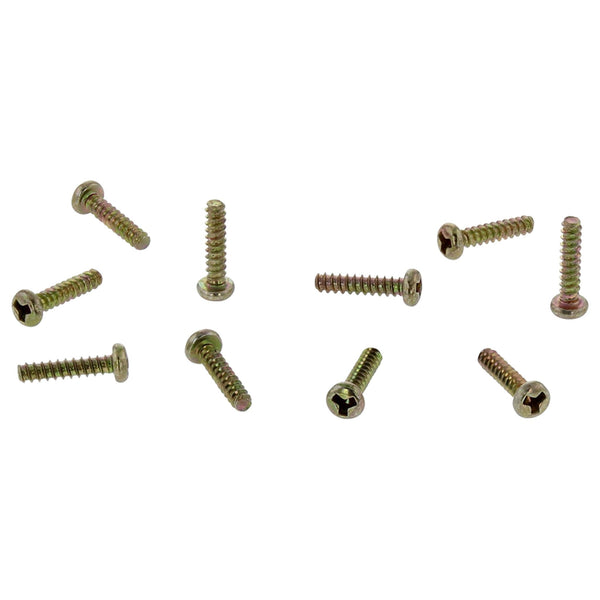
Tri-wing Y-bit (shell screws), Phillips PH00 (internal screws), plastic pry tool, ESD tweezers. For capacitor kits and AMOLED installs, add a temperature-controlled iron, the Miniware TS101 is a popular starting point, plus solder and quality flux. See our modding tools and soldering supplies.








![ZedLabz replacement internal speaker for Nintendo Game Boy Color & Advance GBC GBA [AGB CGB] - black](http://www.zedlabz.com/cdn/shop/files/zedlabz-replacement-internal-speaker-for-nintendo-game-boy-color-advance-gbc-gba-blackzedlabz-449983.jpg?v=1741480630&width=600)
![ZedLabz replacement internal speaker for Nintendo Game Boy Color & Advance GBC GBA [AGB CGB] - black](http://www.zedlabz.com/cdn/shop/files/zedlabz-replacement-internal-speaker-for-nintendo-game-boy-color-advance-gbc-gba-blackzedlabz-521101.jpg?v=1741480631&width=600)