GameCube parts and mods, the modder-focused upgrade and repair hub for the DOL-001.
Browse GameCube parts by upgrade type
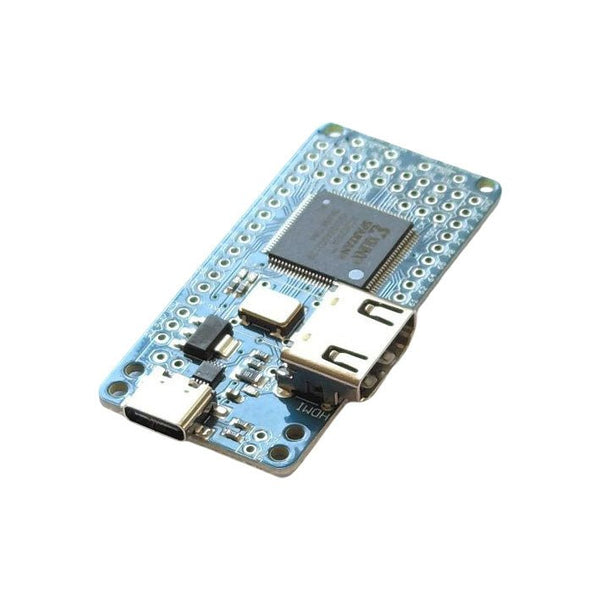
- GameCube HDMI mods. KNJN Pluto 2 ii internal HDMI with GCVideo, Eon GCHD MK-II external, Retro-Bit Prism
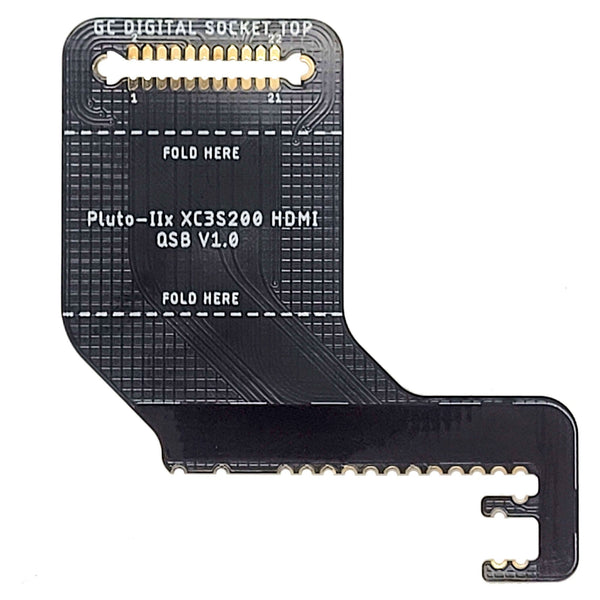
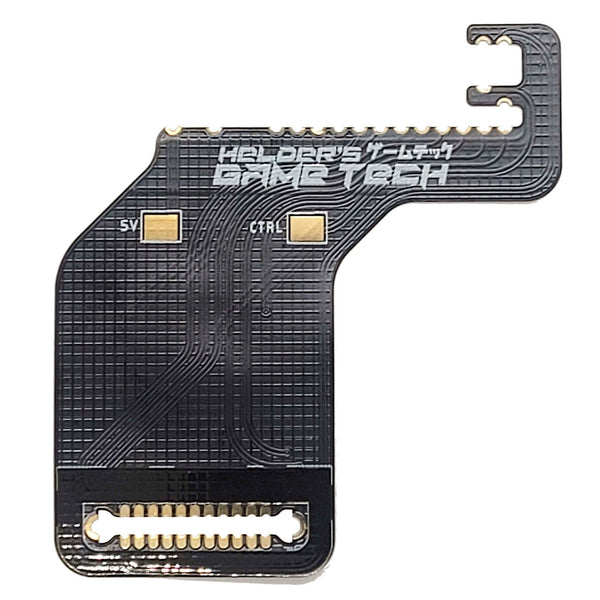
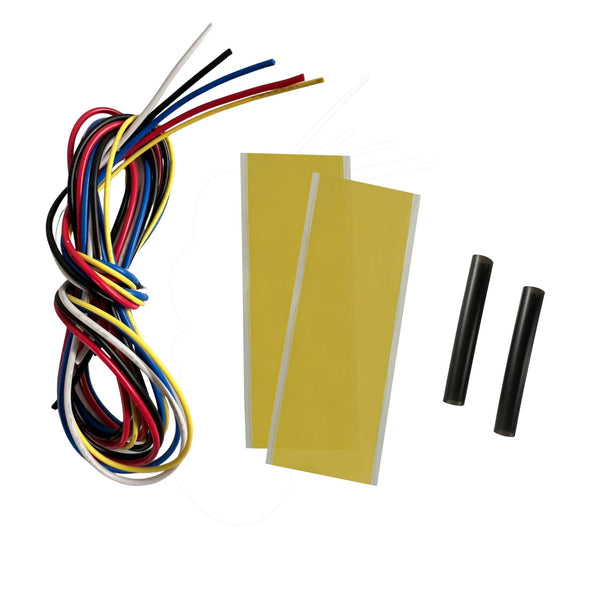
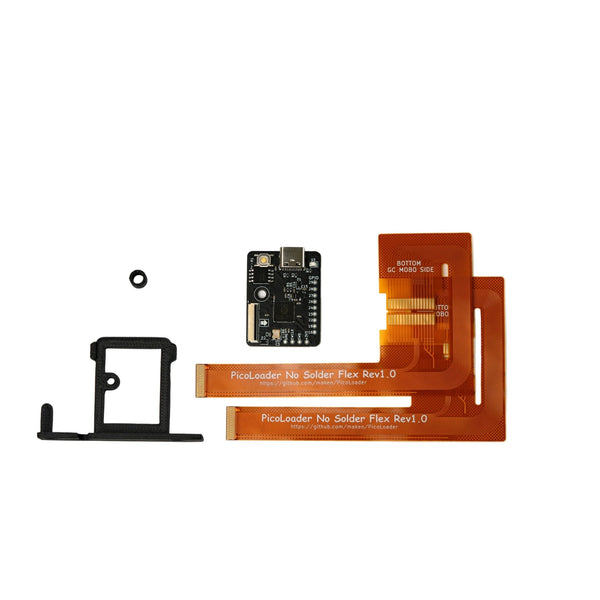
- GameCube ODE / disc replacement. Picoboot pre-flashed Pico, Helder Game Tech quick-solder flex cables
- GameCube USB-C power. Robot Retro USB-C PSU replacement
- GameCube cooling. Noctua NF-A4x10 FLX 12V replacement fan
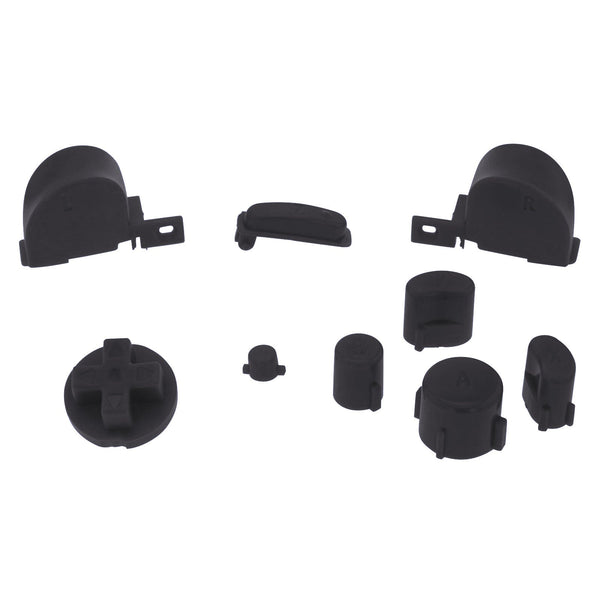
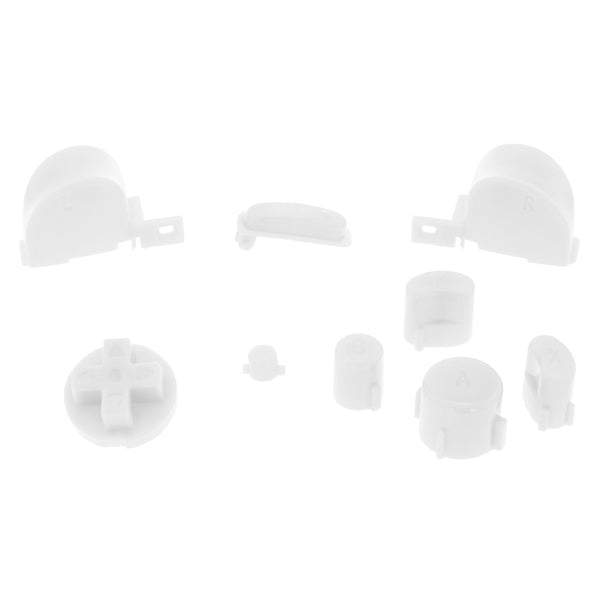
- GameCube controllers and parts. Retro Fighters BattlerGC Pro wireless, Z-Sticks, metal thumbsticks
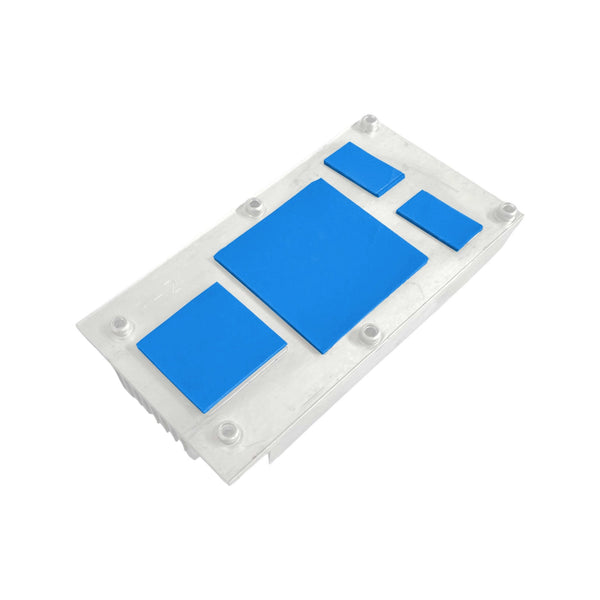
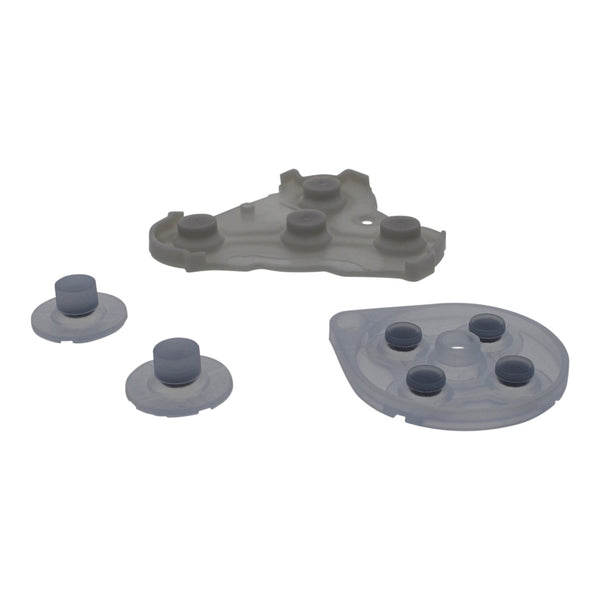
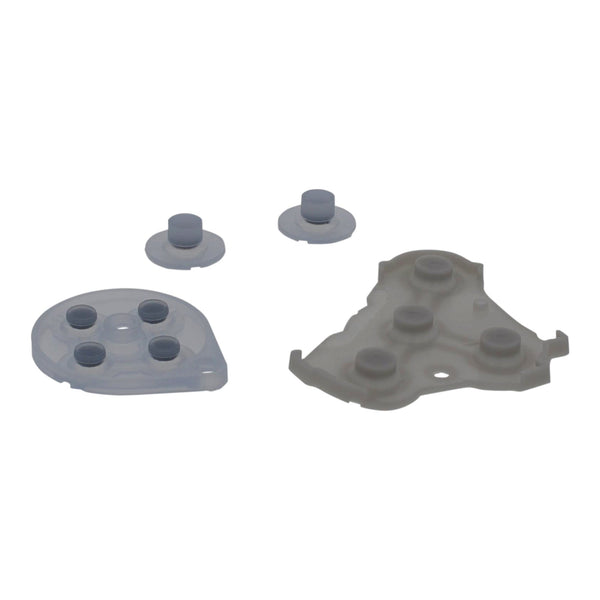
- GameCube replacement parts. Heatsink thermal pads, AV cables, internal components
The Nintendo GameCube (DOL-001) launched in 2001 and is one of the busiest current modding scenes. Three projects dominate the GameCube mod ladder: HDMI output (the GameCube's analogue port doesn't reach modern TVs cleanly), Picoboot ODE (replacing the optical drive with SD-loading via a Raspberry Pi Pico), and quieter operation (Noctua fan + USB-C PSU). ZedLabz stocks the KNJN Pluto 2 ii internal HDMI board, Eon's GCHD MK-II external HDMI, Retro-Bit Prism, Picoboot Pico boards, Helder Game Tech quick-solder flex ribbons, the Robot Retro USB-C power board and the Noctua fan.
Quick picks for any GameCube build
- If it's your first GameCube mod: the Eon GCHD MK-II 480p external HDMI adapter, plug-and-play via the digital AV port (DOL-001 only, not DOL-101). No console opening required.
- The everyday build: Picoboot ODE (Pico + flex cable bundle) for SD-loading, Eon GCHD MK-II for HDMI, Retro Fighters BattlerGC Pro wireless controller. Fast loads, clean HDMI, modern controller.
- The dream rig: KNJN Pluto 2 ii internal HDMI with USB-C, Picoboot ODE, Robot Retro USB-C PSU and a Noctua silent fan. Internal HDMI delivers true digital output; the rest is the quiet, fast modern GameCube experience. Soldering experience needed.
The GameCube mod ladder
- External HDMI (Eon GCHD MK-II): the most-popular GameCube HDMI option. 480p HDMI through the digital AV port (DOL-001 boards only, the digital port is missing on DOL-101 revisions). No soldering. Stocked in Black, Purple, Spice Orange and Silver.
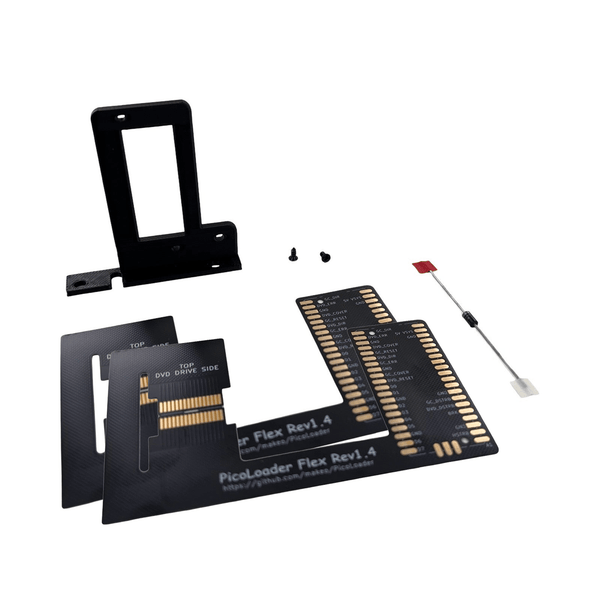
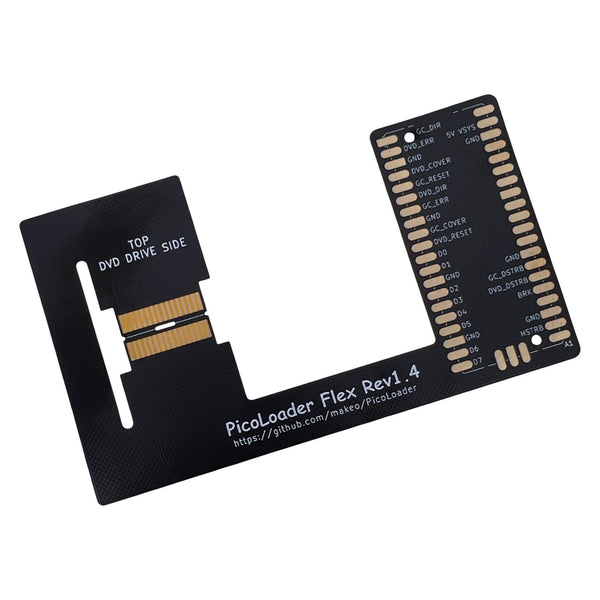
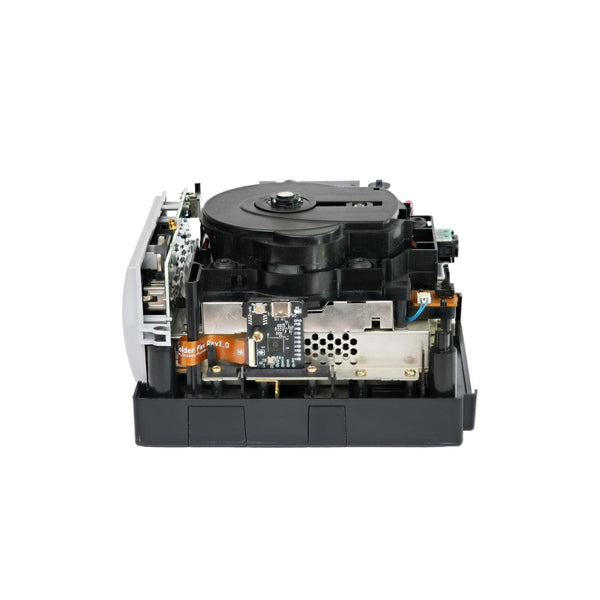
- Picoboot ODE: replaces optical disc loading with SD-card loading via a Raspberry Pi Pico flashed with Picoboot firmware. ZedLabz stocks the Makeo Picoboot pre-flashed Pico, the Picoboot Pico bundle and Helder Game Tech quick-solder flex cables for both DOL-001 and Rev 1.4 boards. Soldering needed for the flex cable.
- Robot Retro USB-C PSU: replaces the original GameCube power brick with a USB-C powered internal PSU board. Plug a USB-C power supply into the back; reduces the cable mess.
- Noctua silent fan: the NF-A4x10 FLX is a 40x10mm 12V 3-pin replacement that drops into the original GameCube fan slot, much quieter than the original.
- Internal HDMI (KNJN Pluto 2 ii): pre-programmed with GCVideo 3.1 firmware, USB-C powered. True digital output for both DOL-001 and DOL-101 (DOL-101 needs the Helder quick-solder flex). The most technical GameCube mod, advanced soldering experience required.
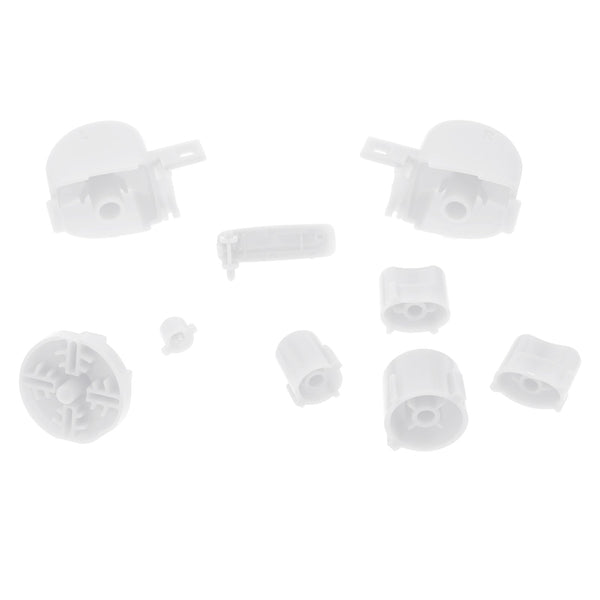
- Controllers + sticks: Retro Fighters BattlerGC Pro wireless (Bluetooth + 2.4GHz), Z-Sticks concave thumbstick grips, ZedLabz metal aluminum thumbsticks for stock controllers.
Eon GCHD MK-II vs KNJN Pluto 2 ii vs Retro-Bit Prism, which HDMI?
| Mod | Install | Output | Best for |
|---|---|---|---|
| Eon GCHD MK-II | Plug-and-play, no soldering. DOL-001 digital AV port only | 480p HDMI | Fast HDMI on a DOL-001 with no console opening |
| KNJN Pluto 2 ii (internal) | Internal install, soldering. DOL-001 direct, DOL-101 needs flex | True digital, GCVideo 3.1 firmware, USB-C | Modders chasing the cleanest digital output |
| Retro-Bit Prism | External, plug-and-play, firmware updatable, ships with remote | HDMI with firmware menu | Owners wanting a feature-rich external option |
Worldwide delivery with tracking on every order. Message support if you need help choosing between Picoboot install variants or HDMI options.
Related collections
- Nintendo Wii Parts. The GameCube successor, plays GameCube discs natively on early models
- Nintendo 64 Parts
- Hall Effect analog sticks
Nintendo GameCube. FAQs
Will the Eon GCHD MK-II work on a DOL-101?
No. The Eon GCHD MK-II uses the GameCube's digital AV port. Nintendo removed the digital port on DOL-101 revisions (later production), so the GCHD MK-II only works on DOL-001 boards. If you have a DOL-101, the internal KNJN Pluto 2 ii HDMI mod (with the Helder Game Tech DOL-101 flex) is the working route.
How does Picoboot work?
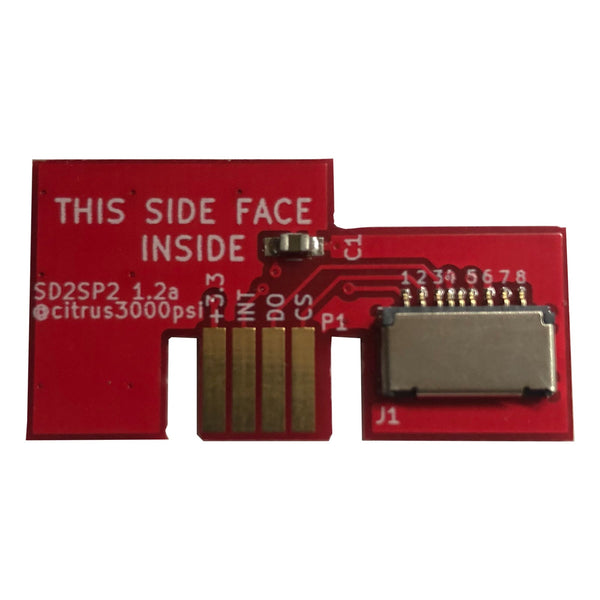
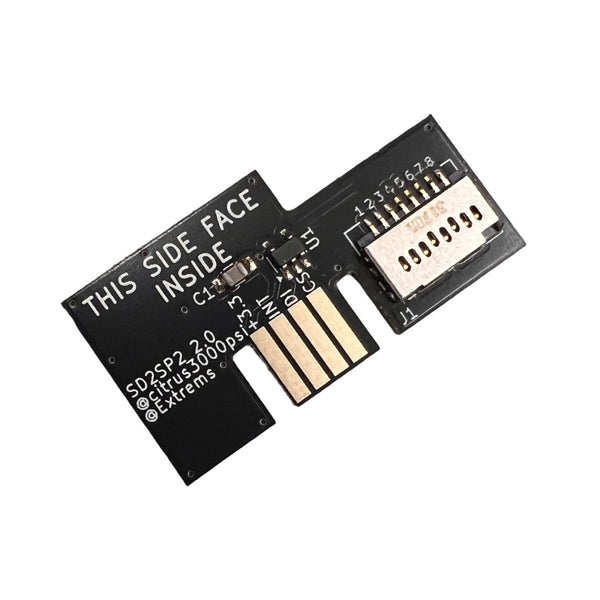
Picoboot replaces the GameCube's IPL boot ROM with a Raspberry Pi Pico flashed with the Picoboot firmware. The Pico boots straight into Swiss (an open-source GameCube loader) which loads games from an SD card via an SD2SP2 adapter, instead of from disc. Benefits: faster loads, no laser wear, no broken-disc hassle. Install requires soldering the Helder quick-solder flex cable to the GameCube motherboard, an evening's project for someone comfortable with an iron.
Why install a Noctua fan in a GameCube?
The original GameCube fan gets noticeably louder with age. The Noctua NF-A4x10 FLX 12V is a high-quality 40x10mm 3-pin replacement that fits the GameCube fan slot directly and runs much quieter. Install: open the GameCube, swap the fan, close back up. No soldering.
Does the Robot Retro USB-C PSU need extra power adapters?
The Robot Retro USB-C PSU board replaces the internal GameCube power module and accepts USB-C input. You'll want a USB-C power supply that meets the GameCube's power draw, the product page lists the recommended wattage. After install you can power the GameCube from any compatible USB-C charger.
What tools do I need for GameCube mods?
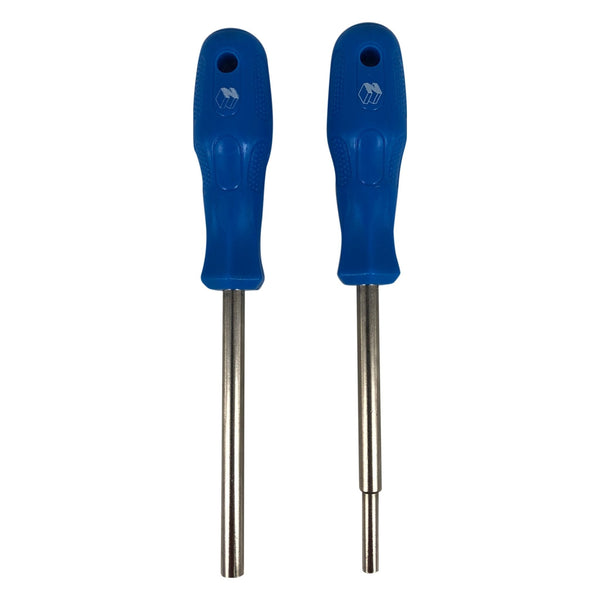
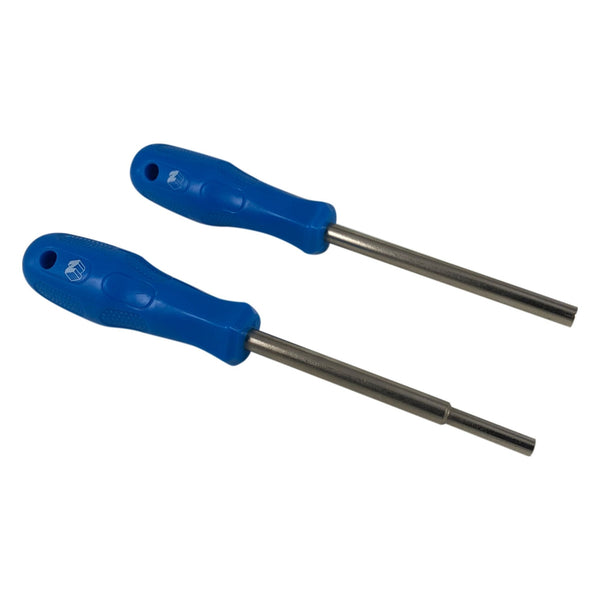
A GameCube security bit (4.5mm), Phillips PH00 (internal screws), plastic pry tool. For Picoboot and Pluto 2 internal HDMI install, add a temperature-controlled iron (the Miniware TS101 is a popular starting point), solder and quality flux. See our modding tools and soldering supplies.